
How to Create an AI Business Card (Step by Step)
A practical walkthrough for building a business card that answers questions for you: what material to gather first, how to set up and train the card, how to test it like a skeptical visitor, and how to share and maintain it.
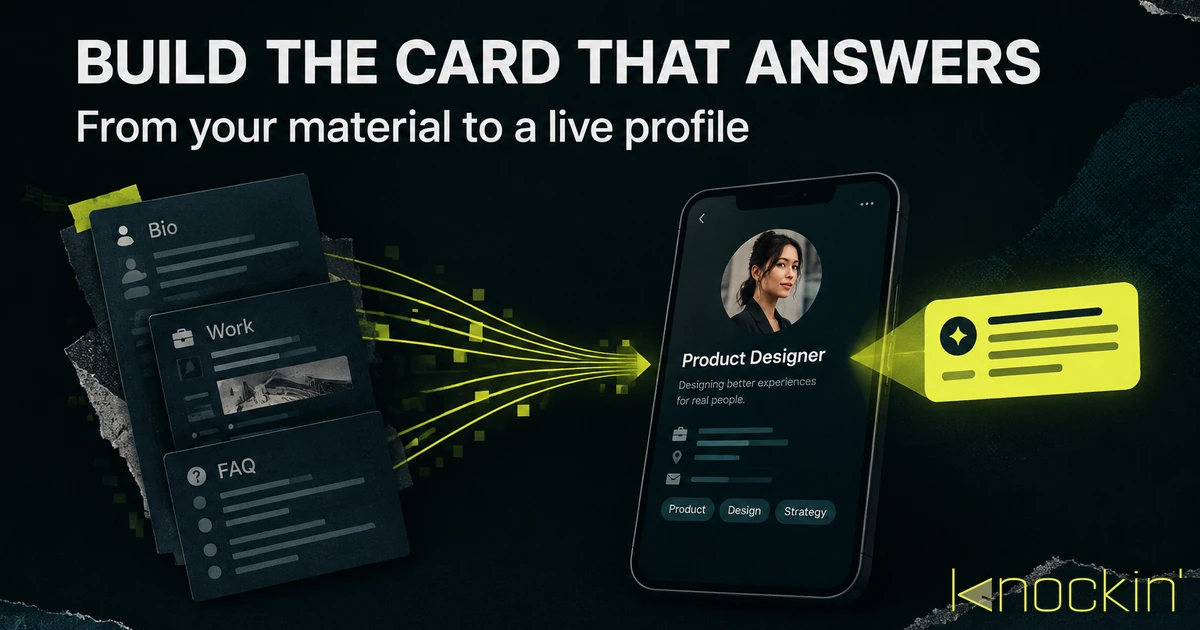
Search for "AI business card generator" and you will mostly find design tools — apps that arrange a layout and a logo into something printable. That is one meaning of the phrase, and it produces a picture of a card. This guide is about the other meaning: creating a card that is itself a small AI — one that introduces you, answers questions in your voice, and takes next steps on your behalf when you are not in the room. The mechanics of making any digital card (choosing a platform, picking fields, styling) are covered in how to make a digital business card; what follows is everything specific to the kind that answers, in the order the work actually happens.
Step 1: Assemble What It Will Speak From
An answering card is only as good as the material behind it, so this step decides the ceiling of everything after. Before touching any tool, gather the raw material of you:
- The basics — name, role, company, how you prefer to be contacted. The field-by-field decisions (what earns a place and what doesn't) are their own topic, covered in what to put on a business card.
- What you actually do, in plain sentences. Not the tagline — the explanation you give when someone asks at a dinner party. Two or three paragraphs of this is worth more than a page of positioning language.
- Proof and work — links to projects, writing, a portfolio, a company page. These become the answers to "where can I see what you've done?"
- The questions you always get. This is the part people skip and shouldn't. Write down the five to ten questions new contacts ask you most — pricing shape, availability, who you work with, how you work. Each one is a conversation your card can have without you.
- Boundaries, stated plainly: what you don't do, what you're not taking right now. An assistant that oversells you is worse than no assistant.
A useful test for this pile: if a sharp new assistant joined you tomorrow, could they answer for you using only these documents? If yes, you have enough.
Step 2: Build the Profile and Feed It
Now the build itself. You are doing two things at once, and it helps to keep them separate in your head: creating the card (what people see) and training the layer (what answers when they arrive).
The card half works like any digital card: pick your fields, add a clear photo, choose the links worth carrying, publish to a URL. If you have made a Linktree-style page before, this part will feel familiar.
The layer half is the new muscle. You feed it the material from Step 1 — your bio, your work links, your FAQ, your boundaries — and it builds a model of how you explain yourself. On Knockin, this is the core of the flow: you upload your materials, the card learns from them in a few minutes, and what comes out speaks in your register rather than a generic assistant's. The full product walkthrough — account to live card — is in how to use Knockin.
Two practices make the training dramatically better. First, feed it your real voice: your actual about page, your actual emails to new clients, your actual answers. Rewriting yourself into marketing prose for the training material teaches the card to sound like a brochure, not like you. Second, include the awkward answers — the pricing questions, the "that's not what I do" cases. A card that only handles the easy questions is a static card with extra steps; the comparison of the two categories is worth understanding, and we lay it out in AI business card vs digital business card.
Step 3: Test It Like a Skeptical Stranger
Before you share the card anywhere, interrogate it. Most people test their card the way they test a webpage — open it, check that it loads, move on. An answering card needs to be tested the way you'd test a new hire.
Ask it the questions from your Step 1 list, phrased the way other people phrase them, not the way you would. Ask sloppily, with typos. Ask the question behind the question — "do you work with small teams" when the real concern is budget. Ask something you deliberately didn't feed it, and check whether it says "I don't know" honestly or invents an answer; the failure mode you are auditing for is a confident hallucination about your own pricing.
Then check the edges of tone. Does it sound like you on a good day, or like a chatbot wearing your name? Does it respect the boundaries you set? Fix what you find at the level where it's wrong: edit the source material when a fact is off everywhere, and correct a specific answer through the product's preview flow — in Knockin, a Chat Preview correction becomes "Taught by You" Knowledge and applies immediately. Either way, retest before moving on.
This loop — ask, judge, fix, ask again — is the entire difference between a card that impresses you and a card that survives contact with your actual network.
Step 4: Share It Where People Already Meet You
A card that answers is still, first, a card — it goes out through the same doors as any digital one. The complete set is covered in how to share a digital business card; the short version of where an answering card earns its keep fastest:
- In your email signature and social bios, where it replaces a dead link with one that can continue the conversation.
- As a QR code on anything physical you already hand out — the code is the door, the card is what's behind it.
- After events, pasted into the follow-up message: "here's my card — ask it anything" does something a vCard attachment never could, because it keeps working after you send it.
- In your NFC tap or wallet pass, for the in-person gesture; if you're weighing hardware, what an NFC business card is covers that layer on its own.
Step 5: Keep It Honest
Maintenance for an answering card is the same discipline as for any profile, plus one habit. The shared discipline: when your title, offering, or availability changes, the card changes — same day, because every copy ever shared points here.
The extra habit: read your card's conversations occasionally. What people ask it is a running record of real demand — the questions that keep coming up are either gaps in your material (fix the source) or gaps in your offering (fix the offering). A card that has fielded a hundred questions knows your audience's actual objections better than you do from memory.
Step 6: Set the Safety and Handoff Boundaries
A card that answers for you runs on your material and talks to strangers, and both of those facts deserve deliberate handling before you share it widely.
Curate what you feed it. Anything you upload becomes speakable to every visitor. Strip other people's details from your training material before it goes in: client names in proposals, email threads with third parties, contract terms, anything covered by an NDA. A useful rule: if a specific person could be surprised to find their words or data in a stranger's conversation, it doesn't belong in the knowledge base.
Be deliberate about what the card may say. Boundaries you set in Step 1 — pricing you won't publish, work you won't take — should be explicit in the material, not assumed. The card should decline gracefully what it isn't allowed to decide.
Know what happens to visitor conversations. Your card will log who asked what — that's where the demand record comes from. Check what your platform stores, for how long, and make sure visitors aren't surprised by it either.
Check the exit before you enter. Before committing real material to any platform, confirm you can export it again. Your bio, your FAQ, your corrections — that's your work product, and you want it portable if you ever leave.
Keep the judgment calls for yourself. An answering card is a host, not an agent with signing authority: it introduces, informs, and hands off. Partnership offers, hiring conversations, unusual requests — those should route to you as tasks, not get answered on your behalf. And on Knockin specifically, nothing reaches your calendar until you confirm it; the concierge collects the meeting details and intent, and you approve the booking. How that handoff works in practice is detailed in how to use Knockin.
When the questions it fields start turning into booked time, you will know the layer is doing its job. And if you are still comparing tools before you start, the current field — who actually answers versus who just scans — is mapped in the best AI business cards.
Where to Start
Knockin was built for exactly this path: upload your materials, let the card learn your voice in minutes, then share it as a link, QR code, or wallet pass — and let it answer, share context, and bring you meeting requests to confirm while you get on with your work. You can build one for free, no credit card required. [Source: https://knockin.info/]
Related Posts
AI Business Card: The Complete Guide (2026)
An AI business card answers questions and captures intent from your own knowledge. This guide covers how the AI layer works, who it fits,…
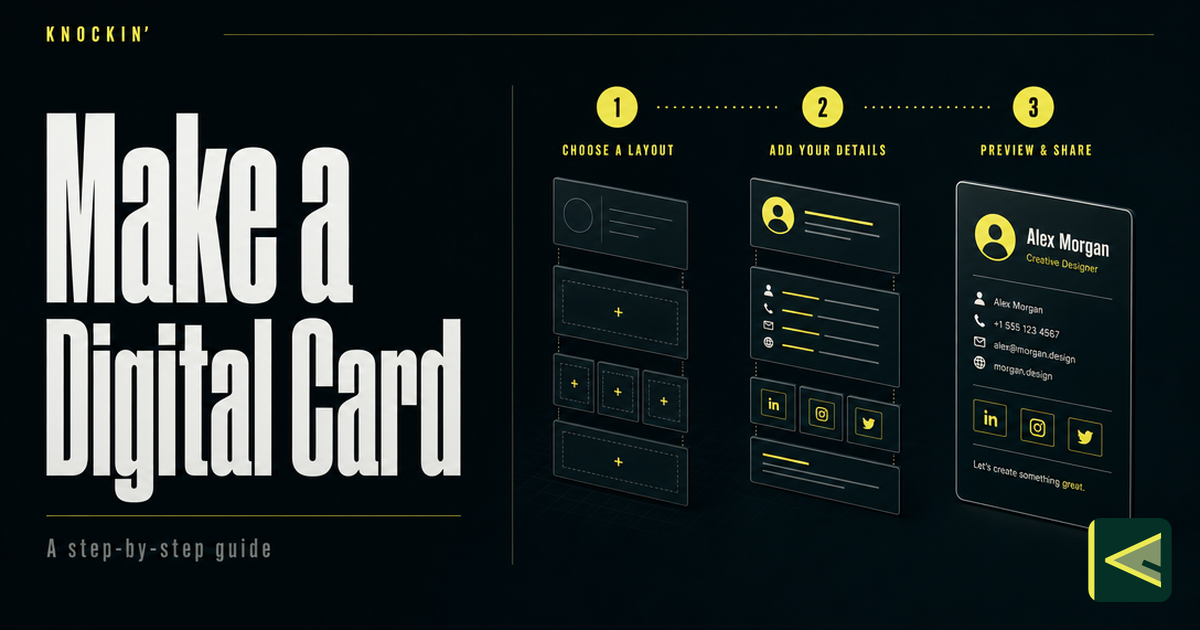
How to Make a Digital Business Card (Step by Step, 2026)
A practical, tool-agnostic guide to making a digital business card: decide content first, choose a maker on five criteria, build from a…
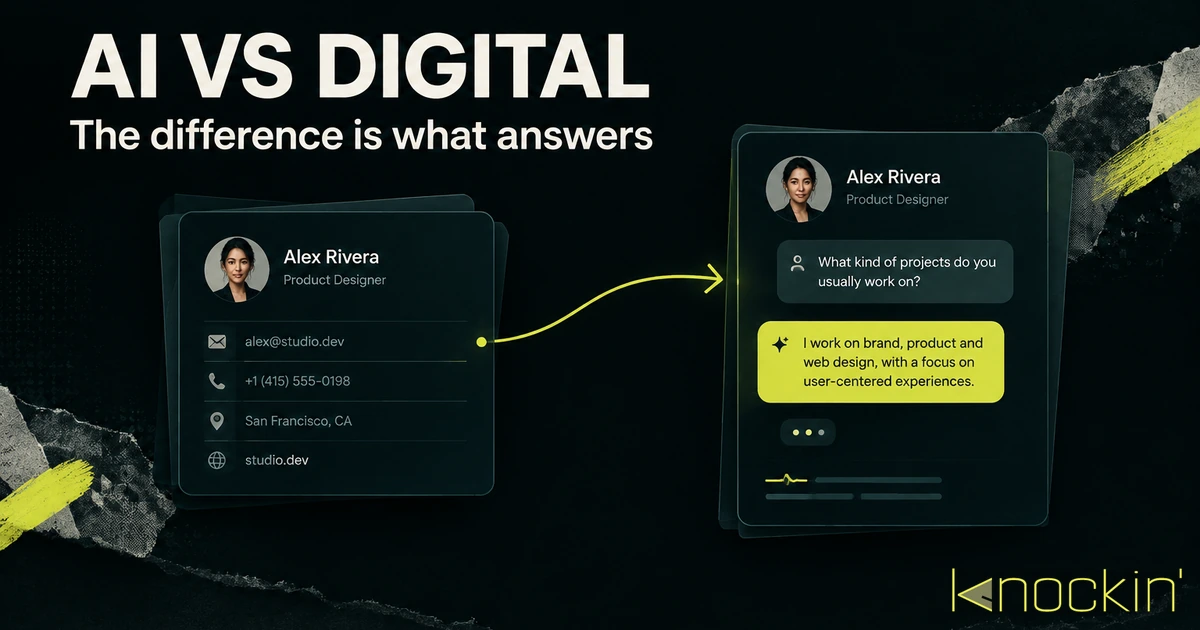
AI Business Card vs Digital Business Card: The Real Difference
Every AI business card is a digital business card, but not the other way around. Here is the distinction that actually matters — which…
Frequently Asked Questions
How long does it take to create an AI business card?
What material should I train an AI business card on?
How do I know when the card is ready to share?
Does an AI business card replace my regular digital business card?
Your bio can finally answer back
Turn what you already know into an intelligent bio card that answers when you're not there.
Build, refine, and share in minutes — no credit card required.
https://knockin.info/blog/how-to-create-an-ai-business-card