
What Is an NFC Business Card? How Tap-to-Share Works
An NFC business card is a chipped card that opens your live profile when tapped on a phone. Here is how the technology actually works, which phones read it, what it costs, and an honest look at the pros and cons.
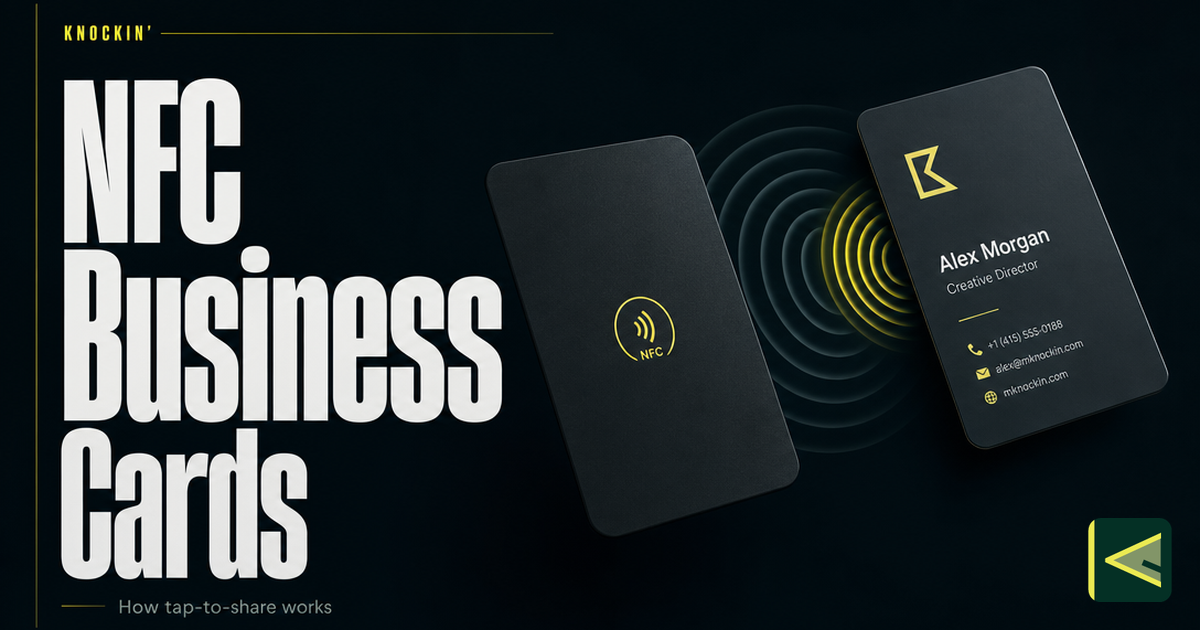
An NFC business card is a physical card with a small wireless chip sealed inside it, and that chip does exactly one thing: when someone taps the card against their phone, it opens your live online profile. No app download for the other person, no camera scan, no typing. The tap hands them your details, and because the chip stores nothing but a link, the page it opens can stay current for as long as you maintain the profile behind it. If you have been handed one at a conference and wondered what just happened, or you are weighing whether to buy one, this article covers the whole mechanism — what NFC is, what happens inside the tap, which phones can read these cards, the hardware forms the chip comes in, and an honest accounting of where NFC cards earn their keep and where they fall short.
What NFC Actually Is
NFC stands for near field communication. It is a short-range wireless standard — technically a specialized branch of RFID, the same family as warehouse inventory tags — that operates at 13.56 MHz and supports two-way communication between devices. [Source: https://blinq.me/blog/what-are-nfc-business-cards]
The defining trait is in the name: near. NFC is designed to work only at very close range, up to roughly 2 centimeters, which is about the thickness of the air between a card and the phone it is resting against. [Source: https://blinq.me/blog/what-are-nfc-business-cards] That limit is deliberate. The same technology handles contactless payments in phones, and a payment method that only works when two devices are almost touching is a payment method that is hard to trigger from across a room. For a business card, the short range works the same way: the tap is a small, intentional gesture between two people standing face to face, not a broadcast.
This is why the interaction feels the way it does. You are not "sending" anything through the air. You are touching two devices together for a moment and letting a very quiet, very short-range channel do the rest. The gesture is closer to a handshake than to a broadcast, which is part of why people remember it.
What Happens Inside the Tap
The card itself is simpler than most people expect. Inside — usually laminated between layers of plastic, wood, or metal — sit two components: a passive chip and a thin antenna coil. No battery. [Source: https://blinq.me/blog/what-are-nfc-business-cards]
Here is the sequence when someone taps your card with their phone. The phone, with its NFC radio active, generates a small electromagnetic field. When the card's antenna enters that field, the field induces just enough current in the coil to power the chip for a moment. The chip wakes up, and it transmits the one record it holds — which, on a business card, is almost always a URL. The phone receives the URL and opens it in the browser. The whole exchange takes about a second. [Source: https://blinq.me/blog/what-are-nfc-business-cards]
That is the entire trick. The chip is not storing your contact details, your photo, or your calendar. It stores a link, and everything a visitor sees lives on the web page at the other end of that link. The common chips — NXP's NTAG213, NTAG215, and NTAG216 series — hold between 144 and 888 bytes, which is plenty for a URL and essentially nothing else. [Source: https://blinq.me/blog/what-are-nfc-business-cards] NXP rates these chips for around 10 years of data retention and roughly 100,000 rewrites, which means the chip will almost certainly outlast the card body you printed it into. [Source: https://blinq.me/blog/what-are-nfc-business-cards]
Writing the link into the chip is equally undramatic. Most platforms ship a tag-writer inside their app — HiHello's version sits in the card menu: choose Write to NFC, hold the tag against your phone until it scans, and the write completes. From then on, tapping the tag against another device drops the link on that device's screen, where the recipient opens it, views the card, and saves it. [Source: https://www.hihello.com/blog/how-to-create-an-nfc-business-card]
One detail worth knowing: the tap itself needs no internet. Chip and phone talk to each other through the field, not through the network. The profile loads once the recipient's phone has a connection — so on a subway platform the tap still registers, and the page appears when signal returns. [Source: https://blinq.me/blog/what-are-nfc-business-cards]
Which Phones Can Read One
This is where NFC cards meet the real world, and where the honest caveats start.
On the iPhone side, the line is clean: iPhone XS and XR — the 2018 models — and everything after them read NFC tags in the background, with no app and no settings change. An older iPhone (X or earlier) cannot read a tag this way. [Source: https://blinq.me/blog/what-are-nfc-business-cards]
Android is messier, in the way Android usually is. Most modern Android phones carry an NFC chip and behave like the newer iPhones — tap, notification, page opens. But the chip is sometimes switched off by default, especially on phones where it is only used for payments, so the recipient may need to enable NFC in settings first. And plenty of older or budget Android models have no NFC hardware at all. [Source: https://blinq.me/blog/what-are-nfc-business-cards]
Two physical quirks add friction. A thick case — particularly one with metal in it — can weaken the field enough that the tap fails on the first try. And if the receiving phone's NFC radio is off, nothing happens at all, which reads as "your card is broken" when it is not.
This is why nearly every NFC card on the market also carries a printed QR code somewhere on it as a fallback. [Source: https://blinq.me/blog/what-are-nfc-business-cards] The tap is the primary path; the code catches every phone the chip cannot.
The Forms the Chip Comes In
Because the chip is tiny, passive, and battery-free, it can live in almost anything. The card is the most popular form, but vendors in this category sell the same NTAG-class chip in keychains, wristbands, and phone stickers [Source: https://blinq.me/blog/what-are-nfc-business-cards], in stickers, pop sockets, and paper or plastic cards [Source: https://www.hihello.com/blog/how-to-create-an-nfc-business-card], and even in watch straps designed to share a profile with a tap of the wrist [Source: https://contactco.com]. Card bodies come in plastic, wood, and metal. [Source: https://blinq.me/blog/what-are-nfc-business-cards]
The choice among these forms is practical, not technical. A keychain survives pockets better than a card survives wallets. A wristband or watch strap suits people who work events and never want to fish anything out of a bag. A card fits the etiquette of settings where the exchange itself matters. All of them run the identical mechanism described above.
Costs span a wide band. Blank NFC tags run about $1–2 each, and packs of ten can be found on Amazon for as little as five dollars [Source: https://www.hihello.com/blog/how-to-create-an-nfc-business-card] — though a blank tag is a component, not a finished card. Printed PVC cards typically run $10–30, wood $20–35, and metal $30–80, with custom designs at the top of that range [Source: https://blinq.me/blog/what-are-nfc-business-cards]. One cost to watch has nothing to do with the hardware: some platforms charge a monthly subscription to edit the profile your chip points to, which turns a one-time purchase into a running bill. [Source: https://blinq.me/blog/what-are-nfc-business-cards] Check what the link costs to keep editable before you buy the object.
What the Chip Actually Points To
Here is the distinction that organizes everything above: the chip is not the card. The chip is a handle. What it opens — the live profile holding your details, links, and everything a visitor can act on — is the actual card, and that profile is exactly what a digital business card is, just reached through a tap instead of a scan or a pasted link. We walk through that whole layer, from the profile itself to how updates propagate, in how digital business cards work, and the card-versus-door distinction behind it is the same one we drew in our definition of the digital business card.
This layering is what makes the hardware worth having. You update the profile once, and every chip, code, and link you have ever shared leads to the new version — the object in your pocket never goes stale. And because the chip only holds a URL, the same profile remains reachable through every other door: pasted in an email, shown as a QR code, saved to a wallet. The full set of ways to put one profile in front of someone is covered in how to share a digital business card.
NFC and QR Codes, Briefly
Since the two share every card, the quick version of the comparison. NFC wins on gesture: there is no camera to aim, no light to find, no code to frame — you touch two objects together and you are done, which reads as effortlessness in a loud room. Its cost is that it needs hardware on your side and an NFC-capable, NFC-enabled phone on theirs. QR codes flip that trade. They are free, they print on anything, and they work on essentially any phone with a camera, which is why they are the universal fallback — but the recipient has to open a camera, point it, and hold steady. The full comparison, including when to lead with each, is in our guide to QR-code business cards.
The Honest Pros and Cons
The strengths are real. Tapping is the fastest share gesture in the category, and it asks nothing of the recipient — no app install, no account, one tap and your page is open. The profile behind the chip stays current, so a card handed out two years ago still shows today's title and number. The chip itself is nearly indestructible by digital-card standards: no battery to charge, a decade-plus of rated data retention, and rewrites measured in the hundreds of thousands. And the tap works even with no signal around, since the exchange happens between the two objects, not over the network. [Source: https://blinq.me/blog/what-are-nfc-business-cards]
The weaknesses are just as real, and they are worth knowing before you spend money. The hardware costs cash — somewhere between a coffee and a nice dinner — while a QR code costs nothing. A meaningful slice of phones in circulation cannot play along: older iPhones, older and budget Androids, and any phone whose owner never turned NFC on. [Source: https://blinq.me/blog/what-are-nfc-business-cards] Thick cases interfere. On the security side, the picture is calmer than you might expect: the chip holds no personal data — only a link — and it is readable only at that two-centimeter range, so if the card is lost, you unlink the chip or delete the profile it points to from your dashboard. [Source: https://blinq.me/blog/what-are-nfc-business-cards] And an NFC card is still a physical object, which means it carries the classic physical-object problems: you can forget it, lose it, or watch it run through the washing machine — and when you are caught without it, you need the QR-and-link fallback anyway. None of these are fatal, and the printed QR code on most cards exists precisely to patch them. But they explain why NFC works best as one door among two or three, not as the only way in.
One more honest note: the tap ends at the profile. What the visitor does after they arrive — whether they save your details, ask a follow-up, or drift away — is a question the chip cannot answer. That layer belongs to the profile, and increasingly to what sits behind it.
Where AI Fits: the Tap Is Only the Handle
Which raises the last layer. NFC solves entry: one gesture and a stranger is standing at your page. What they find there is a different question — a static profile tells them who you are and then waits, while an AI card can keep going, answering the questions a first-time visitor actually asks. That pattern — NFC as the entrance, AI as what they find behind the door — is worth understanding on its own, and we cover it in what an AI business card is.
This is also where Knockin fits the picture. Knockin is a card that answers questions — you build a live profile once, and an AI concierge greets whoever arrives, shares the right context, and brings meeting requests to you; a slot lands on your calendar once you confirm it. The same card shares through a link, a QR code, a wallet pass, NFC, or a widget, so the tap is simply one of the doors. You can start one for free, no credit card required. [Source: https://knockin.info/]
Conclusion
An NFC business card is a passive chip and an antenna, powered by the phone it touches, holding nothing but a link. That is the whole mechanism — and it is enough, because the link points at a live profile that you keep current and that every tap, scan, and share reaches in its newest version. The technology is genuinely good at its job: the fastest share gesture there is, no app for the recipient, a chip that outlives the card it lives in. Its costs are equally concrete: real money for hardware, a compatibility tail of older phones, and a physical object you can forget at home. Buy the tap for the moments when the gesture matters, print the QR for every phone it misses, and keep the link for everywhere else — and make sure whatever the chip points to is worth arriving at. If you want the arrival to answer back, you can build a Knockin card in a few minutes, free to start and no credit card required.
Related Posts
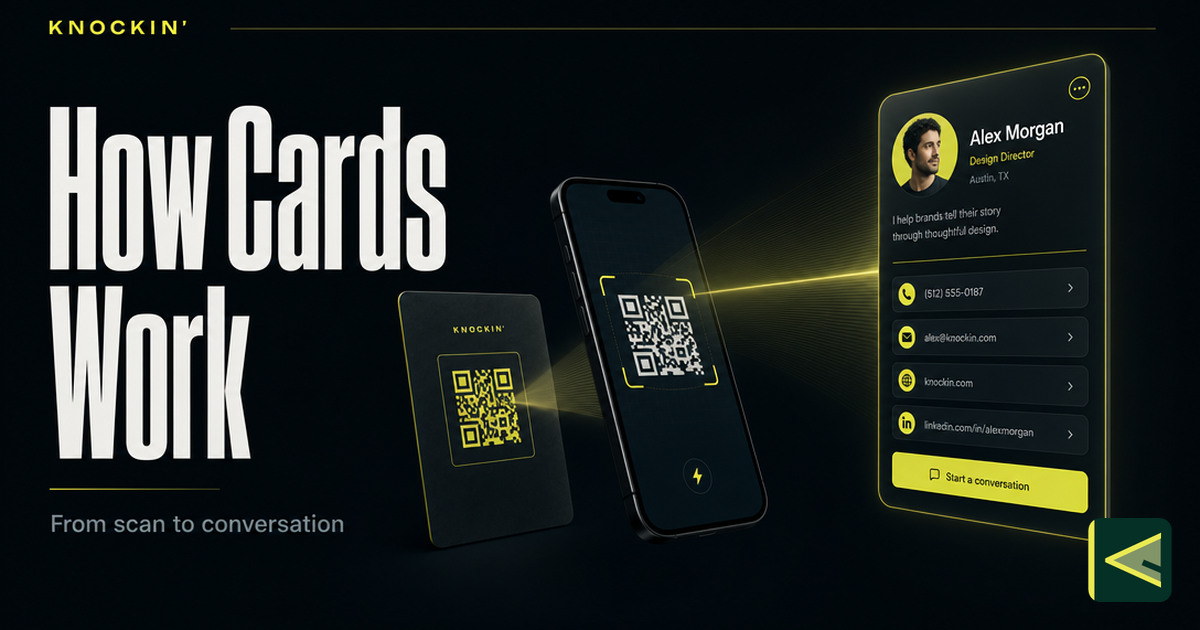
How Do Digital Business Cards Work? What Actually Happens When Someone Scans
A digital business card is one URL opening a hosted page, and every QR, tap, or link just delivers it. Here is the full mechanism, from…
Business Card QR Codes: How They Work, Design Rules, and Sizing
The complete reference for QR codes on business cards: how they work, static vs dynamic, how to generate one that lasts, and the exact…
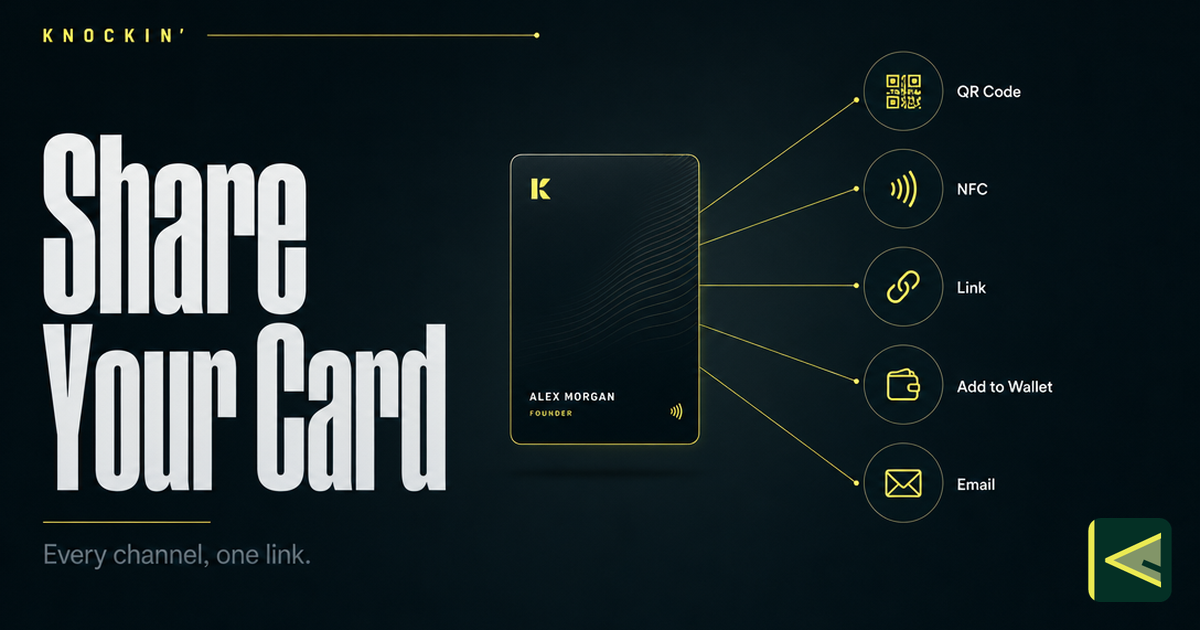
How to Share a Digital Business Card: Every Way to Connect
Seven ways to share a digital business card — QR code, NFC tap, plain link, phone wallet, email signature, website widget, and social bio —…
Frequently Asked Questions
Do NFC business cards need a battery or charging?
Which phones can read an NFC business card?
How much does an NFC business card cost?
What happens if I lose my NFC card, and does the tap need internet?
Your bio can finally answer back
Turn what you already know into an intelligent bio card that answers when you're not there.
Build, refine, and share in minutes — no credit card required.
https://knockin.info/blog/what-is-an-nfc-business-card