
NFC 명함이란? 탭해서 공유하는 원리
NFC 명함은 휴대폰에 탭하면 라이브 프로필이 열리는 칩형 카드입니다. 기술이 실제로 작동하는 방식, 이를 읽는 휴대폰, 비용, 장단점에 대한 솔직한 견해는 다음과 같습니다.
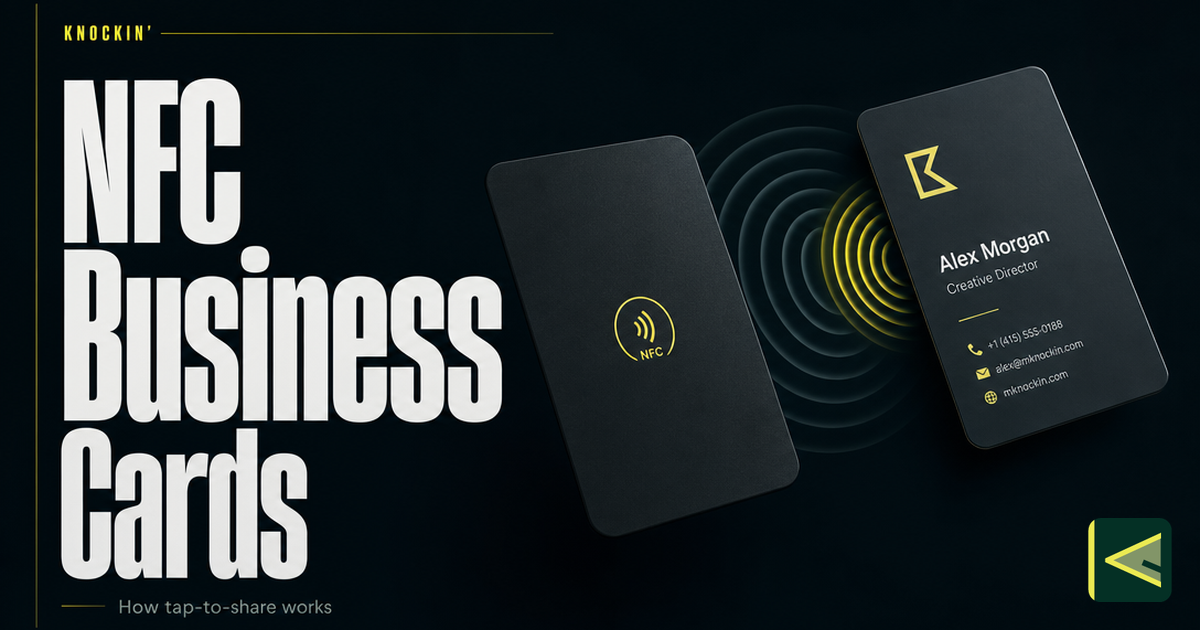
NFC 명함은 내부에 작은 무선 칩이 봉인된 물리적 카드이며, 이 칩은 정확히 한 가지 작업을 수행합니다. 즉, 누군가 카드를 휴대폰에 대면 실시간 온라인 프로필이 열립니다. 다른 사람을 위한 앱 다운로드도 없고, 카메라 스캔도 없고, 타이핑도 없습니다. 탭하면 세부 정보가 전달되고 칩에는 링크만 저장되기 때문에 프로필을 유지하는 한 칩에서 열리는 페이지는 최신 상태로 유지됩니다. 컨퍼런스에서 카드를 받았고 방금 무슨 일이 일어났는지 궁금하거나 카드를 구입할지 고민 중이라면 이 기사에서 NFC가 무엇인지, 탭 내부에서 어떤 일이 일어나는지, 어떤 전화기에서 이러한 카드를 읽을 수 있는지, 칩이 들어가는 하드웨어 구성, NFC 카드가 어디에서 수익을 내고 어디에서 부족한지에 대한 정직한 설명을 다룹니다.
NFC는 실제로 무엇입니까?
NFC stands for near field communication. It is a short-range wireless standard — technically a specialized branch of RFID, the same family as warehouse inventory tags — that operates at 13.56 MHz and supports two-way communication between devices. [Source: https://blinq.me/blog/what-are-nfc-business-cards]
The defining trait is in the name: near. NFC is designed to work only at very close range, up to roughly 2 centimeters, which is about the thickness of the air between a card and the phone it is resting against. [Source: https://blinq.me/blog/what-are-nfc-business-cards] That limit is deliberate. The same technology handles contactless payments in phones, and a payment method that only works when two devices are almost touching is a payment method that is hard to trigger from across a room. For a business card, the short range works the same way: the tap is a small, intentional gesture between two people standing face to face, not a broadcast.
이것이 바로 상호작용이 그렇게 느껴지는 이유입니다. 당신은 공중을 통해 아무것도 "보내지" 않습니다. 잠시 동안 두 장치를 함께 터치하고 매우 조용하고 단거리 채널이 나머지 작업을 수행하도록 합니다. 이 동작은 방송이라기보다 악수에 더 가깝기 때문에 사람들이 이를 기억하는 이유 중 하나입니다.
수도꼭지 안에서 무슨 일이 일어나는가
The card itself is simpler than most people expect. Inside — usually laminated between layers of plastic, wood, or metal — sit two components: a passive chip and a thin antenna coil. No battery. [Source: https://blinq.me/blog/what-are-nfc-business-cards]
Here is the sequence when someone taps your card with their phone. The phone, with its NFC radio active, generates a small electromagnetic field. When the card's antenna enters that field, the field induces just enough current in the coil to power the chip for a moment. The chip wakes up, and it transmits the one record it holds — which, on a business card, is almost always a URL. The phone receives the URL and opens it in the browser. The whole exchange takes about a second. [Source: https://blinq.me/blog/what-are-nfc-business-cards]
That is the entire trick. The chip is not storing your contact details, your photo, or your calendar. It stores a link, and everything a visitor sees lives on the web page at the other end of that link. The common chips — NXP's NTAG213, NTAG215, and NTAG216 series — hold between 144 and 888 bytes, which is plenty for a URL and essentially nothing else. [Source: https://blinq.me/blog/what-are-nfc-business-cards] NXP rates these chips for around 10 years of data retention and roughly 100,000 rewrites, which means the chip will almost certainly outlast the card body you printed it into. [Source: https://blinq.me/blog/what-are-nfc-business-cards]
Writing the link into the chip is equally undramatic. Most platforms ship a tag-writer inside their app — HiHello's version sits in the card menu: choose Write to NFC, hold the tag against your phone until it scans, and the write completes. From then on, tapping the tag against another device drops the link on that device's screen, where the recipient opens it, views the card, and saves it. [Source: https://www.hihello.com/blog/how-to-create-an-nfc-business-card]
One detail worth knowing: the tap itself needs no internet. Chip and phone talk to each other through the field, not through the network. The profile loads once the recipient's phone has a connection — so on a subway platform the tap still registers, and the page appears when signal returns. [Source: https://blinq.me/blog/what-are-nfc-business-cards]
어떤 전화기가 하나를 읽을 수 있는지
NFC 카드가 현실 세계를 만나는 곳이자 정직한 주의 사항이 시작되는 곳입니다.
On the iPhone side, the line is clean: iPhone XS and XR — the 2018 models — and everything after them read NFC tags in the background, with no app and no settings change. An older iPhone (X or earlier) cannot read a tag this way. [Source: https://blinq.me/blog/what-are-nfc-business-cards]
Android is messier, in the way Android usually is. Most modern Android phones carry an NFC chip and behave like the newer iPhones — tap, notification, page opens. But the chip is sometimes switched off by default, especially on phones where it is only used for payments, so the recipient may need to enable NFC in settings first. And plenty of older or budget Android models have no NFC hardware at all. [Source: https://blinq.me/blog/what-are-nfc-business-cards]
두 가지 물리적 특성으로 인해 마찰이 추가됩니다. 두꺼운 케이스, 특히 금속이 들어 있는 케이스는 첫 번째 시도에서 탭이 실패할 정도로 자기장을 약화시킬 수 있습니다. 그리고 수신 전화의 NFC 라디오가 꺼져 있으면 아무 일도 일어나지 않습니다. 그렇지 않으면 "카드가 고장났습니다"라고 읽습니다.
This is why nearly every NFC card on the market also carries a printed QR code somewhere on it as a fallback. [Source: https://blinq.me/blog/what-are-nfc-business-cards] The tap is the primary path; the code catches every phone the chip cannot.
칩이 들어오는 형태
Because the chip is tiny, passive, and battery-free, it can live in almost anything. The card is the most popular form, but vendors in this category sell the same NTAG-class chip in keychains, wristbands, and phone stickers [Source: https://blinq.me/blog/what-are-nfc-business-cards], in stickers, pop sockets, and paper or plastic cards [Source: https://www.hihello.com/blog/how-to-create-an-nfc-business-card], and even in watch straps designed to share a profile with a tap of the wrist [Source: https://contactco.com]. Card bodies come in plastic, wood, and metal. [Source: https://blinq.me/blog/what-are-nfc-business-cards]
이러한 형식 중에서 선택하는 것은 기술적인 것이 아니라 실용적인 것입니다. 카드가 지갑에서 살아남는 것보다 열쇠고리가 주머니에서 더 잘 살아남습니다. 손목밴드나 시계줄은 행사에 참여하고 가방에서 아무것도 꺼내고 싶지 않은 사람들에게 적합합니다. 카드는 교환 자체가 중요한 설정의 에티켓에 적합합니다. 이들 모두 위에서 설명한 동일한 메커니즘을 실행합니다.
Costs span a wide band. Blank NFC tags run about $1–2 each, and packs of ten can be found on Amazon for as little as five dollars [Source: https://www.hihello.com/blog/how-to-create-an-nfc-business-card] — though a blank tag is a component, not a finished card. Printed PVC cards typically run $10–30, wood $20–35, and metal $30–80, with custom designs at the top of that range [Source: https://blinq.me/blog/what-are-nfc-business-cards]. One cost to watch has nothing to do with the hardware: some platforms charge a monthly subscription to edit the profile your chip points to, which turns a one-time purchase into a running bill. [Source: https://blinq.me/blog/what-are-nfc-business-cards] Check what the link costs to keep editable before you buy the object.
칩이 실제로 가리키는 것
위의 모든 것을 구성하는 차이점은 다음과 같습니다. 칩은 카드가 아닙니다. 칩은 손잡이입니다. 귀하의 세부 정보, 링크 및 방문자가 수행할 수 있는 모든 것이 포함된 라이브 프로필이 열리는 것은 실제 카드이며, 해당 프로필은 스캔이나 붙여넣은 링크 대신 탭을 통해 액세스할 수 있는 디지털 명함과 정확히 같습니다. 프로필 자체부터 업데이트 전파 방법까지 전체 계층을 살펴봅니다. 디지털 명함의 작동 방식, 그 뒤에 있는 카드 대 문 구별은 우리가 그린 것과 동일합니다. 디지털 명함에 대한 우리의 정의.
이 레이어링은 하드웨어를 가질 가치가 있게 만드는 요소입니다. 프로필을 한 번 업데이트하면 공유한 모든 칩, 코드 및 링크가 새 버전으로 연결됩니다. 주머니에 있는 물건은 결코 오래되지 않습니다. 그리고 칩에는 URL만 포함되어 있기 때문에 다른 모든 문을 통해 동일한 프로필에 계속 접근할 수 있습니다. 이메일에 붙여넣고 QR 코드로 표시되며 지갑에 저장됩니다. 하나의 프로필을 다른 사람 앞에 표시하는 전체 방법은 다음에서 다룹니다. 디지털 명함을 공유하는 방법.
NFC 및 QR 코드 간략히
두 카드가 모든 카드를 공유하므로 빠른 비교 버전입니다. NFC는 제스처로 승리합니다. 조준할 카메라도 없고, 찾을 조명도 없고, 프레임을 지정할 코드도 없습니다. 두 물체를 함께 터치하면 작업이 완료됩니다. 시끄러운 방에서 쉽게 읽을 수 있습니다. 그 비용은 귀하 측에 하드웨어가 필요하고 NFC 가능, NFC 지원 전화가 필요하다는 것입니다. QR 코드는 해당 거래를 뒤집습니다. 무료이고 무엇이든 인쇄할 수 있으며 본질적으로 카메라가 있는 모든 휴대폰에서 작동합니다. 이것이 보편적인 대체 수단인 이유입니다. 하지만 수신자는 카메라를 열고 가리키고 흔들리지 않게 잡아야 합니다. 각각을 이끌어야 하는 시기를 포함한 전체 비교는 QR 코드 명함 가이드.
정직한 장점과 단점
The strengths are real. Tapping is the fastest share gesture in the category, and it asks nothing of the recipient — no app install, no account, one tap and your page is open. The profile behind the chip stays current, so a card handed out two years ago still shows today's title and number. The chip itself is nearly indestructible by digital-card standards: no battery to charge, a decade-plus of rated data retention, and rewrites measured in the hundreds of thousands. And the tap works even with no signal around, since the exchange happens between the two objects, not over the network. [Source: https://blinq.me/blog/what-are-nfc-business-cards]
The weaknesses are just as real, and they are worth knowing before you spend money. The hardware costs cash — somewhere between a coffee and a nice dinner — while a QR code costs nothing. A meaningful slice of phones in circulation cannot play along: older iPhones, older and budget Androids, and any phone whose owner never turned NFC on. [Source: https://blinq.me/blog/what-are-nfc-business-cards] Thick cases interfere. On the security side, the picture is calmer than you might expect: the chip holds no personal data — only a link — and it is readable only at that two-centimeter range, so if the card is lost, you unlink the chip or delete the profile it points to from your dashboard. [Source: https://blinq.me/blog/what-are-nfc-business-cards] And an NFC card is still a physical object, which means it carries the classic physical-object problems: you can forget it, lose it, or watch it run through the washing machine — and when you are caught without it, you need the QR-and-link fallback anyway. None of these are fatal, and the printed QR code on most cards exists precisely to patch them. But they explain why NFC works best as one door among two or three, not as the only way in.
한 가지 더 솔직한 메모: 탭은 프로필에서 끝납니다. 방문자가 도착한 후 무엇을 하는지(세부 정보를 저장하는지, 후속 조치를 요청하는지, 아니면 떠나는지)는 칩이 대답할 수 없는 질문입니다. 해당 레이어는 프로필에 속하며 점점 그 뒤에 있는 항목에 속합니다.
AI가 적합한 곳: 탭은 손잡이일 뿐입니다.
마지막 레이어를 올립니다. NFC는 입장을 해결합니다. 한 번의 제스처로 낯선 사람이 귀하의 페이지에 서 있습니다. 그들이 찾은 것은 다른 질문입니다. 정적 프로필은 귀하가 누구인지 알려주고 기다리는 반면, AI 카드는 처음 방문자가 실제로 묻는 질문에 답하면서 계속 진행할 수 있습니다. 입구인 NFC, 문 뒤에서 찾는 AI 등의 패턴은 그 자체로 이해할 가치가 있으며, 다음에서 다루겠습니다. AI 명함이 뭐야?.
Knockin이 적합한 곳이기도 합니다. Knockin은 질문에 답하는 카드입니다. 실시간 프로필을 한 번 작성하면 AI 컨시어지가 도착하는 사람을 맞이하고 올바른 상황을 공유하며 회의 요청을 가져옵니다. 슬롯을 확인하면 캘린더에 슬롯이 표시됩니다. 동일한 카드는 링크, QR 코드, 지갑 패스, NFC 또는 위젯을 통해 공유되므로 탭은 단순히 문 중 하나일 뿐입니다. 당신은 할 수 있습니다 무료로 시작해 보세요, no credit card required. [Source: https://knockin.info/]
결론
NFC 명함은 패시브 칩이자 안테나이며, 접촉하는 전화기에 의해 구동되며 링크만 보유하고 있습니다. 이것이 전체 메커니즘입니다. 링크는 최신 상태를 유지하고 모든 탭, 스캔 및 공유가 최신 버전에 도달하는 라이브 프로필을 가리키기 때문에 충분합니다. 이 기술은 정말 훌륭하게 작동합니다. 가장 빠른 공유 동작, 수신자를 위한 앱 없음, 카드에 내장된 칩보다 오래 지속되는 칩입니다. 비용도 똑같이 구체적입니다. 하드웨어를 위한 실제 돈, 구형 휴대폰의 호환성 꼬리, 집에서 잊을 수 있는 물리적 물건 등이 있습니다. 제스처가 중요한 순간을 위해 탭을 구입하고, 놓친 모든 전화기에 대해 QR를 인쇄하고, 다른 모든 곳에 대한 링크를 유지하고, 칩이 가리키는 것이 무엇이든 얻을 가치가 있는지 확인하십시오. 도착 후 응답을 원할 경우 다음을 수행할 수 있습니다. Knockin 카드 제작 몇 분 안에 무료로 시작할 수 있으며 신용 카드가 필요하지 않습니다.
관련 글
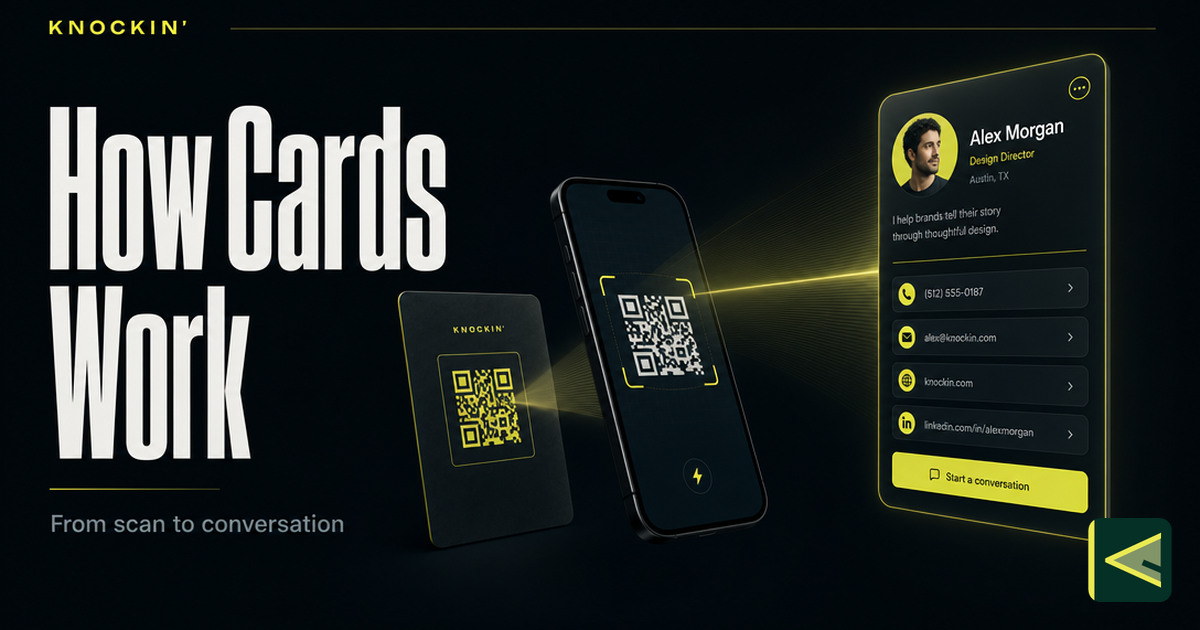
디지털 명함의 작동 원리: 스캔하면 일어나는 일
디지털 명함은 호스팅된 페이지를 여는 하나의 URL이며, 모든 QR, 탭 또는 링크는 이를 전달합니다. 스캔부터 저장까지 전체 메커니즘은 다음과 같습니다.
명함 QR 코드: 작동 원리, 디자인 규칙과 크기
명함의 QR 코드에 대한 전체 참조: 작동 방식, 정적 vs 동적, 지속되는 코드 생성 방법, 정확한 크기, 여백 및 인쇄 대비 규칙.
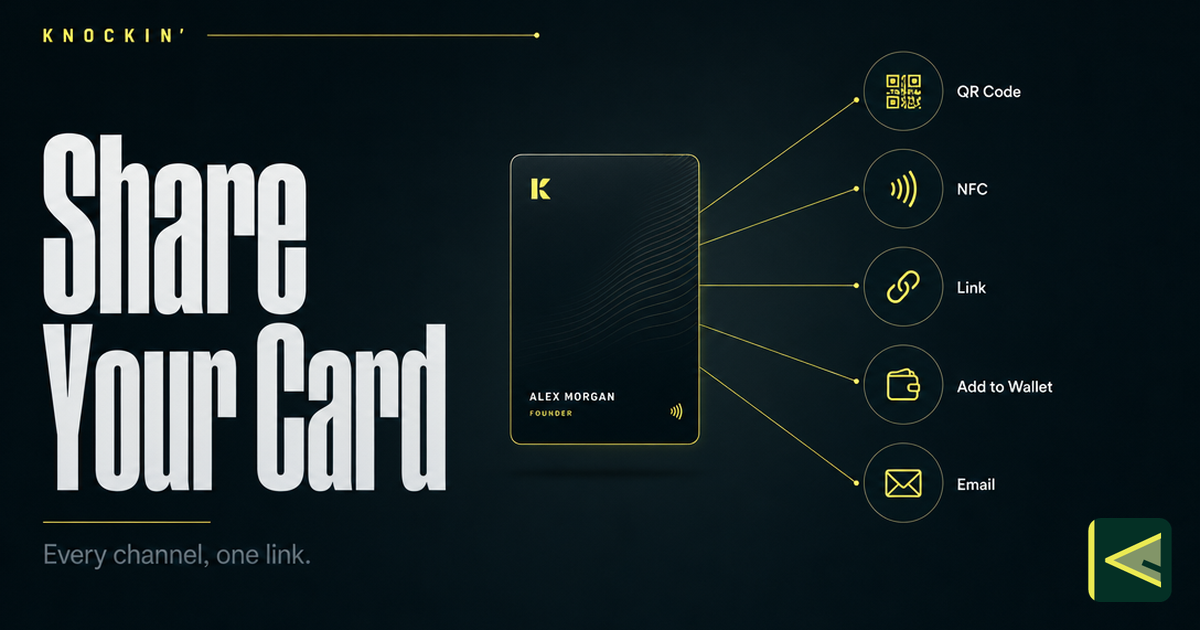
디지털 명함 공유하기: 다양한 연결 방법
디지털 명함을 공유하는 7가지 방법(QR 코드, NFC 탭, 일반 링크, 휴대폰 지갑, 이메일 서명, 웹사이트 위젯, 소셜 바이오)과 각 순간에 적합한 명함을 선택하는 방법.
자주 묻는 질문
NFC 명함에는 배터리나 충전이 필요합니까?
NFC 명함을 읽을 수 있는 전화기는 무엇입니까?
NFC 명함 비용은 얼마입니까?
NFC 카드를 분실한 경우 탭에 인터넷이 필요합니까?
https://knockin.info/ko/blog/what-is-an-nfc-business-card