
명함 QR 코드: 작동 원리, 디자인 규칙과 크기
명함의 QR 코드에 대한 전체 참조: 작동 방식, 정적 vs 동적, 지속되는 코드 생성 방법, 정확한 크기, 여백 및 인쇄 대비 규칙.
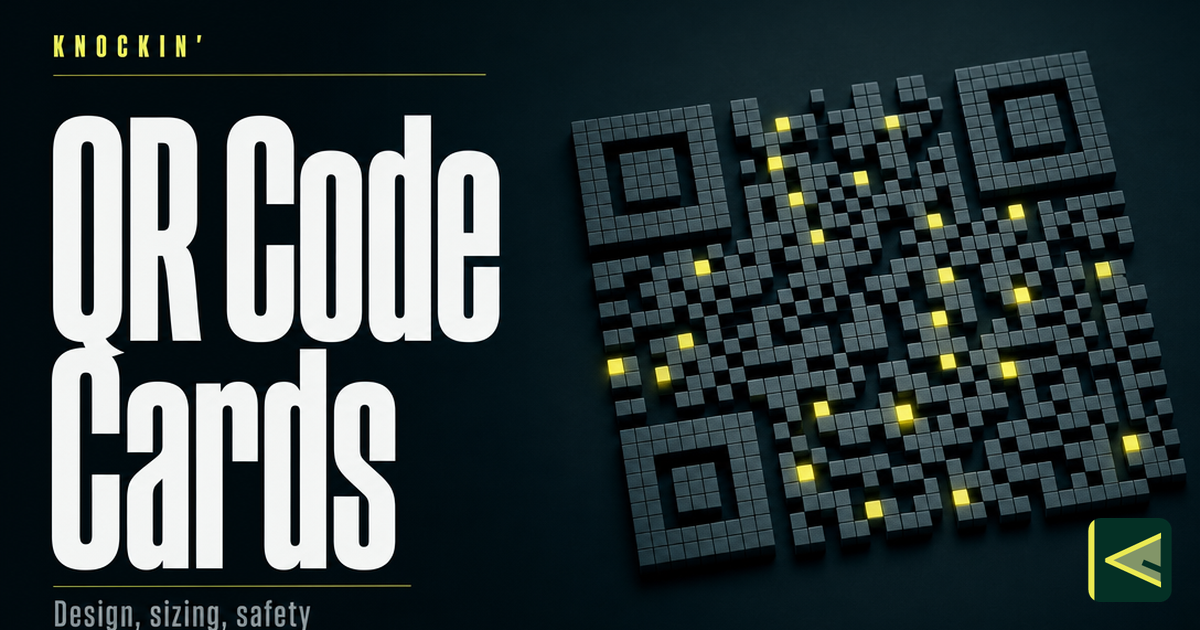
명함의 QR 코드는 네트워킹에서 가장 작은 다리입니다. 즉, 카드지 조각을 문으로 바꾸는 인쇄된 사각형입니다. 스캔하면 카드는 더 이상 정지된 스냅샷이 아닙니다. 오늘 열어야 한다고 결정한 모든 것이 됩니다. 이 특성은 사각형이 배지에서 카운터, 거의 모든 재설계된 명함 뒷면으로 확산된 이유를 설명합니다.
이 기사는 해당 사각형에 대한 작업 참조입니다. 코드가 세부 정보를 전달하는 방법, 정적 및 동적(어떤 디자인 결정보다 중요한 선택), 5년 후에도 여전히 작동하는 코드를 생성하는 방법, 크기 조정, 여백 및 첫 번째 시도에서 스캔할지 여부를 결정하는 대비 규칙을 다룹니다.
QR 코드가 명함 기본값이 된 이유
많은 기술이 종이 카드를 디지털 무언가에 연결할 수 있습니다. QR 코드는 한 번에 세 가지 카운트에서 승리했습니다. 비용이 들지 않고 하드웨어도 필요하지 않으며 모두가 이미 사용 방법을 알고 있습니다.
Cost first. A QR code is free to create — generators have offered them at no charge for years — and printing a square adds nothing to the print bill [Source: https://www.hihello.com/blog/qr-code-business-cards]. Whatever else you change about your card, the code itself is the one component with no unit cost.
Zero hardware, on either side. The reader is a phone camera. iPhones have scanned QR codes straight from the Camera app since iOS 11, and modern Android phones do the same, so recipients don't need to install anything [Source: https://en.wikipedia.org/wiki/QR_code]. The card side is even simpler: a printed pattern requires no chip, no battery, and no pairing.
And then there's habit. QR codes were invented in 1994 by Denso Wave for tracking automotive parts, and had been around for more than two decades before business cards discovered them [Source: https://en.wikipedia.org/wiki/QR_code] [Source: https://www.hihello.com/blog/qr-code-business-cards]. The pandemic finished the training: touch-free menus and payments made scanning second nature. By 2022, an estimated 89 million US smartphone users had scanned a QR code, up 26 percent from two years earlier [Source: https://en.wikipedia.org/wiki/QR_code]. You no longer have to explain the square to anyone — which matters on a card, where you get one gesture of the recipient's attention.
명함 QR 코드가 실제로 작동하는 방식
QR 코드는 2차원을 확장한 바코드입니다. 모듈이라고 불리는 작은 어둡고 밝은 사각형의 격자는 방 전체에서 볼 수 있는 3개의 큰 위치 표시로 둘러싸여 있습니다. 마커를 사용하면 카메라가 모든 회전에서 코드를 찾을 수 있습니다. 그리드는 메시지를 전달합니다.
명함에는 두 가지 메커니즘이 중요합니다.
First, error correction. Every QR code stores redundant data alongside its message, so a scanner can reconstruct the content even when part of the grid is smudged, glare-washed, or covered by a logo. There are four levels — L, M, Q, and H — recovering roughly 7, 15, 25, and 30 percent of the code respectively [Source: https://en.wikipedia.org/wiki/QR_code]. Higher protection means a denser grid, which means bigger modules at the same print size, which means a code that scans from further away. That trade — capacity against tolerance — shows up in every rule in the design section below.
Second, density. More encoded data means more modules. A code holding a short link might be 25 modules across; the same code holding a full contact card with phone, email, and address can easily run 40 or more [Source: https://en.wikipedia.org/wiki/QR_code]. At the same printed size, the short-link code has modules nearly twice as large, and large modules are what cameras read reliably. This is why the single most effective design decision is not visual at all: shorten what you encode.
인코딩하는 내용은 일반적으로 URL(올바른 선택, 다음 섹션에서 명확하게 설명하는 이유), 그리드에 구운 전체 vCard 또는 일반 텍스트의 세 가지 중 하나입니다.
정적 및 동적 QR 코드: 가장 중요한 선택
모든 명함 QR 코드는 두 종류 중 하나이며, 차이점에 따라 세부 정보가 변경된 날 카드의 유효 여부가 결정됩니다. 이는 색상, 크기, 로고 또는 배치보다 더 중요합니다.
A 정적 코드에는 그리드에 직접 인코딩된 내용이 있습니다. vCard를 보유하고 있는 경우 vCard 이다 코드; URL를 보유하는 경우 정확한 URL가 문자별로 구워집니다. 패턴과 페이로드 사이에는 아무것도 없습니다. 정적 코드는 만료되지 않고, 사업을 계속하는 회사에 의존하지 않으며, 유지 관리 비용이 전혀 들지 않으며, 인쇄하는 순간 동결됩니다. 번호, 직함, 고용주를 변경하면 이제까지 나눠준 모든 정적으로 코드된 카드가 과거로 연결됩니다.
A 동적 코드는 서비스에서 호스팅하는 하나의 짧은 리디렉션 URL를 인코딩합니다. 스캔하면 리디렉션이 현재 원하는 곳 어디든 가리킵니다. 인쇄된 패턴을 건드리지 않고도 언제든지 해당 대상을 변경할 수 있습니다. 카드의 코드는 영구적입니다. 그것이 어디로 가는지는 영원히 재검토할 수 있는 결정이다.
Map that onto a card's real lifecycle. Paper cards go stale fast — change your job, email, or company, and the card in your contact's drawer is silently wrong from that day on, which is precisely the shelf-life problem vendors cite when arguing for codes on cards [Source: https://blinq.me/blog/qr-code-on-business-card-good-or-bad]. A static code inherits that shelf life; a dynamic one fixes it: print once, point anywhere. The same vendor logic cuts the other way, too — if you don't keep the destination current, the code "can cause more harm than good" [Source: https://blinq.me/blog/qr-code-on-business-card-good-or-bad].
명함의 경우 표준은 라이브 프로필 페이지를 가리키는 동적 코드입니다. 프로필은 vCard보다 더 많은 것을 전달할 수 있고 몇 초 안에 업데이트될 수 있기 때문입니다. 이것은 우리가 그린 카드와 문 사이의 동일한 차이점입니다. 디지털 명함이 실제로 무엇인지: 인쇄된 사각형은 카드가 아니라 문입니다.
두 가지 주의 사항. 동적 코드는 그 뒤에 있는 리디렉션 서비스만큼만 내구성이 있습니다. 생성기는 인쇄한 모든 카드를 18개월 안에 종료하므로 프로필과 함께 리디렉션되는 서비스를 선호합니다. 그리고 실제로 생성한 내용을 확인하세요. 코드의 페이로드를 URL 확장기에 붙여넣고 원시 대상 URL가 표시되면 동적 의상을 입은 정적 코드가 있는 것입니다.
명함용 QR 코드를 생성하는 방법
생성에는 2분이 소요됩니다. 올바른 순서로 수행하려면 규율이 필요합니다. 인쇄소와의 접촉 후에도 살아남는 순서는 다음과 같습니다.
먼저 대상을 구축하세요. 코드는 문이다. 매달기 전에 무엇을 열지 결정하세요. 원시 vCard가 아닌 라이브 프로필 페이지를 가리킵니다. 프로필은 변경되고, 링크와 예약 옵션을 전달하며, 누군가 프로필을 열었을 때 알려줄 수 있습니다. 이는 전체 아키텍처에 대해 설명되어 있습니다. 디지털 명함의 작동 방식.
링크를 줄이세요. 가장 짧은 실용적인 URL를 사용하세요. 이상적으로는 자신만의 짧은 도메인이나 카드 플랫폼에서 발행하는 짧은 링크를 사용하세요. 문자가 적다는 것은 모듈 수가 적다는 것을 의미하며, 이는 동일한 인쇄 크기에서 더 큰 모듈을 의미하며 이는 더 나은 스캔을 의미합니다. 짧고 인식 가능한 도메인은 이를 스캔하는 사람에게도 확신을 줍니다.
오류 수정 수준 Q 또는 H에서 생성합니다. Denso Wave's own engineering guidance defaults to level M for industrial use [Source: https://www.qrcode.com/en/howto/code.html], but a business card lives in pockets and bar lighting. Q or H buy room for a small centered logo and tolerance for scuffs, at the cost of density — which is why the short link matters.
PNG뿐만 아니라 벡터를 내보냅니다. Ask any printer: you want SVG or EPS so the code renders razor-sharp at any size, plus a 1000-pixel-or-larger PNG for screens and proofs. Enlarging a small raster into print gives you soft edges that cameras reject — print quality directly determines scannability [Source: https://blinq.me/blog/qr-code-on-business-card-good-or-bad].
화면이 아닌 인쇄된 교정본을 테스트하십시오. 실내에서 팔 길이만큼 떨어진 두 대 이상의 전화기(iPhone 하나, Android 하나)를 사용하여 증거물을 스캔하세요. 두 전화기 중 하나라도 망설이면 전체 실행 전에 크기나 대비를 수정하세요.
다섯 가지 질문은 좋은 발전기와 위험한 발전기를 분류합니다. 만료 날짜나 스캔 한도 없이 동적 리디렉션을 제공합니까? 무료 등급이 코드에 워터마크를 표시합니까? 벡터 파일을 내보낼 수 있나요? 스캔 분석이 표시되나요? 그리고 카드 플랫폼 내부에 있으므로 해당 코드와 해당 코드가 가리키는 프로필이 한 곳에서 관리됩니까? 마지막 이유는 대부분의 사람들이 코드 내부에서 코드를 생성하는 이유입니다. 디지털 명함 도구 — 코드는 더 이상 느슨한 파일이 아니며 프로필 배관의 일부가 됩니다.
디자인 및 레이아웃: 스캔 여부를 결정하는 사양
이곳은 인쇄된 코드가 살거나 죽는 곳입니다. 아래 숫자는 작업 사양입니다. 디자이너의 모니터 옆에 고정해 두세요.
크기. Do not print a business card QR code smaller than 1 × 1 inch — about 2.5 × 2.5 centimeters [Source: https://www.flowcode.com/blog/qr-code-size]. That is the floor, not the target: the same data showed codes larger than that minimum earning roughly a 300 percent increase in scan count [Source: https://www.flowcode.com/blog/qr-code-size]. Denso Wave's guidance for industrial printing says the same thing in fewer words — print the symbol as large as the available area allows [Source: https://www.qrcode.com/en/howto/cell.html]. On a standard 3.5 × 2 inch card, a 1-inch code with its quiet zone consumes about two-thirds of the card's height — the honest argument for giving the code the entire back. As a floor for the smallest element, standard handheld scanners read modules down to about 0.25 millimeters, and phone cameras don't deserve more trust than that [Source: https://www.qrcode.com/en/howto/cell.html]. The working rule: scanning distance grows with the code, never the reverse — arm's-length codes can be small; booth posters cannot.
조용한 지역. The quiet zone is the clear margin around the code where nothing may be printed, and the specification is exactly four modules wide on every side [Source: https://www.qrcode.com/en/howto/code.html]. Run the math: a code 25 modules across plus a four-module margin per side is 33 modules of total footprint — the empty border is over a quarter of the space. This is the most commonly violated rule on designed cards. Text nudged against the code, a decorative frame hugging the squares, a background pattern bleeding into the corner markers — each quietly kills scans while looking fine on screen. Keep the margin empty, and give it the full four modules even when the layout is tight.
대비와 색상. Dark modules on a light background, as close to black-on-white as your brand can tolerate. Inverted codes (light squares on a dark field) scan inconsistently, gradients blur the boundary between dark and light modules, and busy background photography is fatal. If brand colors matter, keep the modules genuinely dark and the background genuinely light, and test on real phones before the print run. The same logic governs logos: a centered logo spends error-correction budget, so use level H — which recovers about 30 percent of the code [Source: https://en.wikipedia.org/wiki/QR_code] — keep the logo well under a tenth of the code's area, and test again. Contrast is not a style opinion; it is the machine-readable signal.
배치. One code per side. Keep it away from the trim edge — cutting tolerance eats margins, and your quiet zone should never depend on the cutter's mood. Prefer matte finishes over gloss: glare under conference lighting is a scan killer that no amount of contrast fixes. And give the code a job title — a short line beside it, such as "Scan to save my details." A code paired with a specific call to action is measurably more likely to be scanned — 14 percent more likely in one vendor's data [Source: https://www.flowcode.com/blog/qr-code-size]. An unexplained square is a puzzle; a labeled one is an invitation.
인쇄된 카드 1개, 코드 1개, 생활 프로필 1개
가장 강력한 설정은 인쇄된 카드나 디지털 카드가 아니라 두 카드가 하나의 개체로 작동하는 것입니다. 하나의 동적 QR 코드가 포함된 종이 카드를 한 번 인쇄하세요. 해당 코드를 라이브 프로필에 지정하세요. 세부 정보를 프로필에서 변경하세요. 인쇄본에서는 절대 변경하지 마세요.
분업이 깔끔해요. 종이 카드는 종이가 가장 잘하는 일을 합니다. 주머니에도 남아 있고, 악수할 때 딱 맞는 느낌을 주며, 물리적인 알림으로 몇 달 동안 책상 위에 놓아두는 것입니다. 프로필은 종이로는 결코 할 수 없는 일을 합니다. 모든 것을 최신 상태로 유지하고 몇 초 만에 업데이트하며 수신자가 세부 정보를 저장하거나 그들의 휴대폰 지갑 다시 입력하는 대신. 프로필이 무거운 작업을 수행하면 인쇄된 면이 이름, 식별자 및 코드와 같은 필수 요소로 축소될 수 있습니다. 이는 자체 디자인 교훈입니다. 명함에 무엇을 넣을까.
두 가지 실용적인 참고 사항: 본능이 제안하는 것보다 작은 배치로 인쇄하십시오. 프로필은 대량의 압박을 제거합니다. 그리고 누군가 직업을 바꾸면 어떻게 되는지 묻는다면 대답이 요점입니다. 리디렉션을 변경하면 지금까지 나눠준 모든 카드가 현재의 자신을 엽니다.
명함의 QR 및 NFC
QR and NFC are the two in-person sharing methods that matter, and they split the work neatly. A QR code works on any phone with a camera, costs nothing to print, and survives on plain cardstock — its cost is the scan itself: open the camera, aim, wait a beat. An NFC card needs a tap only, which feels instant, but it requires a chip embedded in every card and NFC support on the receiving phone. That's why NFC cards routinely carry a QR fallback for phones that can't tap — the two methods cover each other's gaps [Source: https://blinq.me/blog/qr-code-on-business-card-good-or-bad]. If you're weighing the trade for your own card, the NFC 명함 비교 하드웨어 측면을 자세히 살펴보고 공유 옵션의 더 넓은 분야가 디지털 명함을 공유하는 방법.
안전에 관한 한마디
One honest paragraph, because it belongs in any complete treatment. A QR code hides its destination from the human eye — you can't read a grid the way you read a URL, and attackers have exploited exactly that: stickered malicious codes over legitimate ones on parking meters and shop windows, a technique common enough to have earned its own names, from "attagging" to "quishing" [Source: https://en.wikipedia.org/wiki/QR_code]. When you scan an unfamiliar code, read the URL preview your phone shows before you open it, treat stickered-over codes with suspicion, and never enter payment details after an unexpected scan. When you print your own, you're on the other side of the trust problem: a clean, well-sized, clearly labeled code that opens a professional profile does the reassuring for you.
결론
QR 코드는 인쇄된 카드와 디지털 모든 것 사이를 연결하는 가장 저렴하고 내구성이 뛰어난 다리입니다. 하드웨어도 없고, 비용도 없고, 전 세계가 이미 갖고 있는 스캔 습관도 없습니다. 하나의 구조적 선택(동적, 실시간 프로필 표시)을 선택하고, 인쇄 사양(최소 1인치 정사각형, 완전한 4모듈 조용한 영역, 어두운 빛 위, 하나의 명확한 행동 촉구)을 준수하세요. 그러면 올해 인쇄한 카드는 지금으로부터 10년 후에도 여전히 현재의 모습을 열 수 있습니다.
코드 뒤의 목적지가 귀하를 나열하는 것 이상을 수행하기를 원한다면(스캔한 사람에게 인사하고, 질문에 음성으로 대답하고, 떠나는 동안 회의를 예약하는 것) 이것이 바로 Knockin입니다. 모든 Knockin 프로필은 QR에서 공유할 준비가 되어 있으며 신용카드 없이 무료로 시작할 수 있습니다. knockin.info.
관련 글
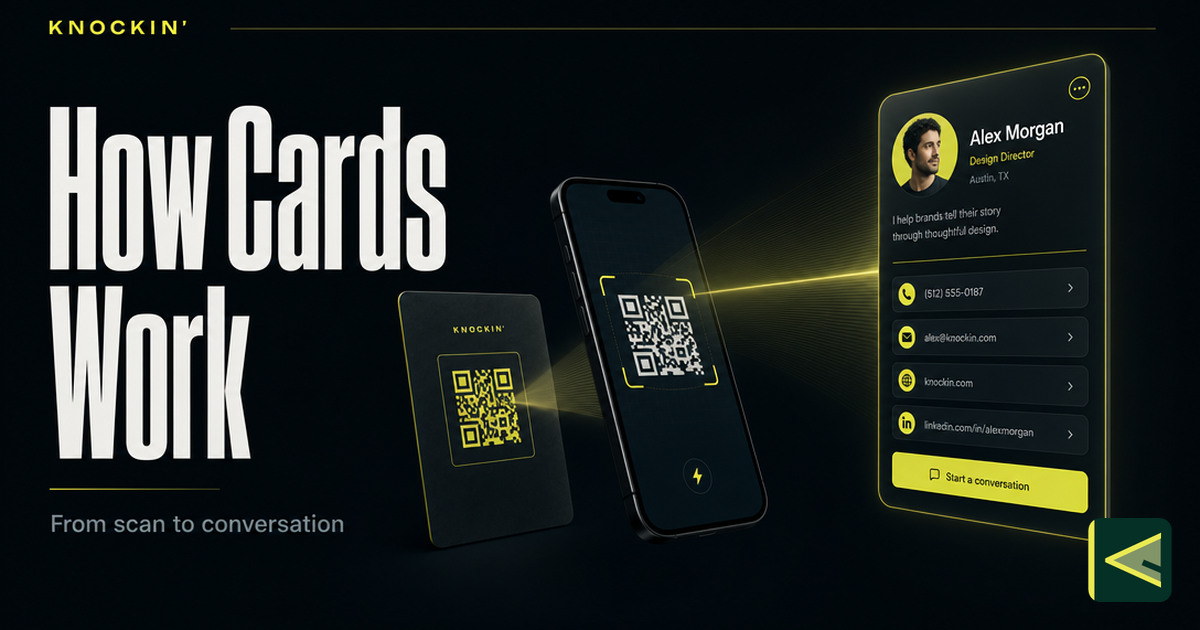
디지털 명함의 작동 원리: 스캔하면 일어나는 일
디지털 명함은 호스팅된 페이지를 여는 하나의 URL이며, 모든 QR, 탭 또는 링크는 이를 전달합니다. 스캔부터 저장까지 전체 메커니즘은 다음과 같습니다.
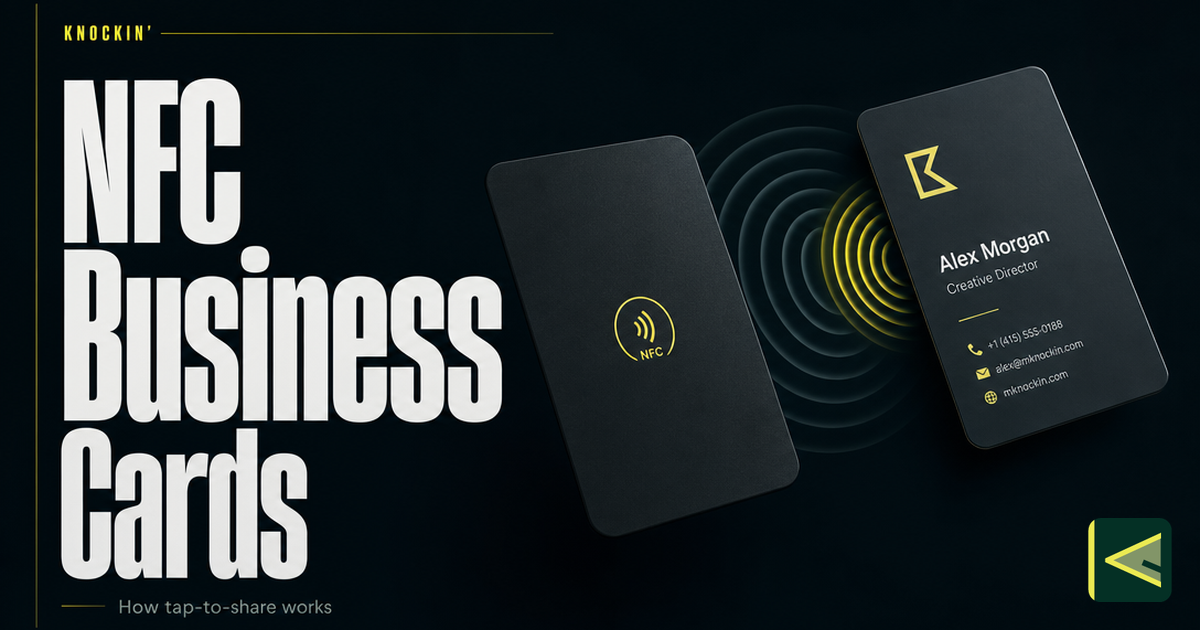
NFC 명함이란? 탭해서 공유하는 원리
NFC 명함은 휴대폰에 탭하면 라이브 프로필이 열리는 칩형 카드입니다. 기술이 실제로 작동하는 방식, 이를 읽는 휴대폰, 비용, 장단점에 대한 솔직한 견해는 다음과 같습니다.
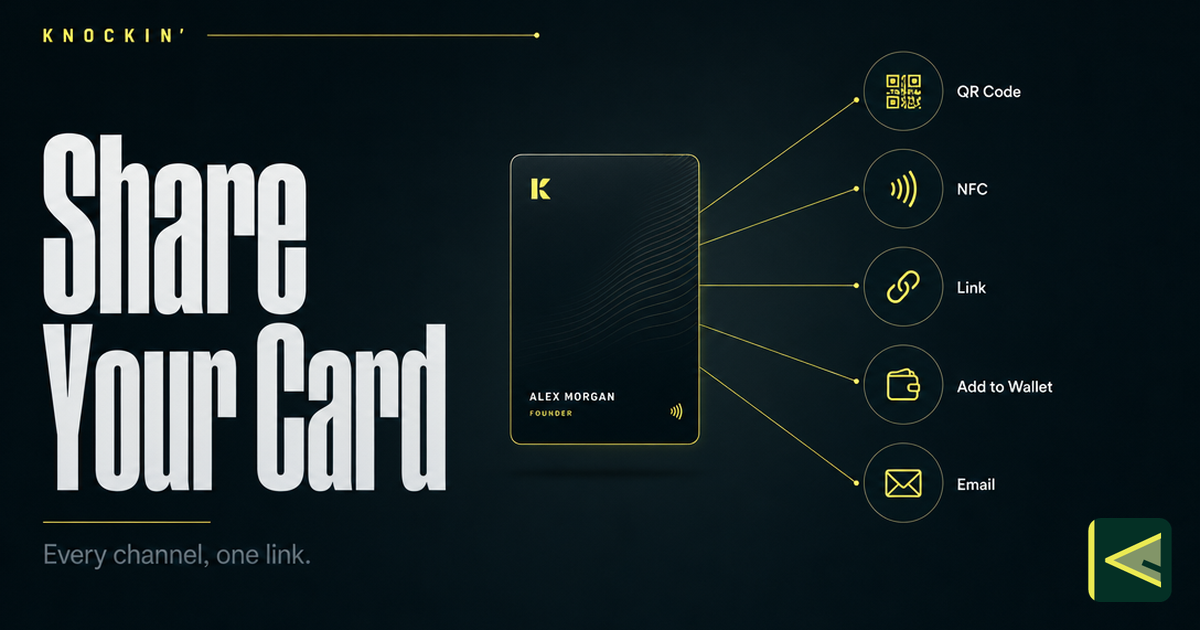
디지털 명함 공유하기: 다양한 연결 방법
디지털 명함을 공유하는 7가지 방법(QR 코드, NFC 탭, 일반 링크, 휴대폰 지갑, 이메일 서명, 웹사이트 위젯, 소셜 바이오)과 각 순간에 적합한 명함을 선택하는 방법.
자주 묻는 질문
QR 코드는 명함에 어떤 크기로 표시되어야 합니까?
내 명함 QR 코드는 정적이어야 합니까, 아니면 동적이어야 합니까?
QR 코드가 실제로 스캔되는지 어떻게 확인하나요?
명함의 QR 코드를 스캔해도 안전합니까?
https://knockin.info/ko/blog/digital-business-card-qr-code