Your first Knockin', step by step.
Six short steps from a blank profile to a card that answers for you. Click-by-click setup, troubleshooting, and limits are in Help.
Build a clear profile.
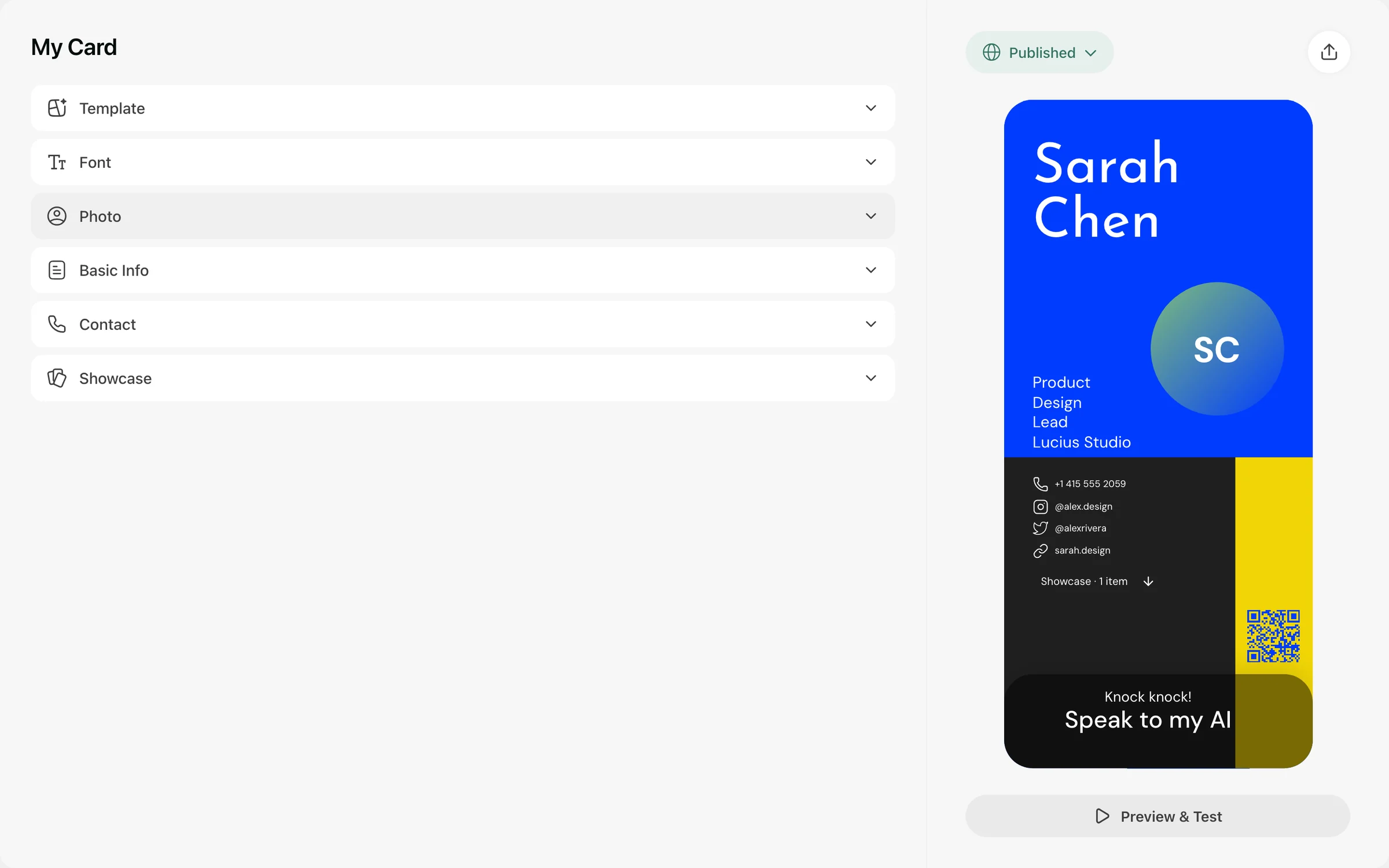
Start with your name, role and the work you want people to understand. Add services and the contact details you want to share, so a new visitor knows what to ask.
- Who do you help?
- What do you do?
- Which work should visitors see first?
Choose your kind of welcome.
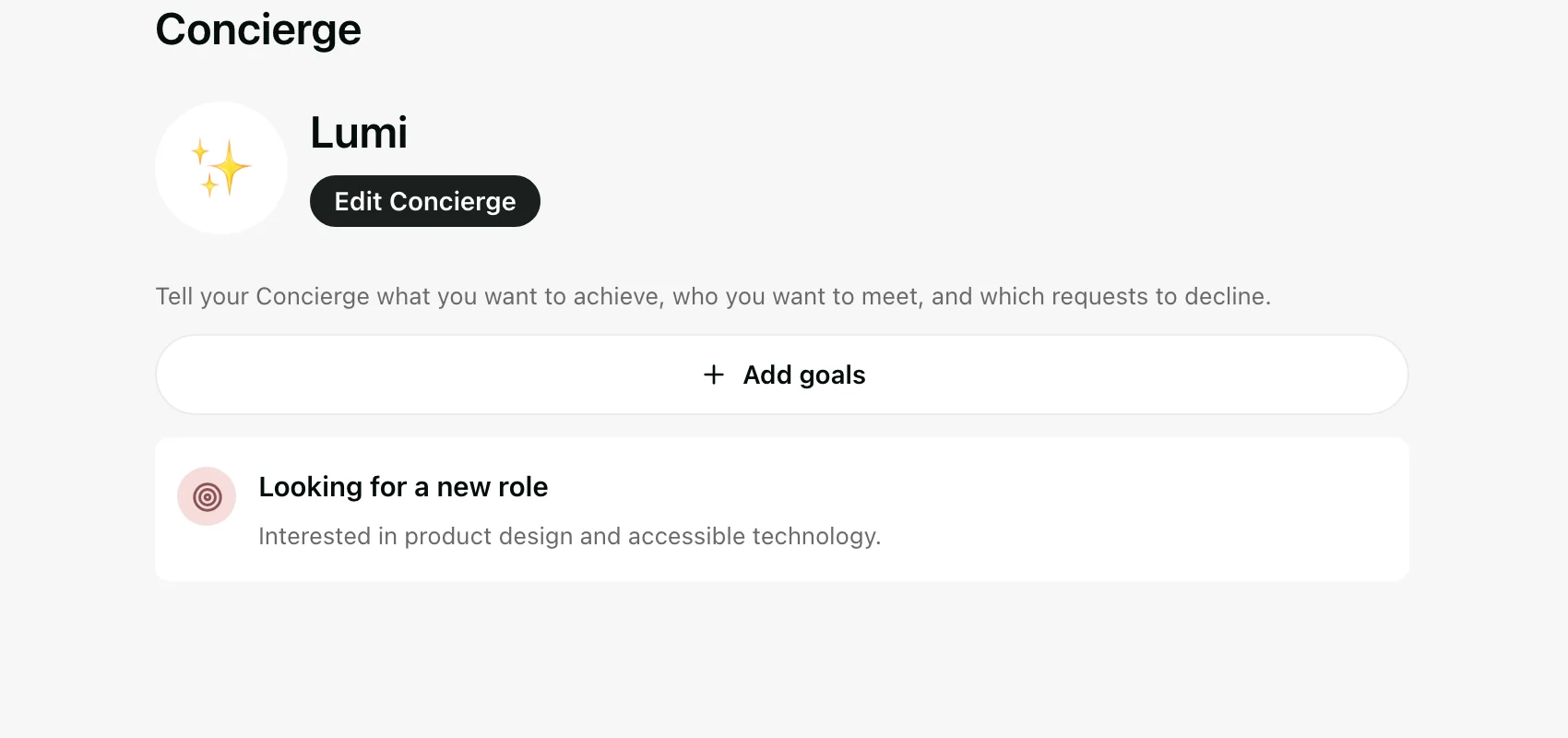
Pick a concierge, give her a name and a greeting. Then set your goal: offer services, find collaborators, find a job, grow your network.
- A new client?
- A collaboration?
- A useful first conversation?
Give her useful context.
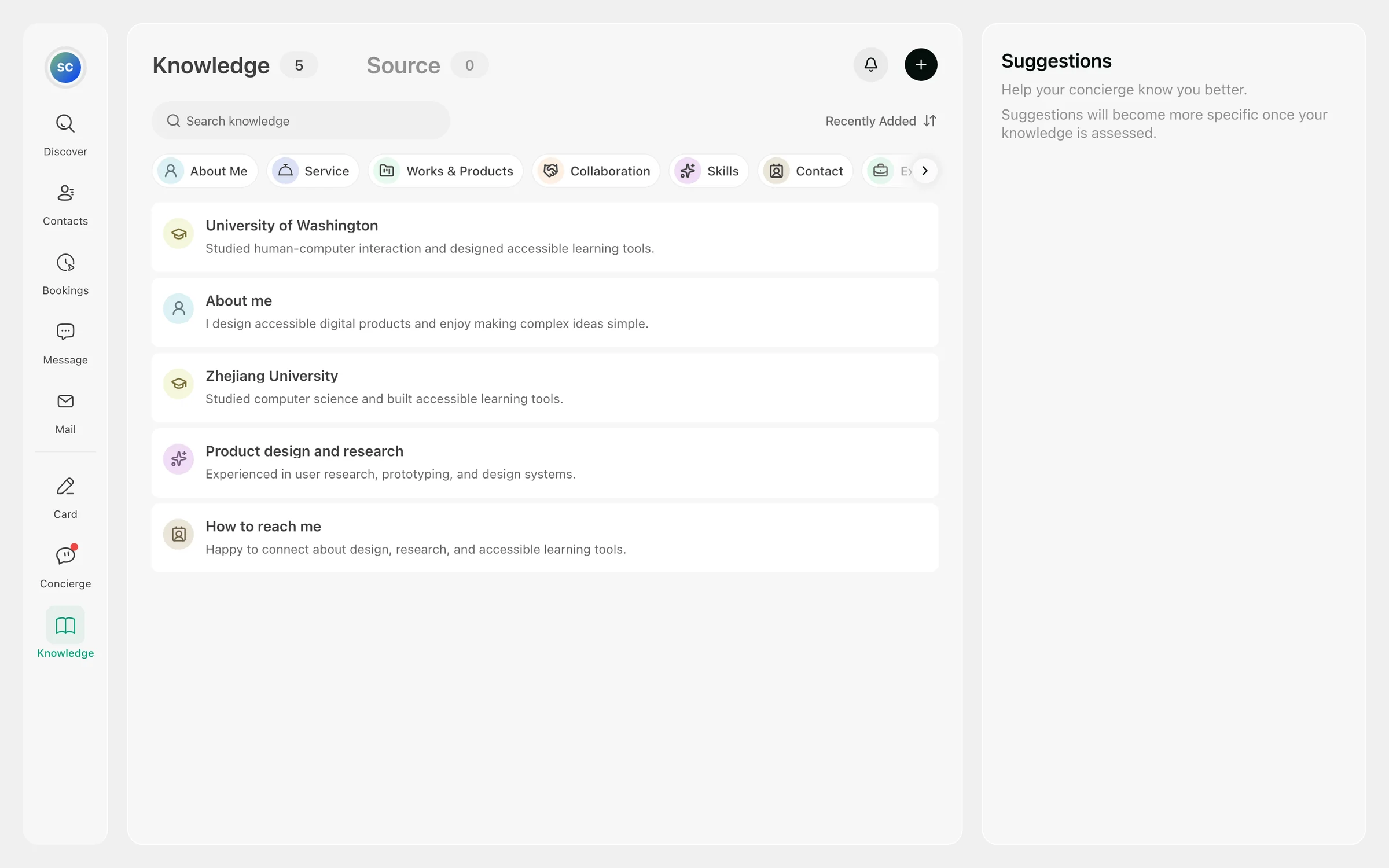
Add what you find yourself explaining again and again. Note the topics that need you, such as final scope or availability.
- Your introduction and process.
- Work and links.
- Answers to common questions.
Ask the first questions yourself.
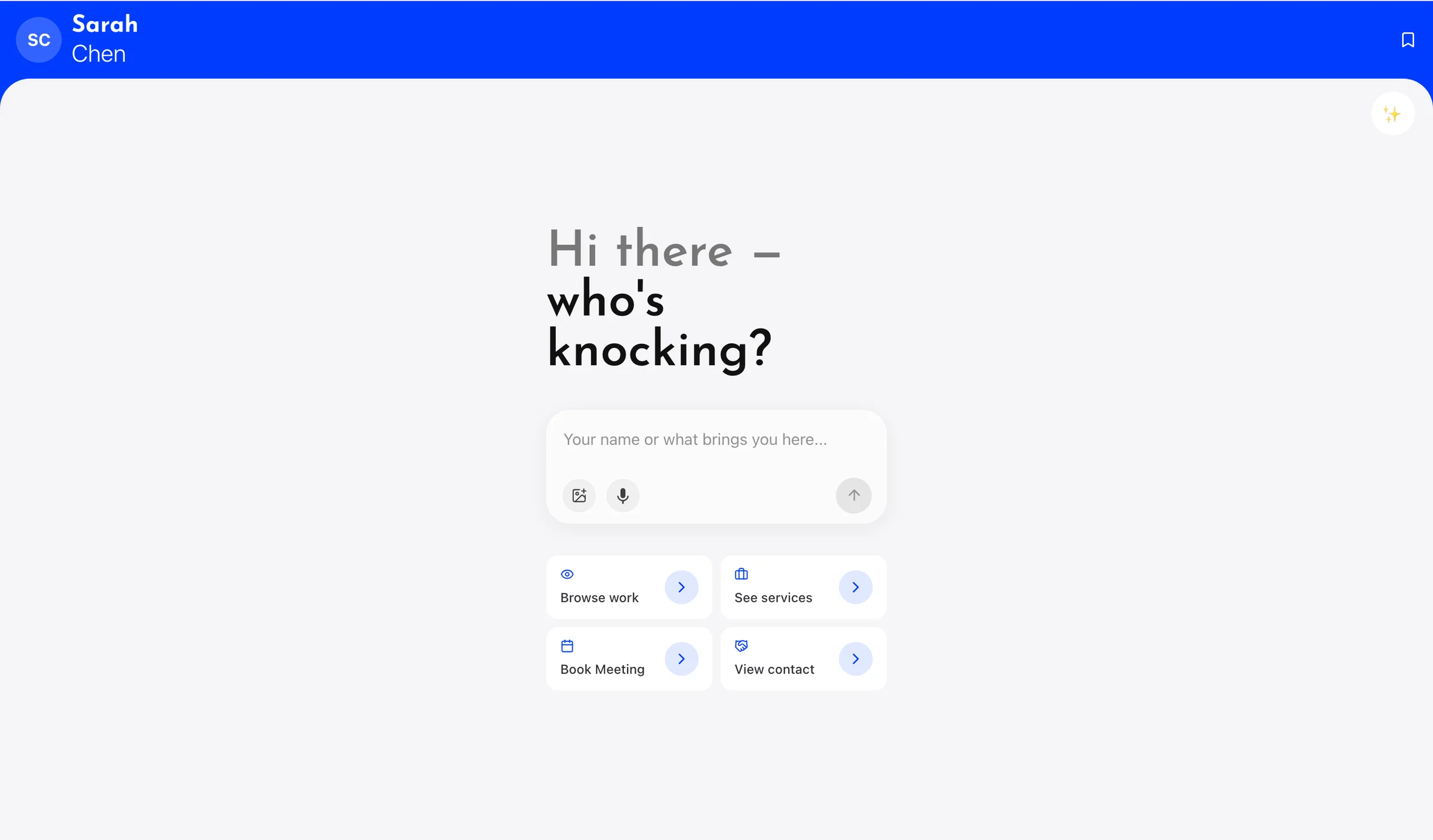
Visit your card as a stranger would. Ask what you do and how to work with you. If an answer is thin, improve the entry behind it.
- Does it sound like you?
- Are the work and services clear?
- Does she know when to bring you in?
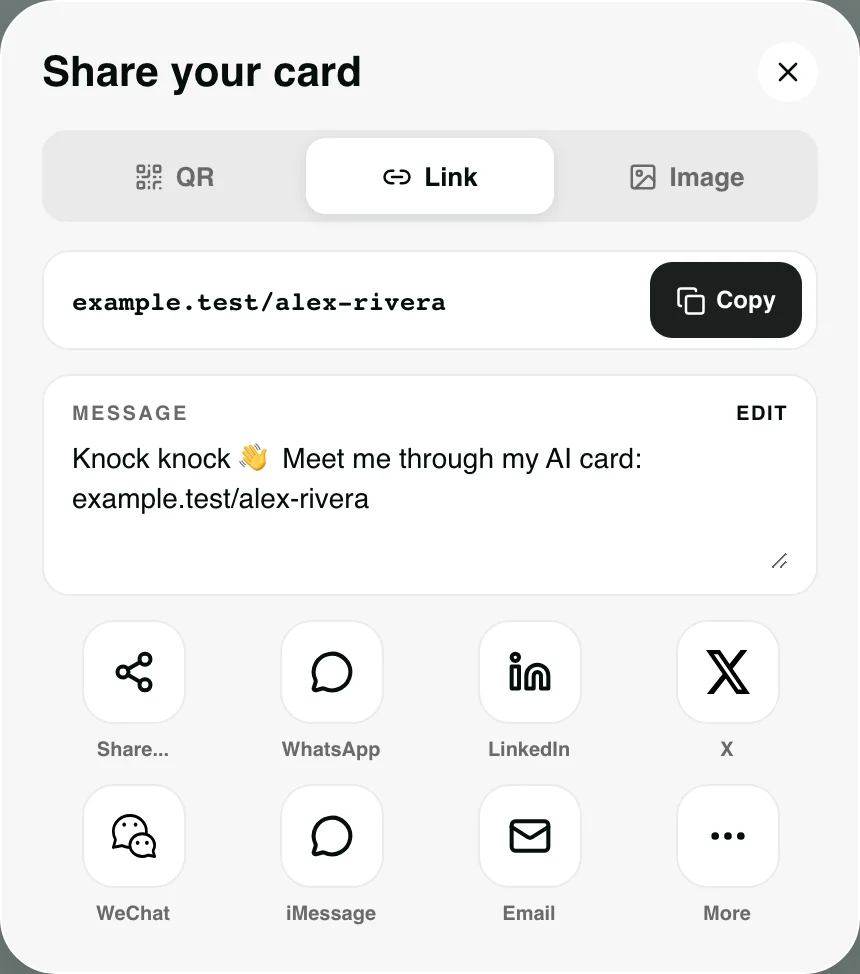
Share your card.
Publish, then put the link in your bio, email signature or website, or show the QR code when you meet someone. Visitors don't sign up or download anything.
- Check the public card.
- Make the link easy to find.
- Keep your profile current.
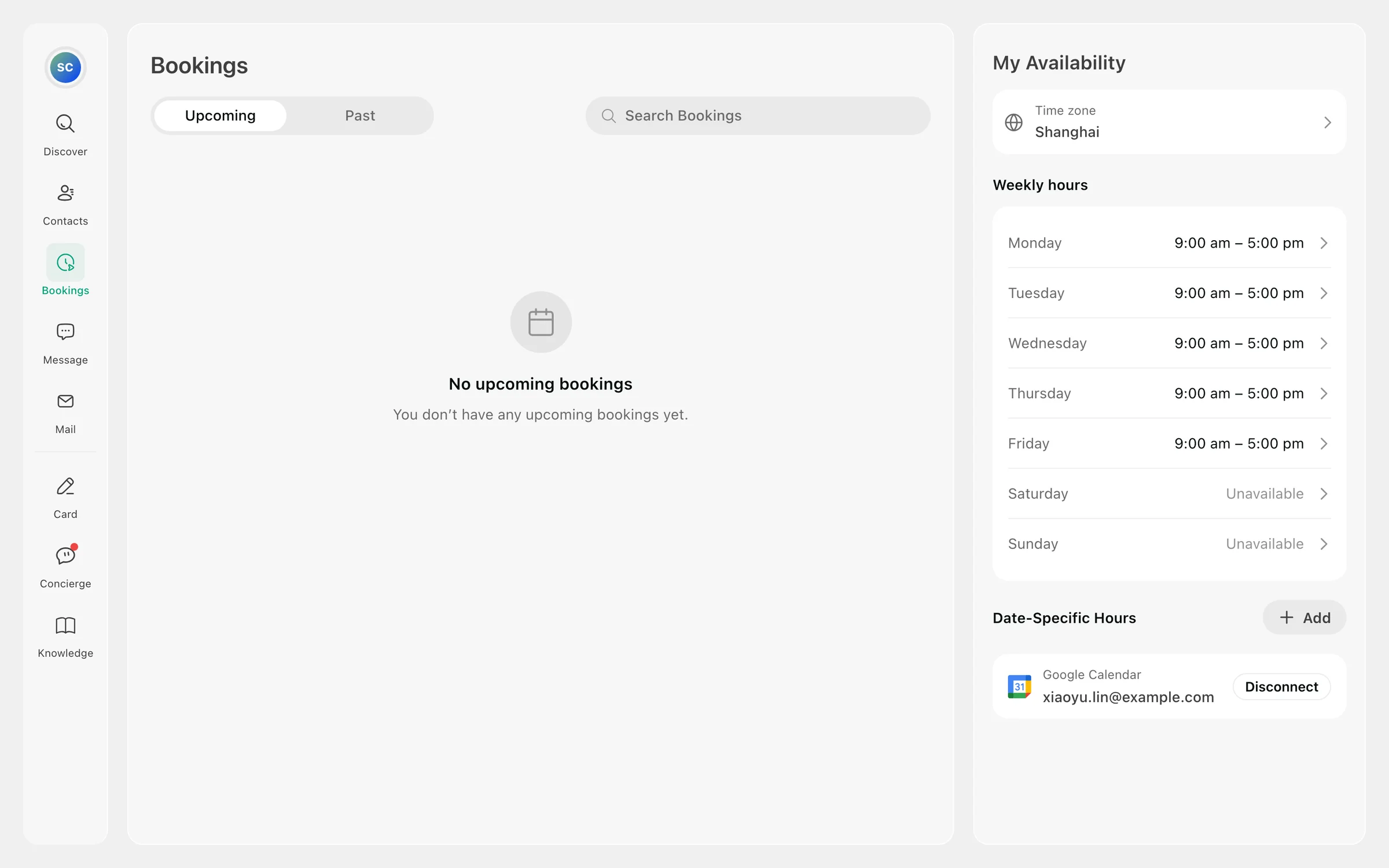
Make room for the meeting.
Connect Google Calendar and choose the times you want to offer. Answer hand-backs from the app; your reply reaches the visitor.
- Review what the visitor wants.
- Keep the person and context together.
- Step in when it needs you.
The rest lives in Help.
This page is the first pass. The user guide has the clicks, what to check when a link or an answer looks wrong, and how credits work.