
What Is a Digital Business Card: The Card That Answers Back
A live profile shared by link, QR, or NFC — and AI now turns static cards into ones that answer and hand off judgment calls. Here's how the three tiers compare.
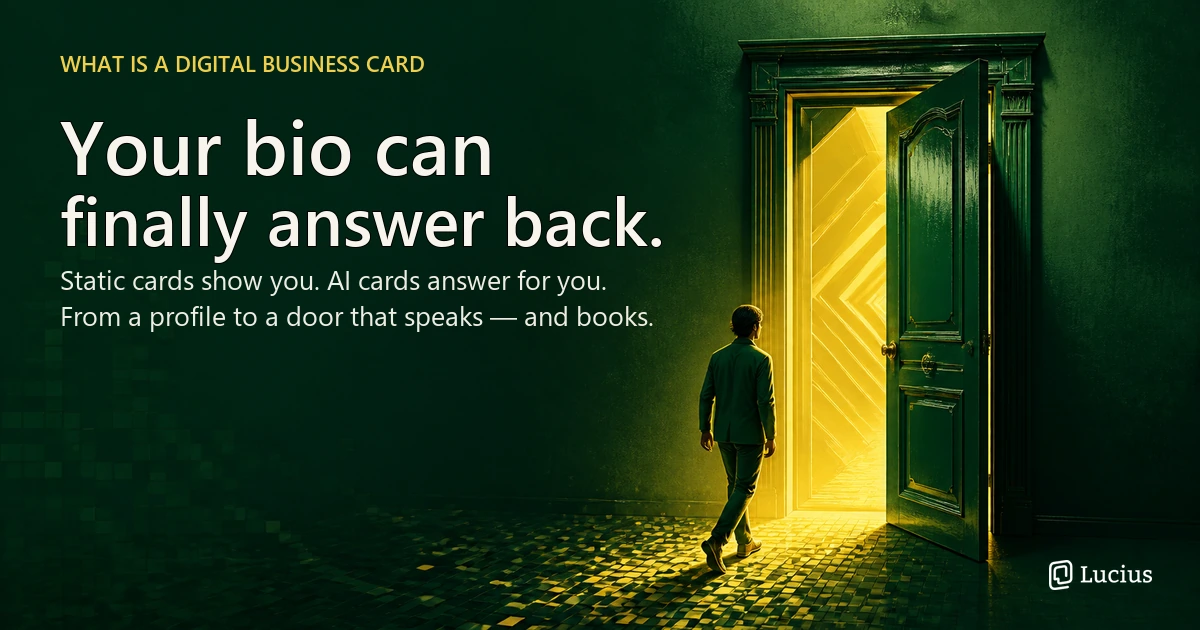
"Digital business card" is one of those category labels that has quietly drifted from its original meaning. Five years ago it meant a digital replica of the paper card you hand over at a meeting: a shareable online profile holding your name, title, and contact details. That definition is still true, but it no longer describes where the category is going. The tools people actually build now are moving past the profile itself, toward something that can do what a paper card never could — answer.
This article is a working definition of digital business cards in 2026, including the distinction most explainers skip, the difference between the card and the ways you share it, and where the category is going now that AI has entered the room.
What a Digital Business Card Actually Is
A digital business card is an electronic version of the traditional paper card: a mobile-friendly profile that holds your name, job title, company, contact details, and often links to a website or social profiles. Instead of handing over cardstock, you share a link, a QR code, an NFC tap, or a wallet pass. The person on the other end opens your profile in their browser, and — depending on the platform — saves your details straight to their phone with one tap. No app download, no reprint when your job title changes, no box of outdated cards in a drawer.
The shortest useful definition comes from the overlap between every serious explainer on the topic: a digital business card is a live professional identity you can share, which updates instantly when your details change, and which hands the recipient something they can act on immediately. Wikipedia frames it as an electronic profile shared through QR codes, links, or NFC tags, and adds the environmental angle — digital cards remove the paper, printing, and waste that come with physical ones. That much is settled and uncontroversial.
What most guides get wrong, though, is where the card ends. One vendor puts it better than most: the card is the profile, not the delivery method. QR codes, NFC taps, wallet passes, and signature links are all doors into the same living document. You create the profile once, and every door leads to its latest version. That single distinction — card versus door — turns out to be the key to understanding the whole category, including why AI is now changing it.
Why Paper Became the Obvious Bottleneck
Paper cards survived for a century because they fit a wallet and an etiquette. Their weakness was never the format; it was the lifecycle. A paper card is a frozen snapshot the moment it is printed. Change your phone number, your title, or your company, and every card you have ever handed out is silently wrong. The person who receives it has to type your details in by hand, decide whether to bother, and then find a reason to act on them later — which most people never do. The card does its job at the handshake and then becomes a drawer object.
Digital cards were built to fix exactly that lifecycle. The profile lives online, so an update propagates everywhere the card was shared. The recipient saves your details with one tap instead of retyping them. And because the card is a web page, it can carry more than a name — links, media, a calendar, a portfolio — and it can tell you when someone actually opened it. On every axis where paper failed after the handshake, the digital card is strictly more useful.
What the transition did not fix is the handshake itself. A digital card is still a statement handed over. It tells someone who you are and what you do, and then it waits. The person who found you still has to invent the next question, still has to decide whether you are worth a conversation, and still gets no response if they reach out at midnight. Digital solved the lifecycle problem. It left the introduction problem untouched.
Three Doors into the Same Card
Because the card is the profile, the sharing methods deserve their own explanation — they are the doors, and each one suits a different moment.
The most common door is a link: a short URL in an email signature, a social bio, a DM, or a conference slide. Links are universal, cost nothing, and work in every context where a conversation is already happening digitally. A QR code is the link made physical: printed on a paper card, shown on a phone screen, placed on a name badge or a booth. QR codes are the bridge for in-person moments — scan, open, save — and they require nothing but a phone camera. An NFC tap is the QR code without the scan: a chipped card or phone tap that opens the same profile when two devices touch. NFC feels magical in a good way at a bar or a busy expo, but it assumes the receiving phone supports NFC and that the other person is comfortable tapping.
The fourth door, the wallet pass, deserves special attention because it is the one people confuse with a card itself. A pass in Apple Wallet or Google Wallet behaves like a boarding pass: it lives on the recipient's phone, can hold a QR code, and survives after the profile link is long gone. The pass is not the card — the profile behind it is — but the pass is what makes the introduction durable on the receiving side. If the recipient only ever sees a link, the connection depends on them bookmarking it. If they save a wallet pass, your introduction has a permanent seat on their phone.
The practical lesson is that you rarely choose one door. Most people who use digital cards well use two or three: a wallet pass for the people they meet in person, a QR code on a printed backup card, and a link everywhere digital. Each door points to the same living profile, which is precisely why the setup scales.
Where Digital Business Cards Stop
The profile is a real improvement, but it is worth being honest about its ceiling. A static digital card is a one-way medium. It tells, and then it waits. Everything that would turn a first impression into a relationship — the follow-up question, the explanation of what you actually do, the objection handling, the booking — still has to happen somewhere else, with you present, or it does not happen at all.
That ceiling shows up in the same way for founders, freelancers, salespeople, and creators. A founder hands over a card that says "CEO and co-founder," but the card cannot explain the business model to an investor who reads it at midnight. A freelancer's profile lists services but cannot clarify process, pricing, or availability before the first call. A sales rep on another demo cannot walk a prospect through past work from the card. A creator's link page lists content but cannot let a curious follower explore the work conversationally. In every case the gap is not information — the person already knows their own story. The gap is access: the moment between curiosity and conversation, when the person who should answer is unavailable.
This is the difference between a profile that displays and a presence that speaks. A display waits for someone to act on it; a presence can be asked. Once you see that distinction, the current direction of the digital business card category stops being mysterious.
What Changes When a Card Can Answer
The next generation of digital business cards adds a conversational layer on top of the profile: an AI that knows your background, your work, your availability, and your boundaries, and that can answer visitors in your absence. Instead of landing on a static page, the person who found you lands on something that greets them, responds to what they actually ask, and — when a question needs you — stops and hands the conversation to you with full context.
It is useful to be precise about what the AI layer does and does not do, because this is where the category gets muddy. The AI does not replace the card; it replaces the silence after the card. It answers the routine introduction questions in your voice, from facts you have already written or uploaded, and it collects intent — a name, an email, a meeting request — the way a good concierge would. What it should not do is make your calls for you. Partnership interest, hiring questions, pricing decisions, anything that requires your judgment: a well-built AI card turns those into tasks for you rather than improvising an answer. The line between representing you and impersonating you is the design decision that separates useful AI introductions from liability.
This is where a second category boundary matters, and it is the one most explainers miss: a static digital business card and an AI-powered digital business card are different rungs of the same ladder, not synonyms. The static card displays your details and waits. The AI card adds a conversational layer — an assistant that has read your background and can respond in your absence. If you are comparing personal AI tools for professional presence, the line between an assistant you ask and a card that answers for you is close to the one we draw when we compare AI assistants to AI agents.
Knockin sits on the answering side of that line. We built it as a personal AI introduction — a card that can finally answer back — on the argument that a name card should open like a door into a person, a conversation, a possibility, rather than standing as a flat label; you can read the full product walkthrough in our introduction to Knockin. The industry is moving the same direction at different speeds. Even the largest digital card platforms now lead with AI-powered capture and enrichment, and the most notable pivot in the category this year was a digital card company raising $20M to become AI messaging infrastructure instead — a move covered by TechCrunch that signals where card companies see the ceiling. The pattern is consistent: the static profile is table stakes, and the value has moved to what happens after someone finds you.
Paper, Digital, or AI: How to Choose
The category now spans three tiers, and they are not competitors so much as rungs. Choosing well means matching the rung to what you actually need after an introduction.
| Consideration | Paper card | Static digital card | AI digital card |
|---|---|---|---|
| Best for | Formal etiquette, signing, high-trust handshakes | Volume sharing, always-current details, tracking | People who get the same questions repeatedly, or get found while offline |
| What it does after the handshake | Nothing | Updates and reports opens | Answers, collects intent, books, and escalates |
| Requires | Reprint on change | A profile platform | A profile platform plus AI setup and Knowledge |
| Recipient experience | Types your details | One-tap save | One-tap save plus an immediate conversation |
If you work in an industry where the physical exchange is the ritual — legal, luxury, certain enterprise settings — a well-printed card with a QR code on it still wins, and no digital substitute fully replaces the signal it sends. If you mainly need your details to be current and shareable at volume, a static digital card from any reputable platform is genuinely sufficient, and cheaper than the alternatives. Choose an AI card when the same introduction keeps repeating — when you answer the same three questions every week, when visitors find you while you are asleep or on another call, or when you want every conversation to start further along than "so what do you actually do?"
That last condition is more common than most people assume. Almost anyone whose work depends on being understood quickly — founders, freelancers, sales and BD, creators — hits it eventually. The decision rule is simple: if your profile still ends in silence, the missing layer is not more design. It is a way to answer.
What to Watch: Data, Boundaries, and the Human in the Loop
Two cautions are worth carrying into the category, because both are where the enthusiasm usually outruns the product.
The first is data handling. A card is personal data — name, email, phone, employer — and every platform in this category processes that data differently. Before you put your information on any of them, it is reasonable to ask what the platform collects beyond what you provide, whether it shares your data with third parties, how deletion works, and — for a card with an AI layer — what your Knowledge is used for and whether you can audit it. The platforms that treat privacy as a feature rather than fine print tend to be the ones whose settings let you control each of those answers directly. If a card can answer for you, you should be able to see everything it would say, correct it, and retract it.
The second caution is the boundary, and it applies to builders as much as users. An AI card that answers everything is not a better card; it is a liability. The useful design keeps the human in the loop at the exact moment a decision is required — the AI handles the repeatable introduction layer, and the real conversation, the one that involves judgment, starts with a human who has full context. If a card cannot tell you when it should stop, that is not sophistication. That is a gap.
Conclusion
Digital business cards are not dying. They are being absorbed into something larger: the shift from a profile that displays you to a presence that represents you. The static card was a real step — it fixed the lifecycle of paper. The next step fixes what the card does after someone finds you, and that is where AI, conversation, and judgment come in.
The practical takeaway for anyone reading this is simple. If you only need your contact details to be current and shareable, a static digital card is a fine answer. If you find yourself repeating the same introduction every week, or losing curious visitors while you are offline, then what you need is not a fancier page — it is a card that can answer. When someone knocks, something should answer the door. That is the category now, and it is the direction worth building toward. If you want to see what an answering card feels like, your bio can finally answer back — no credit card required, and set up in minutes.
Related Posts

Introducing Knockin: Your Bio Can Finally Answer Back
Knockin turns what you already know into an intelligent bio link that answers questions when you're not there. Build, refine, and share in…
What to Prepare Before Publishing Your First Knockin Profile
Prepare your introduction, selected work, AI knowledge, contact details, and test questions before publishing your first Knockin profile.
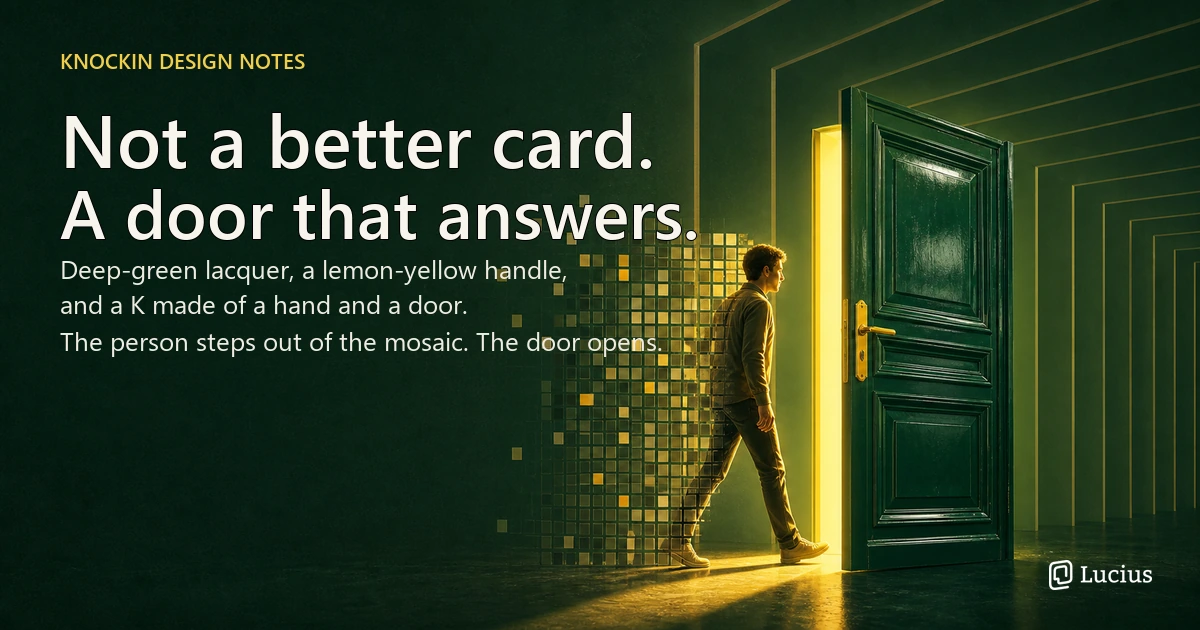
Why Knockin Is a Door: Design Decisions Behind a Bio That Answers
Why Knockin looks the way it does — a founder's case for the name, the K, the deep-green paint, and the mosaics behind a bio that answers…
A Card That Answers, Not Just Displays
Knockin turns your story into a concierge that answers.
Books meetings, hands judgment back—even offline.
https://knockin.info/blog/what-is-a-digital-business-card