
An AI Email Address That Gives You Time for the Right People
Your Knockin AI email address handles public inquiries and records collaboration interest. Keep your inbox private and follow up personally with the right prospects.
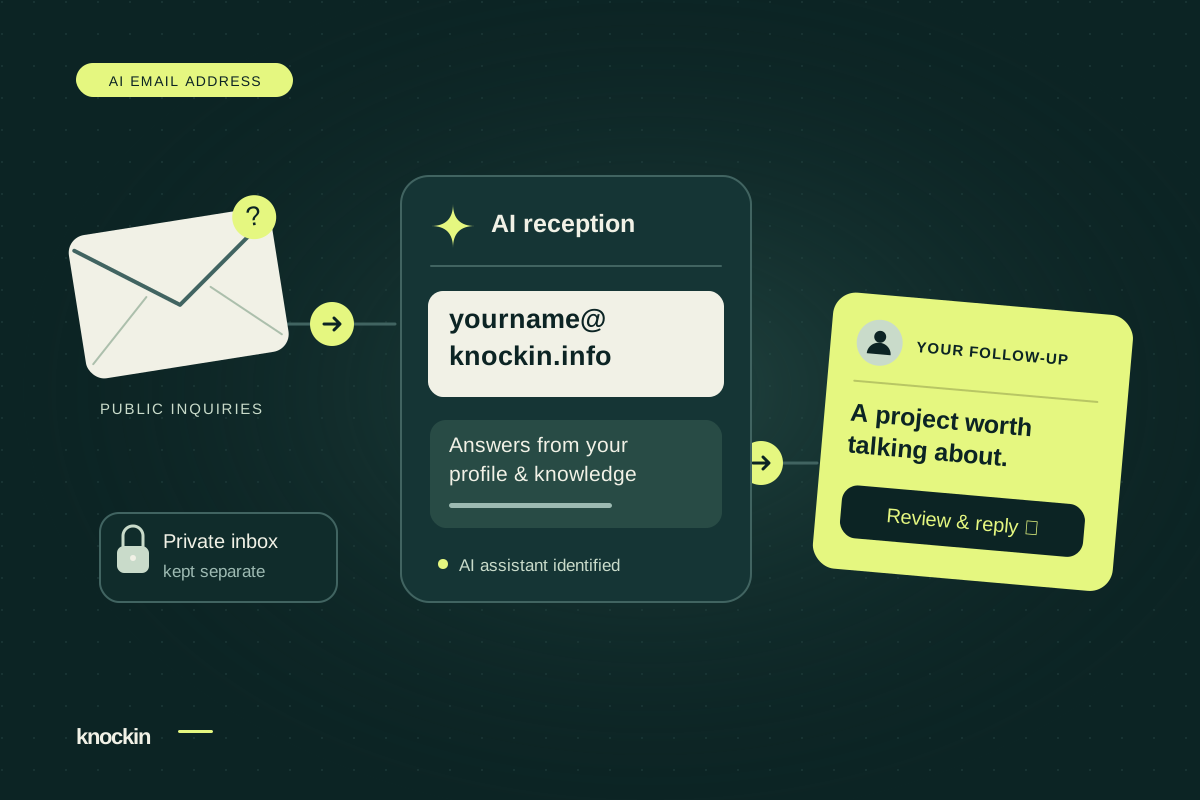
Publishing a contact address does not have to mean giving every unfamiliar message a share of your time.
Knockin gives your profile a dedicated AI email address: {your-profile-slug}@knockin.info. Share it on your website, resume, portfolio, and social profiles. Your assistant automatically answers inquiries using your profile materials and records meeting or collaboration interest in a task. You decide which contacts deserve personal follow-up.
People have a way to reach you while your private email stays in your hands. You choose when to move from public reception to a personal conversation.
Give the public your AI's address. Keep your own email private.
Publishing a profile activates its email address without a separate mailbox setup. Every published profile receives an address by default, except for reserved profile names.
The address you publish belongs to your assistant. Inquiries go there first; unwanted pitches or harassment sent to that address reach the AI mailbox, not your private inbox. You can offer a public contact point without giving everyone your personal email.
Your everyday inbox continues to handle work correspondence, family conversations, and account notifications. Knockin does not need to take over Gmail or Outlook, read those messages, or obtain permission to send from your private account. Your assistant handles mail addressed to it.
Visitors use the email app they already know. They do not need a Knockin account, another app, or a visit to your profile link first. Share the address wherever you want your assistant to receive public inquiries.
Let AI answer common questions. Decide which opportunities to pursue.
Your profile and knowledge base already hold your introduction, service details, and project experience. Your AI email assistant puts those materials to work in replies, answering each question from the relevant information.
Marketing, spam, and automated system mail are filtered according to the handling rules before eligible inquiries reach the assistant. It answers questions about your services, experience, and collaboration process without waiting for you to approve each reply. The recipient gets more than a generic “We received your message.”
Questions covered by your materials can receive an answer straight away. When a price, deadline, or commitment is missing, the assistant is instructed to say it does not know and leave the decision to you.
When someone expresses meeting or collaboration interest, the assistant records the intent and contact information in an Inbox task. You can review the context, assess the fit, and choose how much time to invest.
For example, imagine you are Alex, a website designer who has added your services and work examples to your profile knowledge base. Here is a fictional illustration of the exchange:
Visitor: “Do your website design services include case study pages?”
AI assistant: “Alex's services include service pages and case study pages, with related work available on the profile. Feel free to describe the project scope so Alex has context for a follow-up.”
Visitor: “We hope to start next month and would like to discuss working together.”
Alex now has a follow-up task with the visitor's intent and conversation history, ready to continue the discussion. Alex still confirms availability and any collaboration arrangements personally.
High-intent prospects deserve your personal attention
Save your time for people who have expressed a clear need and are worth getting to know.
Your AI handles the introduction and initial questions. You review the project background, interest, and contact details. For a high-intent prospect, you can reach out from your own email account to begin a deeper conversation. You decide when to share that private address.
If you prefer to keep it private, reply directly in Knockin's Inbox. The message goes out in your name from the profile address and stays in the original thread. The recipient does not need to switch addresses, resend a message, or explain the request again.
An assistant introduction with a clear handoff to you
Assistant replies identify the sender by the assistant's name and its role as your AI assistant, with an AI disclosure in the message. Recipients can see that your assistant is answering from the information you have provided.
When you reply from Inbox, the sender name changes to your name while the address and thread stay the same. The recipient can see the transition: the assistant answered first, and now you are participating personally.
Every assistant reply includes your profile link. Recipients can ask specific questions by email or open your profile to explore your introduction and work and continue talking with your profile AI. Your materials, email answers, and subsequent conversations stay connected.
A lasting public address you can also retire
Your profile email comes from its slug and stays fixed after publication. It can serve as a stable contact point on resumes, websites, and email signatures.
If you no longer need the profile, deleting it disables the address, which is never reassigned to another person. Retiring a public contact point does not require replacing your private email or disrupting your everyday correspondence.
Get started with your materials and a public assistant address
Prepare the information you want to share: your background, service details, relevant experience, work examples, and how collaboration usually begins. See what to prepare before publishing your first Knockin profile for a checklist.
After publishing, copy the address with one click from the Email section of Inbox. Ask another contact to send a message, review the answer, and try replying personally before sharing the address publicly. Messages sent to your existing email continue to be handled as before.
For detailed steps, see the AI email setup and testing guide.
This address is for inquiries, rather than registration codes or errands such as purchases and refunds. The email interface centers on incoming messages, replies, and follow-up tasks. Attachments are not supported.
Still choosing an approach? Read dedicated addresses versus existing inboxes, or explore AI email products compared by task.
Create your Knockin profile and give public inquiries an AI email address.
Related Posts
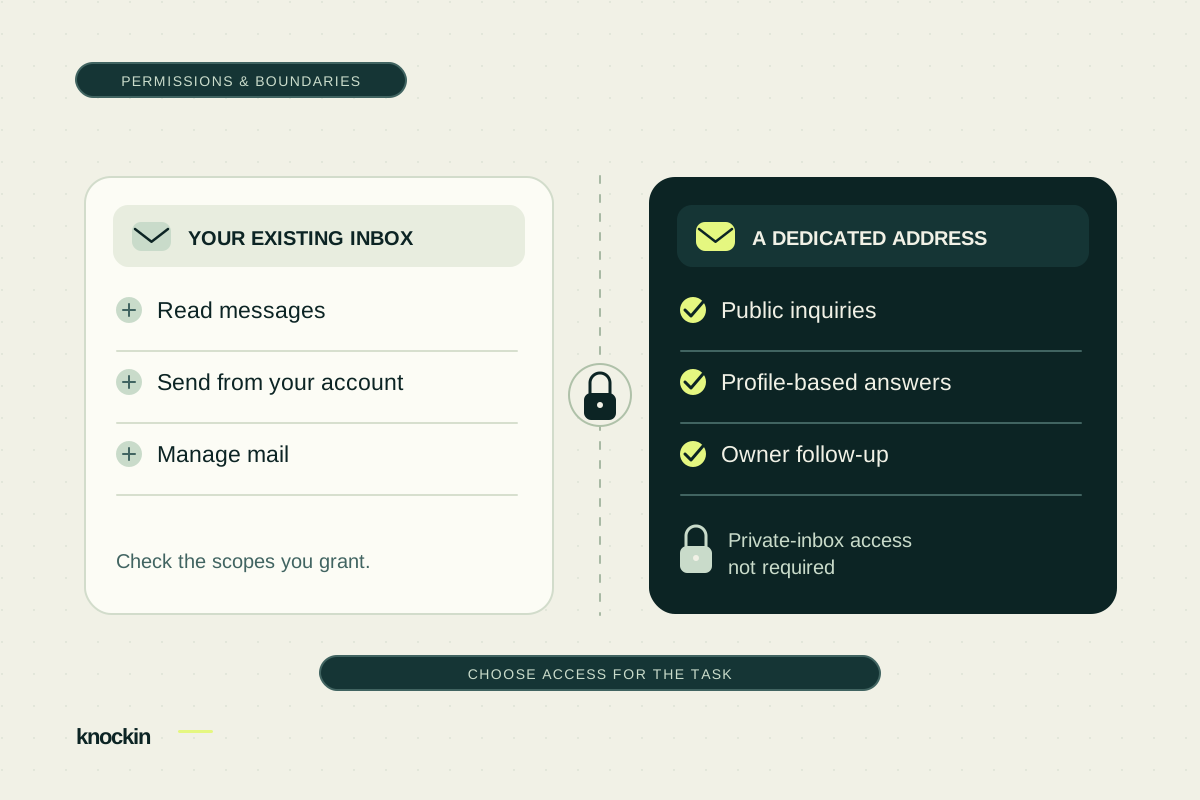
Before Connecting an AI Email Assistant, Check the Permissions
Understand the reading and sending permissions an AI email assistant may request. Compare private-inbox access with a dedicated address for…
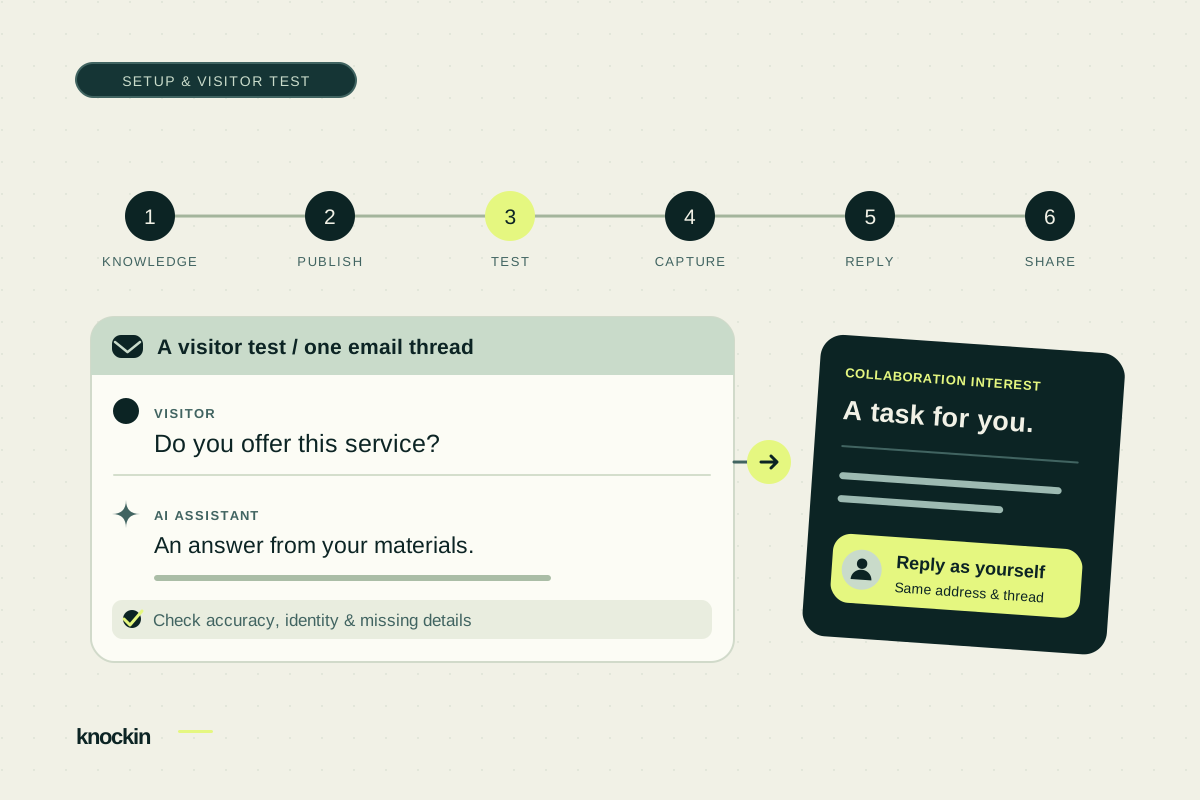
How to Set Up Your Knockin AI Email Address
Prepare profile knowledge, copy your dedicated email address, and test visitor replies, collaboration tasks, and a personal handoff before…
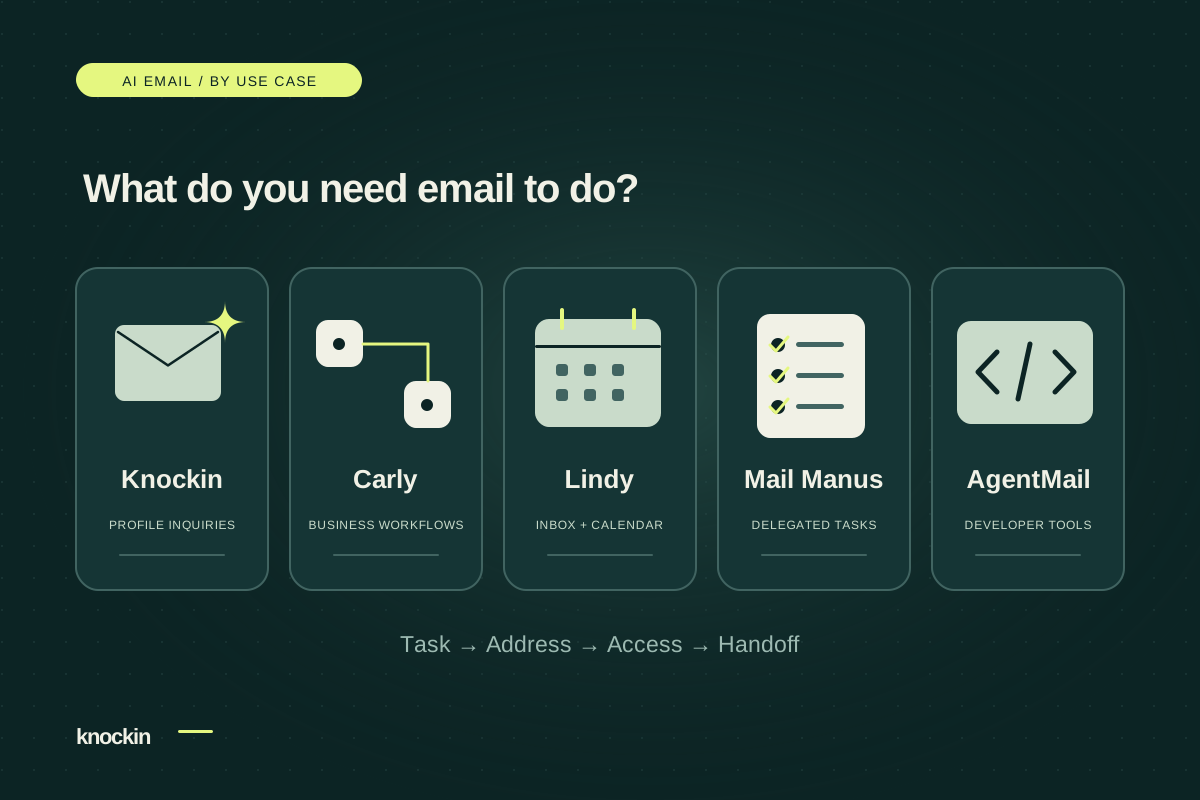
AI Email Products Compared: Choose for the Work You Need Done
Compare Knockin, Carly, Lindy, Mail Manus, and AgentMail by task, address model, and handoff. Choose for public inquiries, inbox work, or…
Your bio can finally answer back
Turn what you already know into an intelligent bio card that answers when you're not there.
Build, refine, and share in minutes — no credit card required.
https://knockin.info/blog/ai-email-address