
AI Email Products Compared: Choose for the Work You Need Done
Compare Knockin, Carly, Lindy, Mail Manus, and AgentMail by task, address model, and handoff. Choose for public inquiries, inbox work, or agent development.
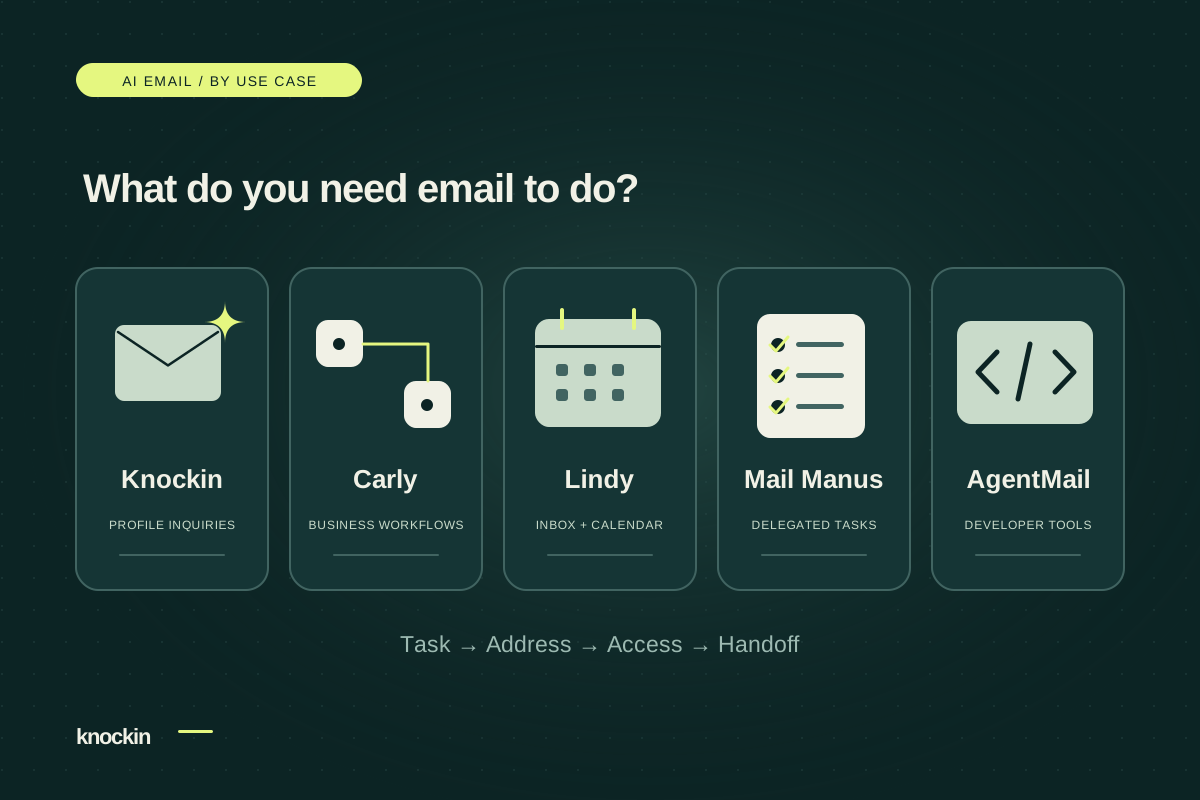
A search for AI email brings together several different products: assistants that manage existing mail, agents that take tasks by email, public inquiry addresses, and infrastructure for developers building email applications.
Start with the work you want done, then check addresses, access, and what happens next. Dedicated addresses and existing-inbox connections are not mutually exclusive product categories; some tools support both.
Written by the Knockin team, this comparison uses official public information reviewed on October 29, 2026, and Knockin's product specification. We have not individually tested the other products. This is not a performance or outcome ranking.
Find the relevant comparison first
| Product | Address and account model | Relevant task | Key consideration |
|---|---|---|---|
| Knockin | Profile address without requiring a private-inbox connection | Profile-based inquiry answers, contact-interest records, and owner handoff | Whether you mainly need questions about yourself or your services answered |
| Carly | Separate agent addresses and connected-account sending | Public intake, tasks, and business workflows | Instructions and tool permissions you want to configure |
| Lindy | Gmail/Outlook connections plus an assistant address for forwarding or CC | Existing mail, calendars, and everyday assistant work | Access to current correspondence and scheduling |
| Mail Manus | Dedicated agent address triggered by approved senders | Creating tasks from email | Owner delegation versus public reception |
| AgentMail | Independent inboxes created through an API | Building an agent email application | Development work and ongoing application maintenance |
This table covers relevant uses rather than every feature. Official sources appear below. We do not calculate cost advantages from historical prices or changing plans.
Knockin: answer from your profile, then hand off to you
Knockin starts with a published profile's dedicated address. The assistant answers questions about its owner using the profile's public materials and knowledge base and records meeting or collaboration interest.
The owner can read the context in Inbox and reply personally in the same thread. For high-intent prospects, they can also choose to reach out from their own account. Public reception does not require reading the private inbox; the owner decides when to share that address.
It fits people explaining their work, services, and experience. Availability and collaboration commitments remain personal decisions, rather than general-purpose agent tasks. See the Knockin AI email introduction for the workflow.
Carly: configurable reception agents and business workflows
Carly's official guide describes separate agent addresses that other people can email, with sending from the assistant's address or a connected Gmail/Outlook account. Instructions and tools support intake, scheduling, and business operations. Carly's official guide
Consider this kind of product when you want a sequence of cross-tool actions beyond answering questions and recording interest. Evaluate configuration, permissions, and operational scope; it should not be described as only a scheduling tool.
Lindy: an assistant for existing email and calendars
Lindy's product page lists Gmail/Outlook connections, email and calendar support, and its own assistant address for forwarding or CC. Lindy's official product page
If your work already lives in your mailbox and calendar, examine its account access and sending settings. Having an assistant address does not mean a product lacks existing-inbox integrations.
Mail Manus: turn email into agent tasks
Mail Manus creates tasks from emails sent by approved senders to a dedicated Manus address. It also supports workflow addresses with predefined instructions. Mail Manus's official guide
This is closer to delegating work to your agent by email. If you need an address for unfamiliar public contacts, check sender restrictions before treating a dedicated address as a public reception feature.
AgentMail: infrastructure for building your own assistant
AgentMail exposes inboxes as API resources, with independent addresses, default or verified domains, and inbox-scoped access keys. AgentMail's official inbox documentation
It is relevant to developers building email applications. Comparing it with a finished reception assistant requires accounting for knowledge integration, answer rules, follow-up tasks, and interface development, beyond address counts or underlying email costs.
Test the workflow you actually need
For evaluation, prepare an inquiry clearly identified as a test: ask a service question covered by your materials, then express collaboration interest. Use the product's permitted testing method and check:
- Can this sender trigger handling, and does the assistant answer from designated information?
- Is the response a draft, approval-based, or automatically sent?
- Do missing prices or availability remain decisions for the owner?
- What record captures interest, and how does the owner continue?
- If scheduling or CRM updates matter, does the required action actually happen?
For public reception, profile-based answers, and personal follow-up, use the Knockin email setup and testing guide. If you are still deciding whether to connect your account, read dedicated AI email versus your existing inbox.
Related Posts
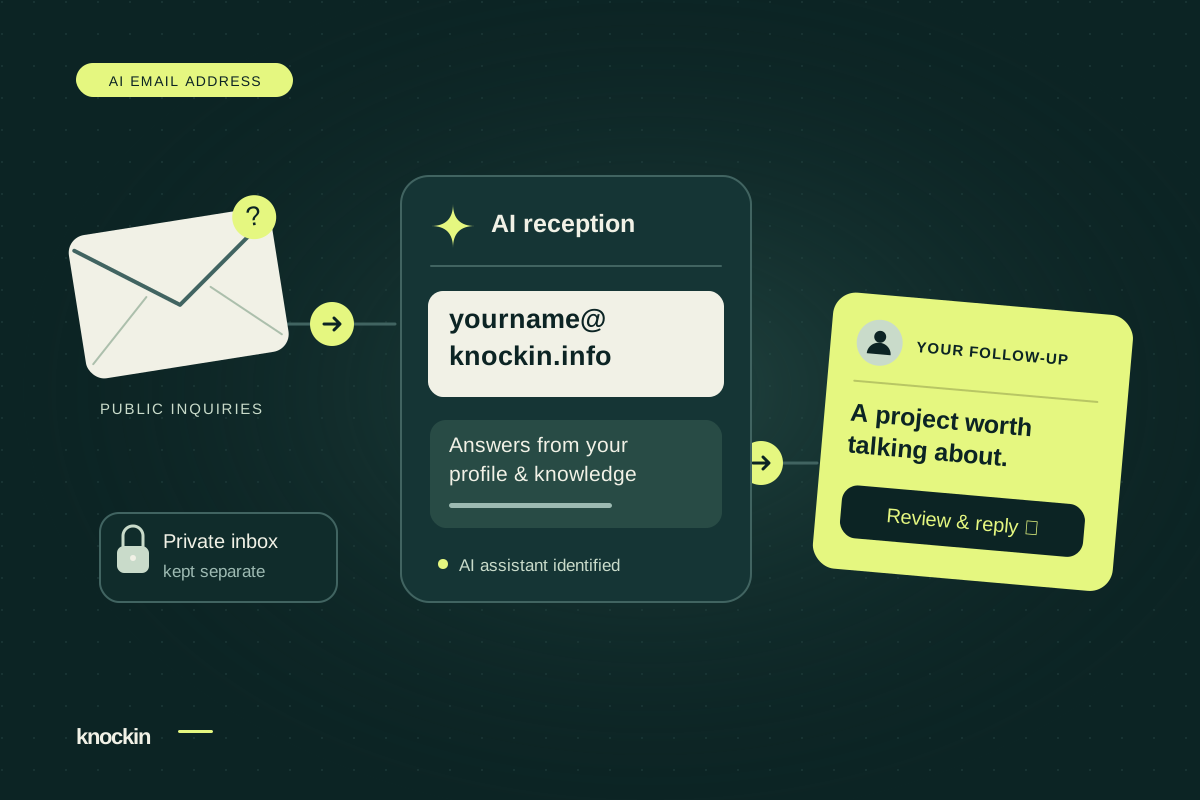
An AI Email Address That Gives You Time for the Right People
Your Knockin AI email address handles public inquiries and records collaboration interest. Keep your inbox private and follow up personally…
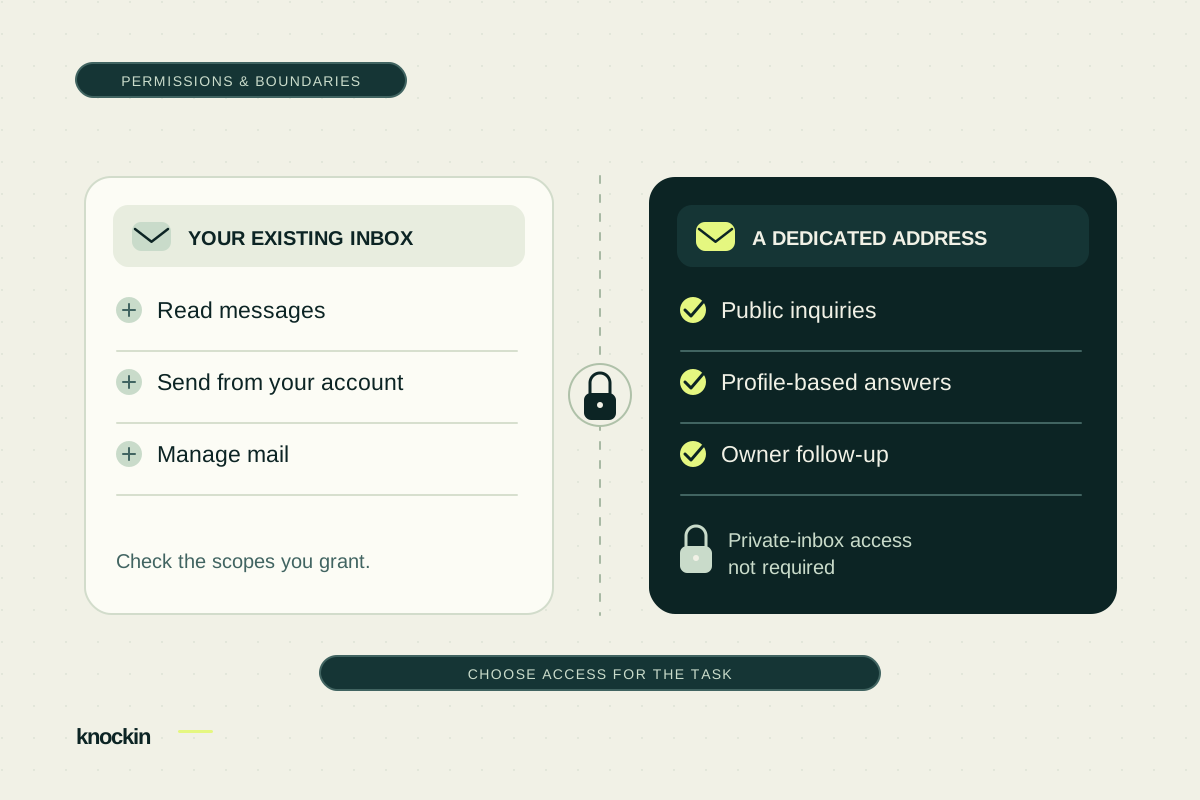
Before Connecting an AI Email Assistant, Check the Permissions
Understand the reading and sending permissions an AI email assistant may request. Compare private-inbox access with a dedicated address for…
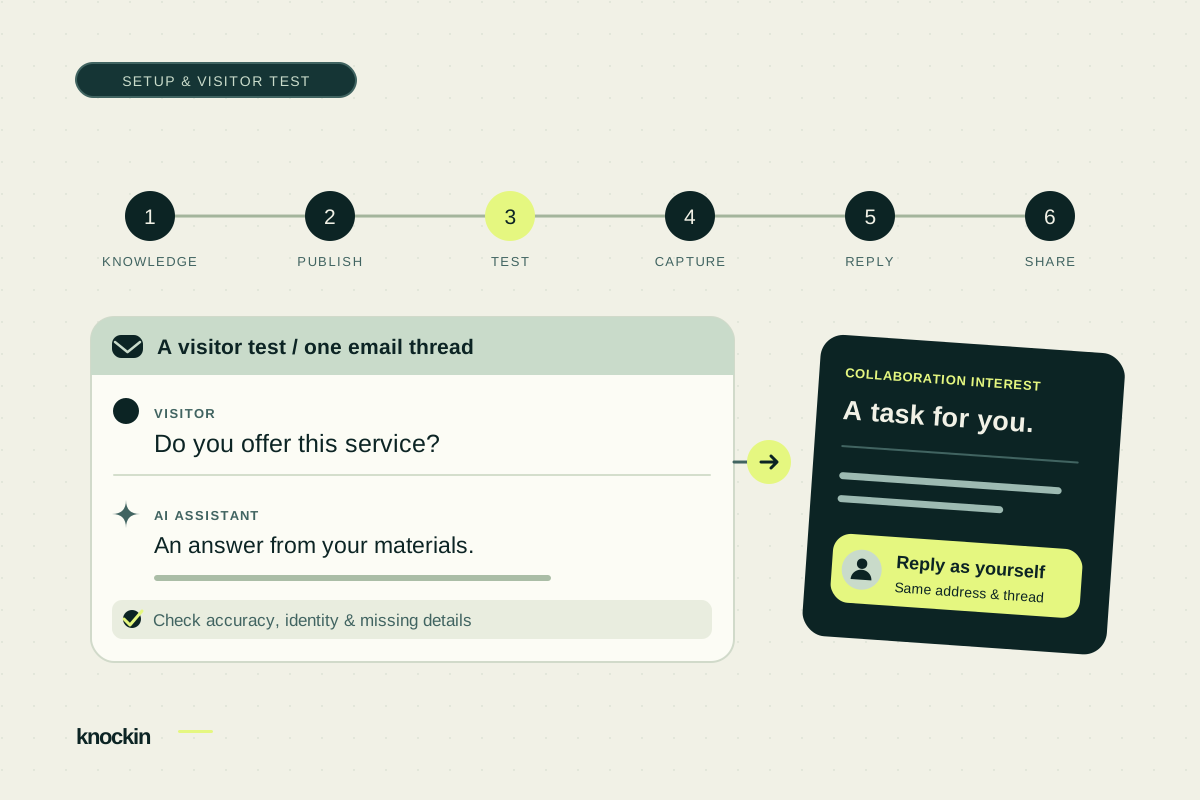
How to Set Up Your Knockin AI Email Address
Prepare profile knowledge, copy your dedicated email address, and test visitor replies, collaboration tasks, and a personal handoff before…
Your bio can finally answer back
Turn what you already know into an intelligent bio card that answers when you're not there.
Build, refine, and share in minutes — no credit card required.
https://knockin.info/blog/ai-email-products-compared