
Before Connecting an AI Email Assistant, Check the Permissions
Understand the reading and sending permissions an AI email assistant may request. Compare private-inbox access with a dedicated address for public inquiries.
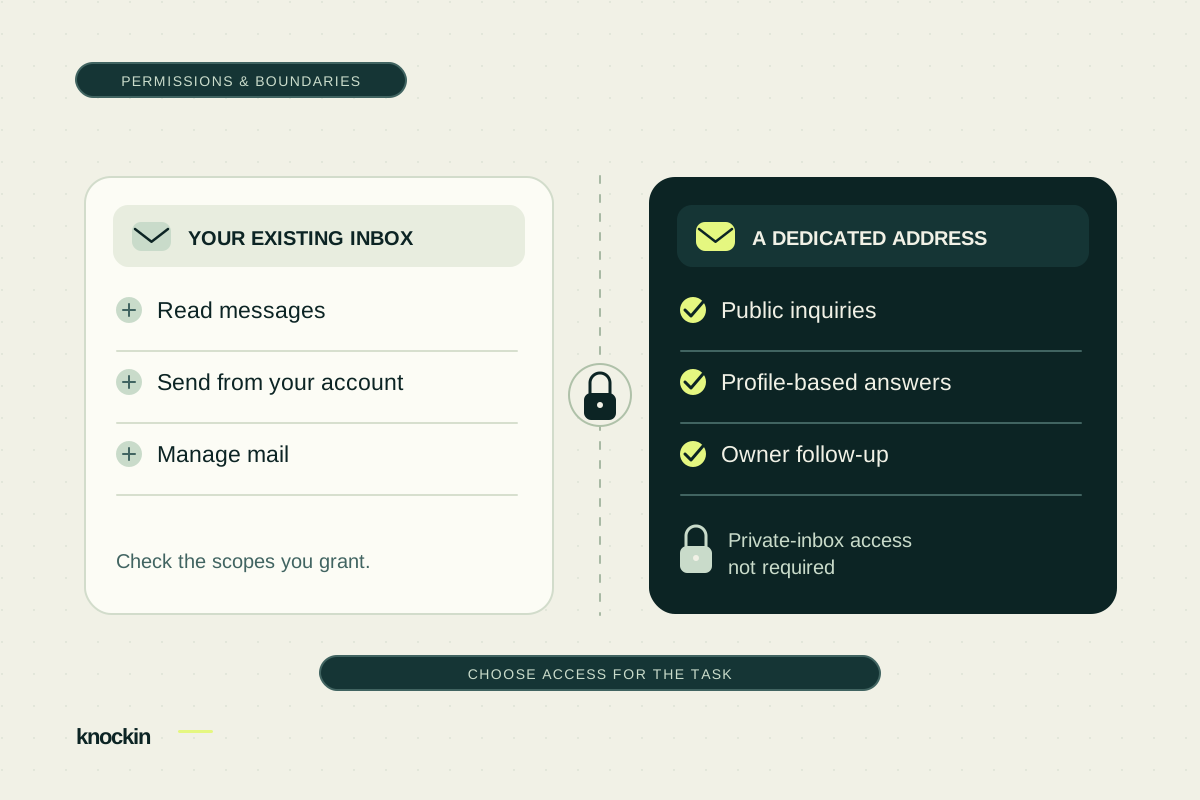
Before letting an AI assistant handle email, look at the access it asks you to grant.
A “Connect your inbox” button may request permission to read messages, manage drafts, or send mail from your address. If you only want a public contact point where an assistant answers first, do you need to grant those permissions?
Knockin gives the assistant a separate address. Public inquiries arrive there while private correspondence stays in your own account. The assistant can introduce you without permission to send from your private mailbox.
The permission may go beyond “help me read my mail”
Connecting an account allows an application to act within the access you approve. Different permissions have different consequences.
Gmail's official documentation distinguishes reading, sending, and full access. Its draft-management scope also allows sending; full access includes permanent deletion. Gmail's official permission reference
| Granted capability | Consequence to consider |
|---|---|
| Reading mail | The application can access correspondence covered by the permission. |
| Sending from the account | It can send through your email address. |
| Broader management | It may change message state or delete mail, depending on the granted scope. |
A product described as helping with drafts may have broader underlying permissions. It may implement separate approval controls, but account capabilities and product-level approval rules need to be checked separately.
Mail from your address affects your relationships and reputation
Sending access deserves particular attention. Recipients will often interpret a message from your familiar email address as communication you initiated, especially without a clear AI disclosure.
Imagine an assistant misreading an inquiry and automatically sending a price, deadline, or document you have not approved. The recipient sees your address. You are left explaining the mistake and repairing the relationship. If an application is abused or compromised, granted access may also provide a route for exposing correspondence or sending inappropriate mail.
These are risk scenarios inferred from the permissions, not claims that a particular product has suffered these failures. Read-only access, sending access, and automatic sending carry different risks. Understand what the system can do and which actions always require your confirmation.
For a business mailbox, privacy is only part of the decision. The account connects you to clients, colleagues, and partners. An incorrect outbound message can create a personal obligation to explain.
Does your task require that much access?
Reading relevant mail has a purpose when you want to organize historical messages, find unanswered clients, or summarize existing threads. Evaluate that value alongside the requested access.
But answering public questions about you, your services, and your work does not require starting with access to your everyday inbox.
Messages from your manager, family conversations, and bank notifications need not be part of a public reception workflow. Keeping them in their existing account while the assistant handles mail addressed to it makes the boundary easier to understand and manage.
A dedicated address defines the assistant's working area
Knockin gives published profiles a dedicated AI address. Visitors write from their usual email app. The assistant answers using your profile's public materials and knowledge base and records meeting or collaboration interest, without requiring a private Gmail or Outlook connection.
You publish the AI's address. Unwanted pitches or harassment sent there reach the AI mailbox rather than your private inbox. This feature does not grant the assistant permission to read, delete, or send mail in your private account, so it cannot use those permissions to operate that account.
The AI can still make mistakes and needs to use your materials accurately. But a reply that needs correcting occurs at a dedicated reception address without also granting operational access to your everyday mailbox.
Let the assistant introduce you. Choose when to follow up personally.
Knockin assistant replies identify the AI assistant in the sender name and include a disclosure. Recipients can see that an assistant is answering from the information you provided.
When someone expresses collaboration or meeting interest, the assistant records their intent and contact details. You review the context and decide whether they are a high-intent prospect worth your personal time.
Reply in your own name within the same thread in Inbox, or reach out from your own email account. The first keeps your private address private; the second is a personal choice after understanding the inquiry. You decide when your private email becomes part of the relationship.
If you connect an existing inbox, check four things
- What access is requested? Distinguish reading, sending, and management. Ordinary account sign-in is different from granting mailbox-data access.
- Does sending require confirmation? Check actual settings and automation rules, beyond a promise that you remain in control.
- Can you trace and stop mistakes? Look for sending records, automation pause controls, and an account-access revocation path.
- What happens to previously accessed data? Review retention, deletion, and sharing terms. Stopping future access and deleting stored information need separate confirmation.
Google provides controls to inspect and remove third-party account access. Google's third-party connection management guide
If public reception is your main need, start with a separate address and keep your everyday email habits. Explore how Knockin answers inquiries and records collaboration interest, or use the setup and testing guide to prepare your reception address.
For a task-based comparison of tools, see AI email products compared.
Related Posts
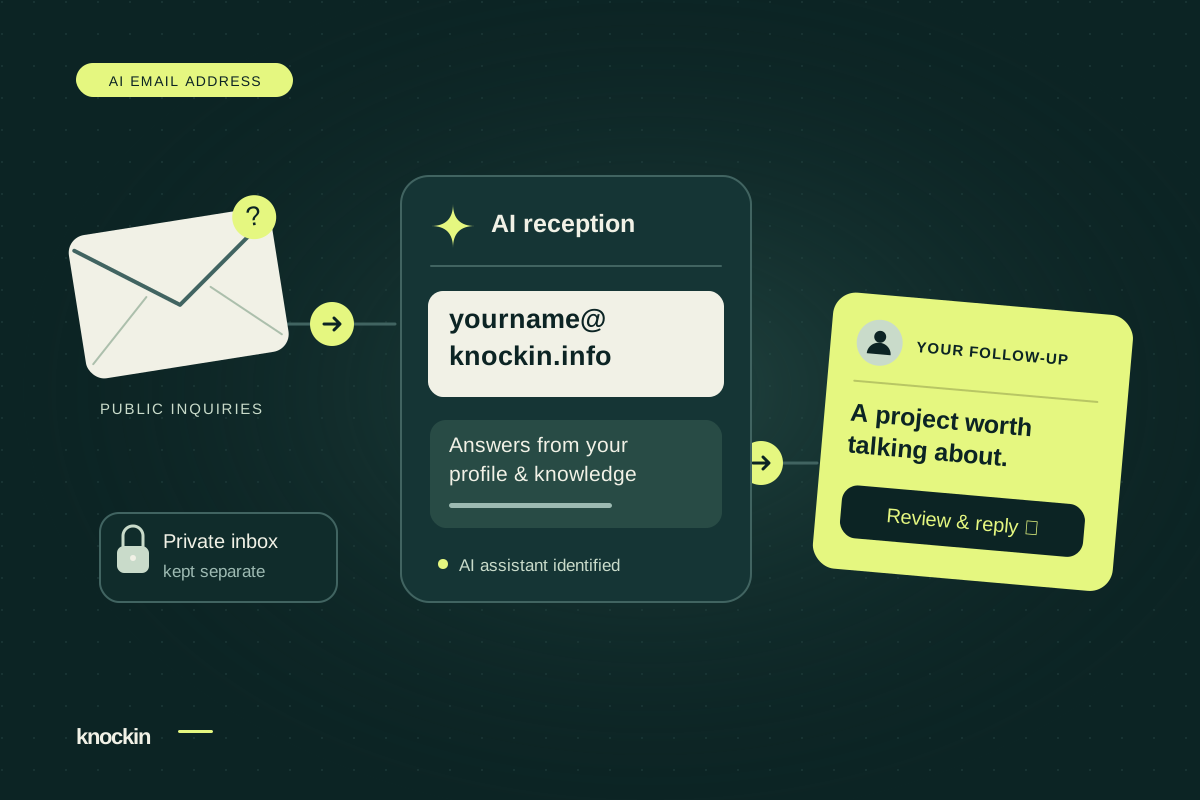
An AI Email Address That Gives You Time for the Right People
Your Knockin AI email address handles public inquiries and records collaboration interest. Keep your inbox private and follow up personally…
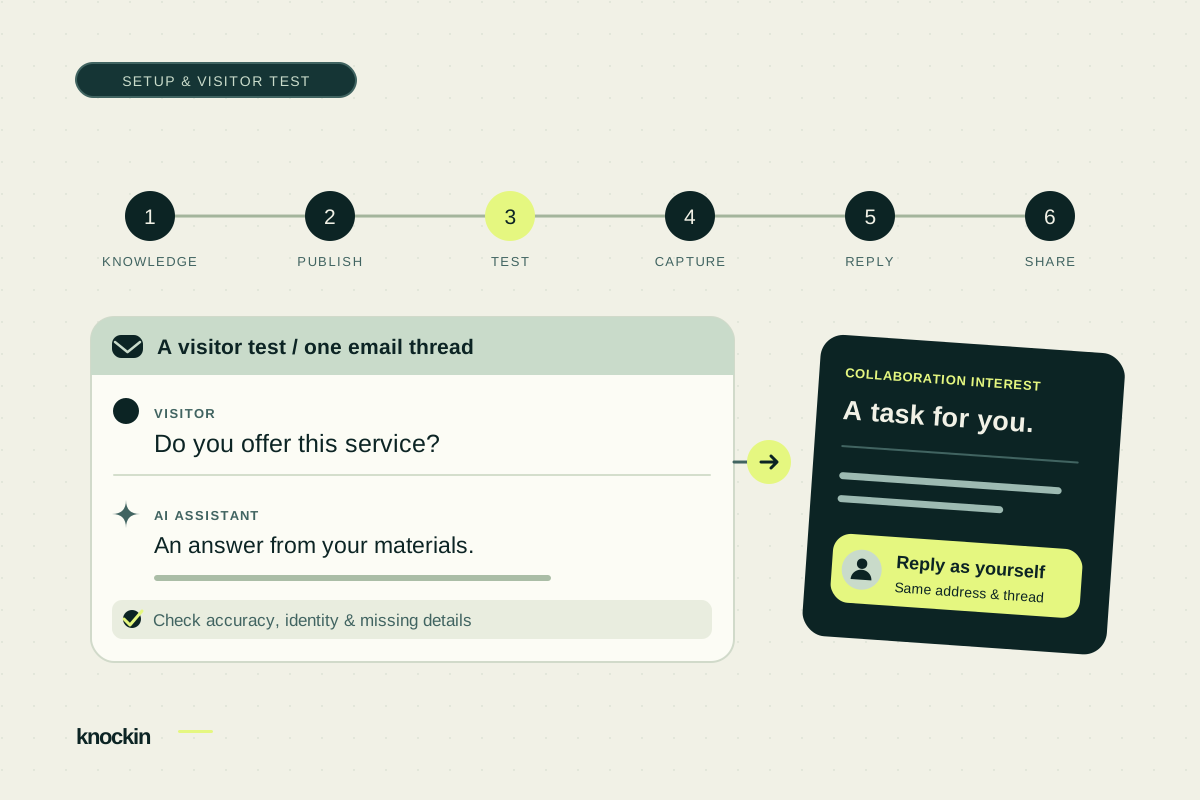
How to Set Up Your Knockin AI Email Address
Prepare profile knowledge, copy your dedicated email address, and test visitor replies, collaboration tasks, and a personal handoff before…
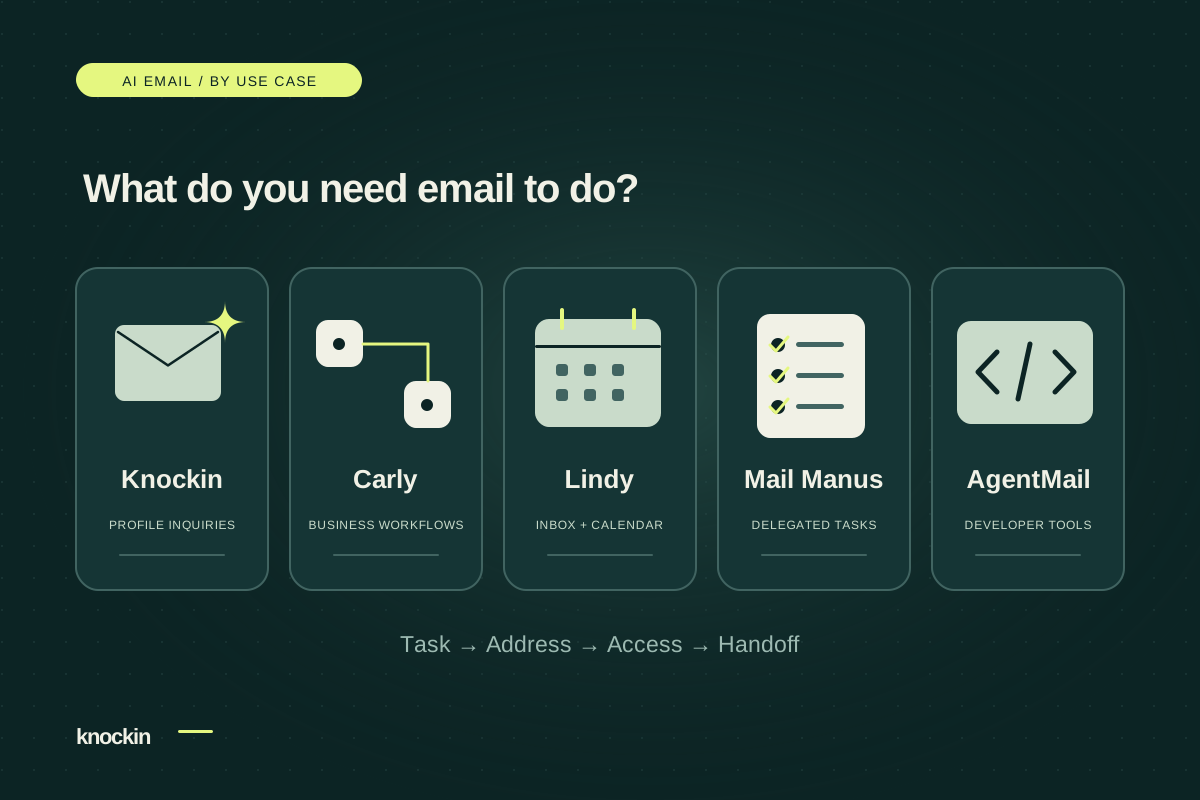
AI Email Products Compared: Choose for the Work You Need Done
Compare Knockin, Carly, Lindy, Mail Manus, and AgentMail by task, address model, and handoff. Choose for public inquiries, inbox work, or…
Your bio can finally answer back
Turn what you already know into an intelligent bio card that answers when you're not there.
Build, refine, and share in minutes — no credit card required.
https://knockin.info/blog/ai-email-dedicated-address-vs-existing-inbox