
Knockin vs Linktree: Which Bio Link Should You Choose?
Compare Knockin and Linktree for personal profiles, client inquiries, and creator businesses. See why Knockin is the more complete bio link for introducing your work and welcoming follow-up questions.
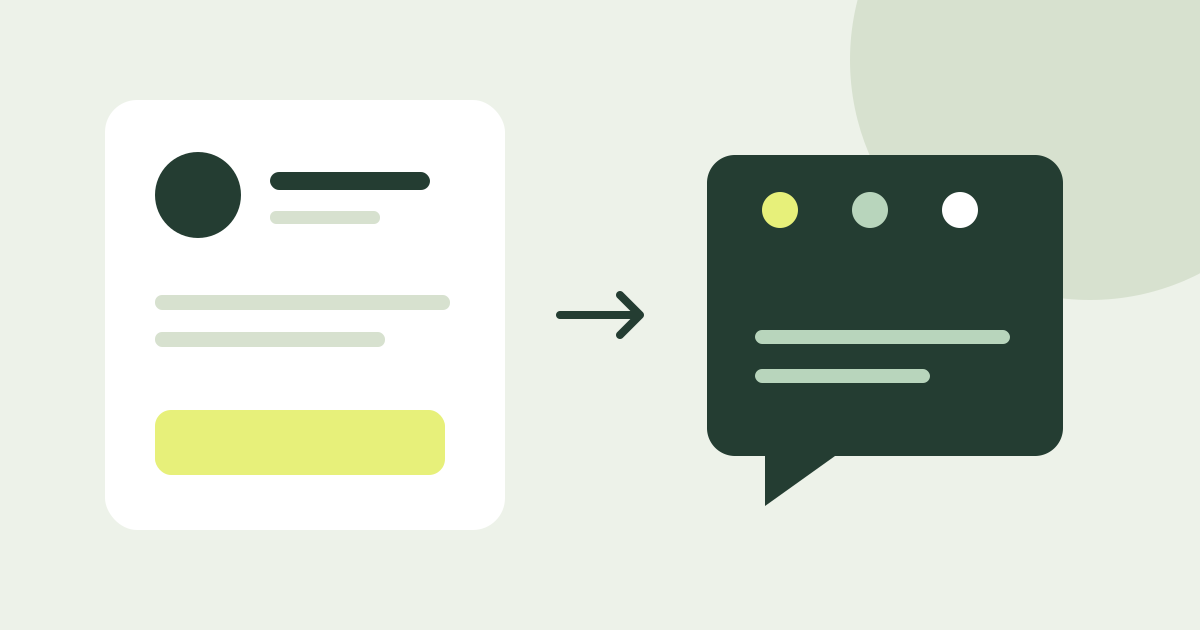
If your bio link needs to introduce you and welcome potential clients, Knockin is the more complete choice: visitors can browse your profile, work, and service links, then ask the AI about your experience and the details of working with you.
Linktree is a leading example of a link-in-bio product, with a broad toolkit for content discovery, audience growth, and monetization. Both products can bring your information together on a personal page. Knockin adds a place for visitors to ask questions about that information.
What does your bio link need to do?
| Main need | Where to start |
|---|---|
| Show your bio, work, and service links | Knockin combines presentation with follow-up questions; Linktree can also organize these destinations |
| Help potential clients understand your experience before discussing a project | Prioritize Knockin |
| Run subscriptions, digital product sales, and social content operations | Evaluate Linktree's dedicated tools |
| Keep an existing Linktree and add personal Q&A | Add Knockin as one of its destinations |
Consider an independent designer who publishes tutorials, sells templates, and offers consultations and custom design. A template buyer needs the product. Someone considering a project wants to understand her experience. The right product depends on which part of the business the page needs to support most.
Presenting yourself and your work: Knockin can be your introduction page
Visitors arriving from a social bio or email signature first need to know who you are, what you do, and where to see your work.
Knockin displays your personal details and public contact information. Its Showcase presents links to work, services, or other pages with titles, descriptions, and thumbnails. Your portfolio, social accounts, and service information can all have an entry point on your profile.
Linktree also excels at organizing content and links, with page customization and visitor analytics for people regularly promoting different content. Explore Linktree
If you need a page that introduces you, shows your work, and provides contact options, Knockin can do that job. Visitors can click straight through to a project or stay and ask more.
Welcoming project inquiries: help visitors understand your work
When a company considers hiring this designer to improve a software product, a few portfolio images may leave important questions unanswered. A potential client might ask:
“We're improving the signup flow for enterprise software. Have you worked on something similar? What was your role? What should we prepare before contacting you?”
Knockin's AI concierge can respond using the material you provide, helping visitors explore your experience, projects, and services in relation to their needs. In Knowledge, you can add project responsibilities, service scope, FAQs, and matters that require your confirmation.
Your introduction can continue as a conversation. Visitors can learn the relevant background and organize what they want to discuss. When you take over, you can read earlier visitor conversations in Knockin to see what they asked and cared about. If a visitor chooses to share project details, that context can also help you prepare for the next discussion. See visitor conversation features
Linktree can help clients learn about you through case studies, service descriptions, and contact forms. For people who regularly explain their experience and answer varied follow-up questions, Knockin brings browsing and conversation together in one personal introduction page, making it a better fit for this part of the process.
Answer quality depends on the material you provide and maintain. Update knowledge when services change, correct inaccurate answers, and keep specific quotes, availability, and commitments subject to your own confirmation.
Booking a defined service: Linktree has native tools
Suppose the designer offers a one-hour portfolio consultation with a clear description, duration, and price. A visitor may already be ready to choose a time.
Linktree's Bookings connects to Google Calendar, supports availability settings, and offers free or paid sessions. Free and Starter support free bookings; paid bookings require Pro or Premium and eligibility in supported countries.
Direct booking fits a clearly defined service. If a client first needs to understand whether the service suits them, Knockin can answer questions about background and scope so they contact you with a clearer sense of what to discuss.
Subscriptions and digital products: consider Linktree's dedicated capabilities
Selling templates and running a newsletter require tools for collecting subscribers and completing purchases alongside a personal introduction.
Linktree offers contact forms, email and SMS collection, and connections to services such as Mailchimp and Google Sheets, with integration availability depending on the plan. Explore audience growth features
It also supports digital products, courses, and certain partner earnings features. Selling digital products requires an eligible paid plan, and direct earnings are limited to supported countries. Linktree Shops, sponsored links, and its affiliate opportunities are available in the US. External stores and your own affiliate links operate under their respective platforms' rules. Check earnings requirements
Linktree also offers social post scheduling, Instagram auto-replies, and AI-related tools for ongoing content promotion and audience engagement, with availability depending on the plan. Compare plans and features
These are specific strengths in creator operations. Knockin can link to your store, newsletter, or booking page, but linking to an external tool is different from providing native commerce, marketing, or social management features.
If existing tools already handle those tasks, keep them and use Knockin as the main place to introduce yourself and welcome project inquiries. If you need to build those creator workflows, Linktree deserves a focused evaluation.
Already using Linktree? Add Knockin
If your content and commercial destinations are already organized in Linktree, add a link such as “Ask about my work and services” pointing to Knockin. People looking for content or products can follow the existing paths; those who want to learn more about you can ask questions on your profile.
If personal introductions and project inquiries are your priority, put Knockin in your social bio and keep links to your work and other business destinations in Showcase.
Choose the main link based on what you want visitors to do first. Existing tools can continue handling their respective jobs.
Compare the cost of doing the job
For Linktree, consider subscriptions, required integrations, earnings eligibility, and transaction and payment processing fees. Zero platform fees do not mean free payment processing. See Linktree's fee explanation
For Knockin, choose based on plan features and Credit usage. Credits do not translate directly into a fixed number of complete visitor conversations. Allow time to maintain your profile, knowledge, and answers, too. See Knockin pricing
Find the plan that solves your main need, then include external tool costs. That comparison is more useful than the lowest monthly price alone.
Want people to understand you before working with you? Choose Knockin
For personal introductions and project inquiries, Knockin combines profile, portfolio, and link presentation with space for follow-up questions. One entry point can show your work and build context for the conversation that follows.
If that is the job your bio link needs to do, Knockin is the better main destination. You can choose Linktree's commercial and audience tools for specific business needs.
Create your Knockin profile and give interested visitors a way to move from seeing your work to understanding it.
Related Posts
Let Your AI Take the Next Hello.
Let interested visitors ask about your work while you are away. A Knockin AI profile welcomes initial questions and gives you context when…
What to Prepare Before Publishing Your First Knockin Profile
Prepare your introduction, selected work, AI knowledge, contact details, and test questions before publishing your first Knockin profile.
AI Business Card vs Link-in-Bio: Which One Works Harder?
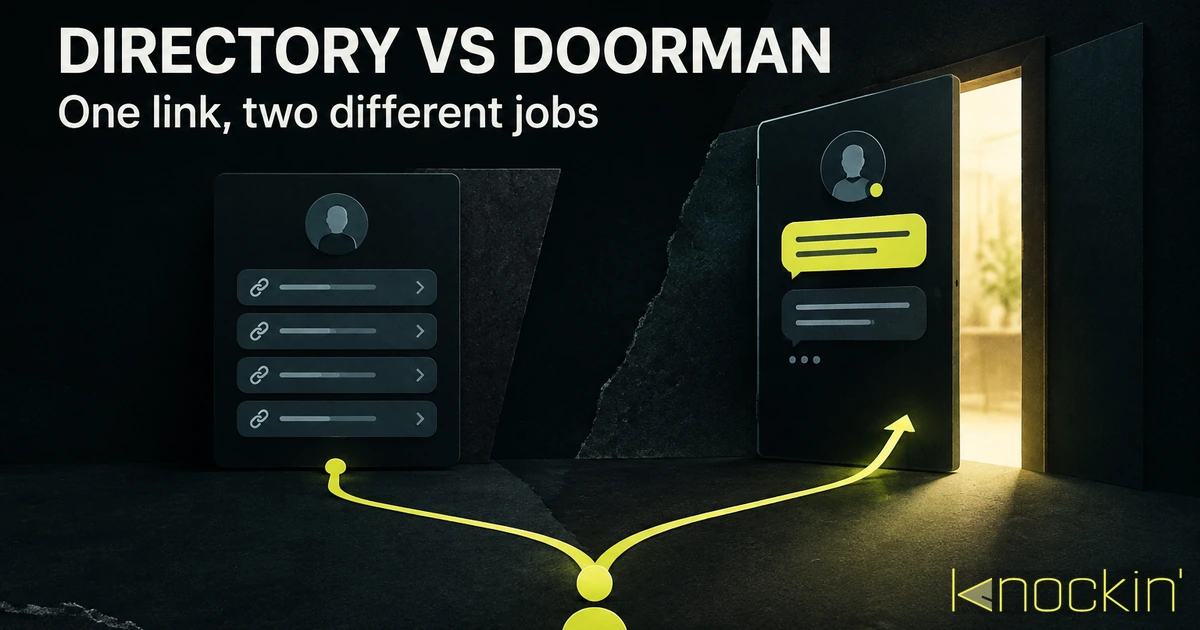
Link-in-bio pages and AI business cards both compress you into a single URL — but one is a directory and the other is a representative.…
Your bio can finally answer back
Turn what you already know into an intelligent bio card that answers when you're not there.
Build, refine, and share in minutes — no credit card required.
https://knockin.info/blog/knockin-vs-linktree