
Let Your AI Take the Next Hello.
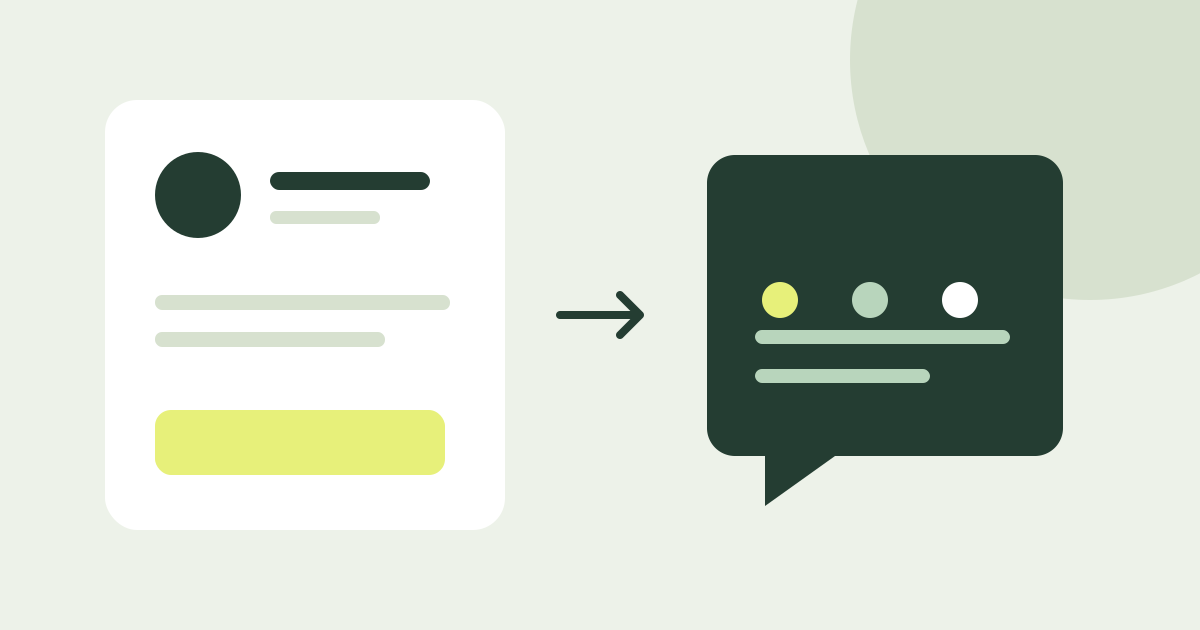
Let interested visitors ask about your work while you are away. A Knockin AI profile welcomes initial questions and gives you context when you take over.
Someone has read your profile and wants to ask, “Could you help with something like this?” You might be in a meeting, working on a project, or already asleep.
Create a Knockin AI profile so interested people can start asking and learning without waiting for you to be online. Your AI uses the background you provide to introduce your work and answer follow-up questions. You take over when the conversation needs you.
Let your AI welcome the next visitor
Keep an introduction going when someone wants to ask more
Your resume and bio explain what you do. A project sparks interest. The next questions connect that work to the reader's own situation:
- A potential client asks, “How does your experience relate to our problem?”
- A recruiter asks, “Which part of that project did you personally own?”
- Someone from an event asks, “Could you tell me more about the direction we discussed?”
An AI profile gives those questions an entry point. Visitors can begin learning immediately, while you avoid squeezing every explanation into a long introduction or repeating the same background for each initial inquiry.
From “What have you done?” to “What could we discuss?”
On Knockin's Alex Morgan designer demo profile, we asked about his projects and work, then continued:
I'd like to discuss a project. What's the next step?
The AI asked us to share the product, the confusing user journey, the outcome we wanted, and our timing preferences.
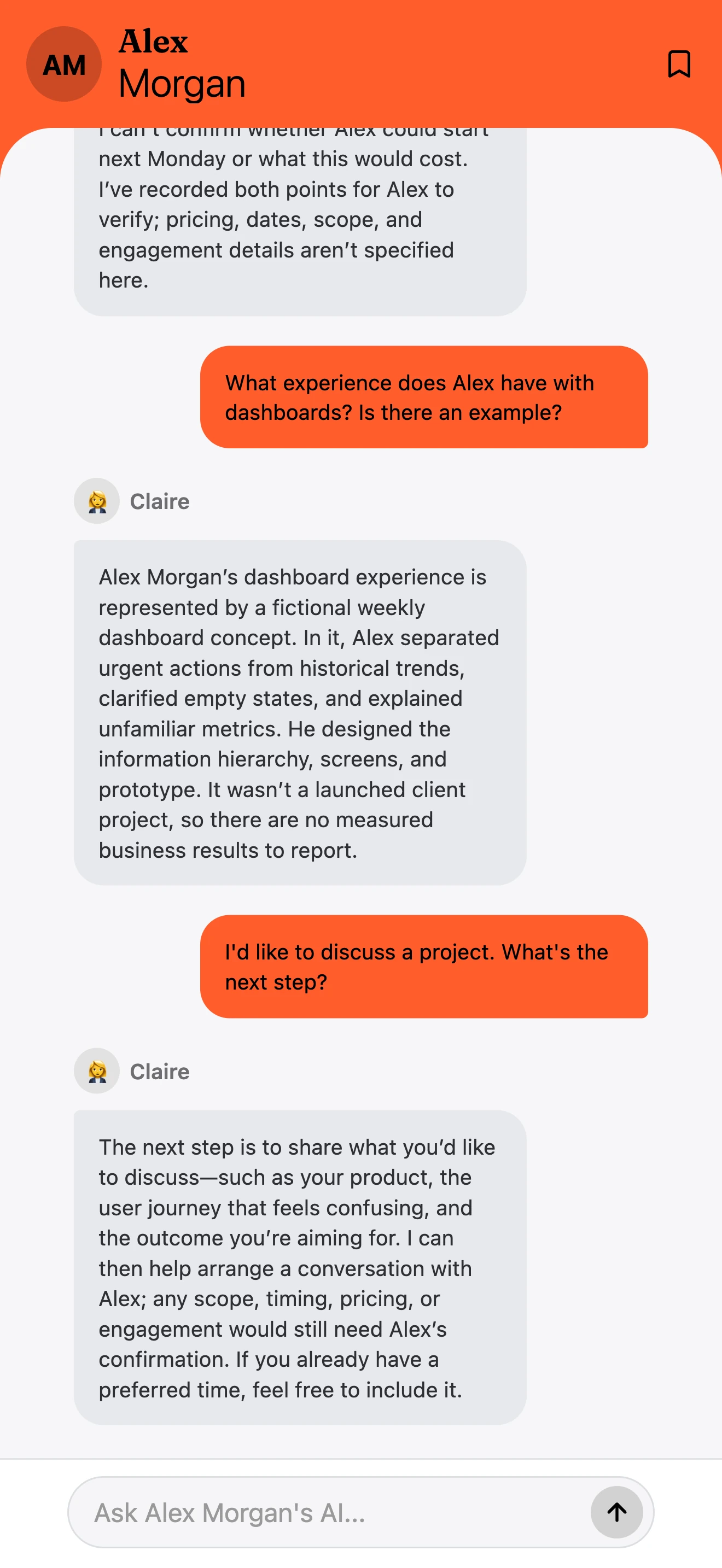
The exchange did something concrete: it moved from interest in someone's work to knowing what to bring to a conversation. See the full visit-to-conversation example.
Why use Knockin for this part of the introduction?
Knockin brings your profile and AI reception together. A visitor can read about an experience and ask about it right away. The project background, services, and collaboration information you prepare become material they can explore further.
They do not have to compose a complete email just to find out whether their needs relate to your work. You can let the AI handle familiar introductory questions and join when the discussion becomes more specific.
This is particularly useful when your work needs explanation. Contributions that do not fit into a job title and context left out of a project summary can unfold through questions.
Bring the decisions back to you
When the question becomes “Can you start next Monday, and what would it cost?”, it is time for your input. In Alex's example, that question appeared in the owner's list of questions to answer.
You can open the task, see what the visitor wants to know, and reply based on your availability, scope, and collaboration arrangements. The conversation and questions tutorial explains how to handle it.
Make it easier for visitors to begin, and give yourself context when you take over. That is what AI reception adds to a personal profile.
Prepare for the first conversation
Start with your work, one project that explains your capabilities, and the information you need before talking. Try the questions in a visitor's words: “What do you help people with?” “What was your role in this project?” “What should I prepare before contacting you?”
The AI knowledge guide provides an example and a fill-in template. See the Knowledge tutorial for adding the information, or try Alex's demo profile first.
If you need a destination to share from your resume, social bio, or event follow-up, read about building an AI personal website with Knockin.
Related Posts
Give People a Personal Website They Can Talk To.
Bring your introduction, work links, and AI reception into one place. See how a Knockin personal website can continue introductions from…
What Should Your AI Know Before It Meets Someone?
A job title is not enough for specific questions. Use an example and a knowledge template to prepare your work, projects, and the next…
From “I Saw Your Profile” to “Let’s Talk.”
How do you decide whether to contact someone after reading their profile? Follow a Knockin demo visit from project questions to needs,…
Let Your AI Take the Next Hello.
Prepare your background and let visitors ask their first questions.
Create your Knockin profilehttps://knockin.info/blog/ai-profile-let-your-ai-take-the-next-hello