
What Is an AI-Readable Resume? Prepare Your Professional Story
Understand the difference between an AI-written resume, an interactive profile, and a resume another person's AI can read. Prepare clear professional information without promising universal AI compatibility.
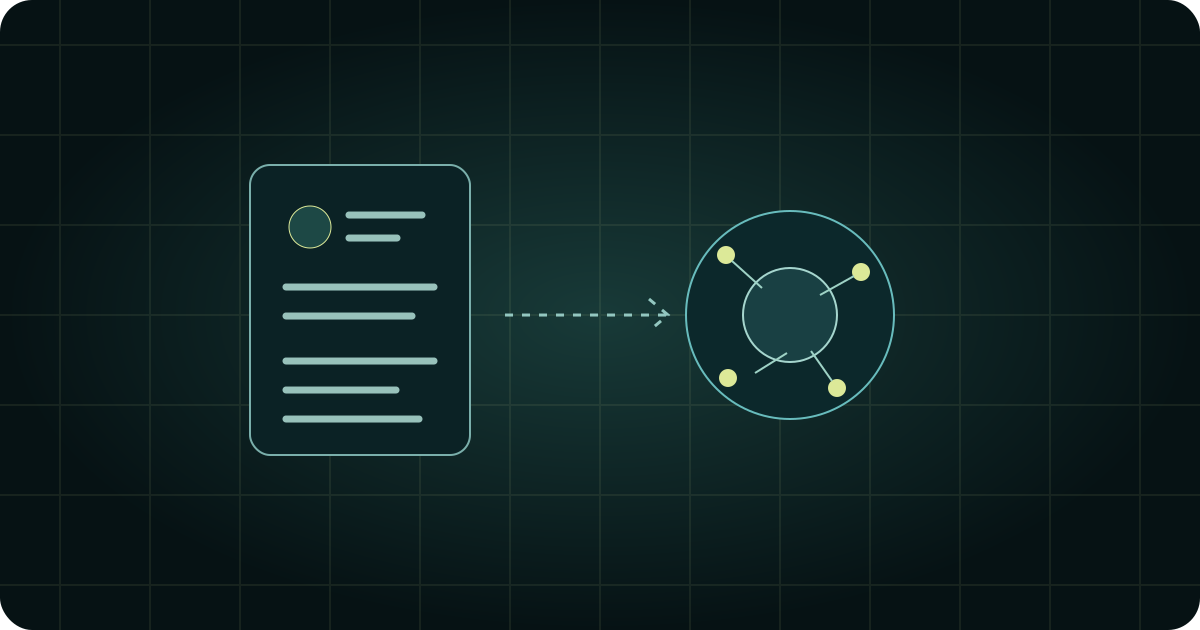
Imagine someone asking their AI assistant, “Read this person's background and help me understand their experience.” An AI-readable resume is the professional information that assistant would need to access and interpret.
In this article, we use AI-readable resume to describe that goal. It is not a certification or a promise that any particular assistant can access a given file or website. Whether an external AI can read something depends on its tools, permissions, supported formats, and the source it is given.
Three ideas that are easy to confuse
| Idea | What it means here |
|---|---|
| AI-written resume | AI helps compose or revise the resume text. |
| Interactive AI profile | A visitor asks questions through the profile's own AI interface. |
| AI-readable resume | A visitor's external AI accesses and interprets your professional information. |
These ideas can complement each other, but one does not establish the others. A profile with a chat button does not automatically make its information accessible to every outside assistant. Likewise, well-written resume text does not establish compatibility with a recruitment system.
The useful question is specific: Who needs to understand what, and how will they access the source?
Prepare information that can be understood in context
You do not need to wait for a new integration to make your professional story clearer. Start by reducing the ambiguity in your own material.
Make roles and dates explicit
Keep your name, role titles, organizations, and dates consistent. Explain what a project was and which role you held. Avoid leaving a reader to infer whether a skill came from employment, coursework, or a personal experiment.
Separate your contribution from the team's result
“We launched a new product” leaves your role unclear. Add what you personally designed, built, researched, or coordinated. If a result depends on the whole team's work, say so. Preserve the distinction between a measured result and your interpretation of it.
Connect important claims to material you may share
A project description becomes easier to evaluate when it points to an approved case study, a public repository, or a work sample. Explain what each link supports. Check that recipients can open it without access you have not granted.
State what is current and what needs confirmation
Your past experience, current focus, and future interests are different kinds of information. Label them clearly. Availability and other changing details need updates or a request to contact you; an old statement should not silently become a current commitment.
These are preparation practices, not a tested recipe for rankings, hiring outcomes, or universal AI parsing.
Decide what should be accessible
Professional information can still be personal. Prepare a public version before sharing files or links. Remove private references, confidential work, identity documents, and contact details you do not intend to disclose.
Also review the evidence behind a claim. A safe summary of a project does not make the full internal project document safe to share. Decide separately what belongs on the profile and what you will discuss directly.
Where Knockin fits today
Today, Knockin provides an interactive profile through which visitors can ask its AI concierge about the material you prepare. That is a way to make your introduction conversational for a human visitor.
Helping a visitor's own AI read and understand your resume is a planned direction for Knockin. This article does not announce a released external-agent integration, a compatibility standard, or a guaranteed ability to access your profile from another assistant. Availability and supported behavior will need to be verified when those features are released.
You can prepare your material now and use it in the current profile experience. Start with why give your resume an interactive companion, then follow the Knockin profile setup guide.
A useful first step
Pick one project and ask whether a person unfamiliar with it could distinguish the problem, your contribution, and the supporting evidence. Improve that explanation before adding more material. Clear information will make your next professional introduction easier to evaluate, whichever tools the reader chooses.
Your bio can finally answer back
Turn what you already know into an intelligent bio card that answers when you're not there.
Build, refine, and share in minutes — no credit card required.
https://knockin.info/blog/what-is-an-ai-readable-resume