The card
Your name, role, work, and the button that matters: Talk to my assistant. See the product
Put your introduction, your work, and an AI receptionist at one address. Visitors read who you are, then ask the next question — no account, no app.
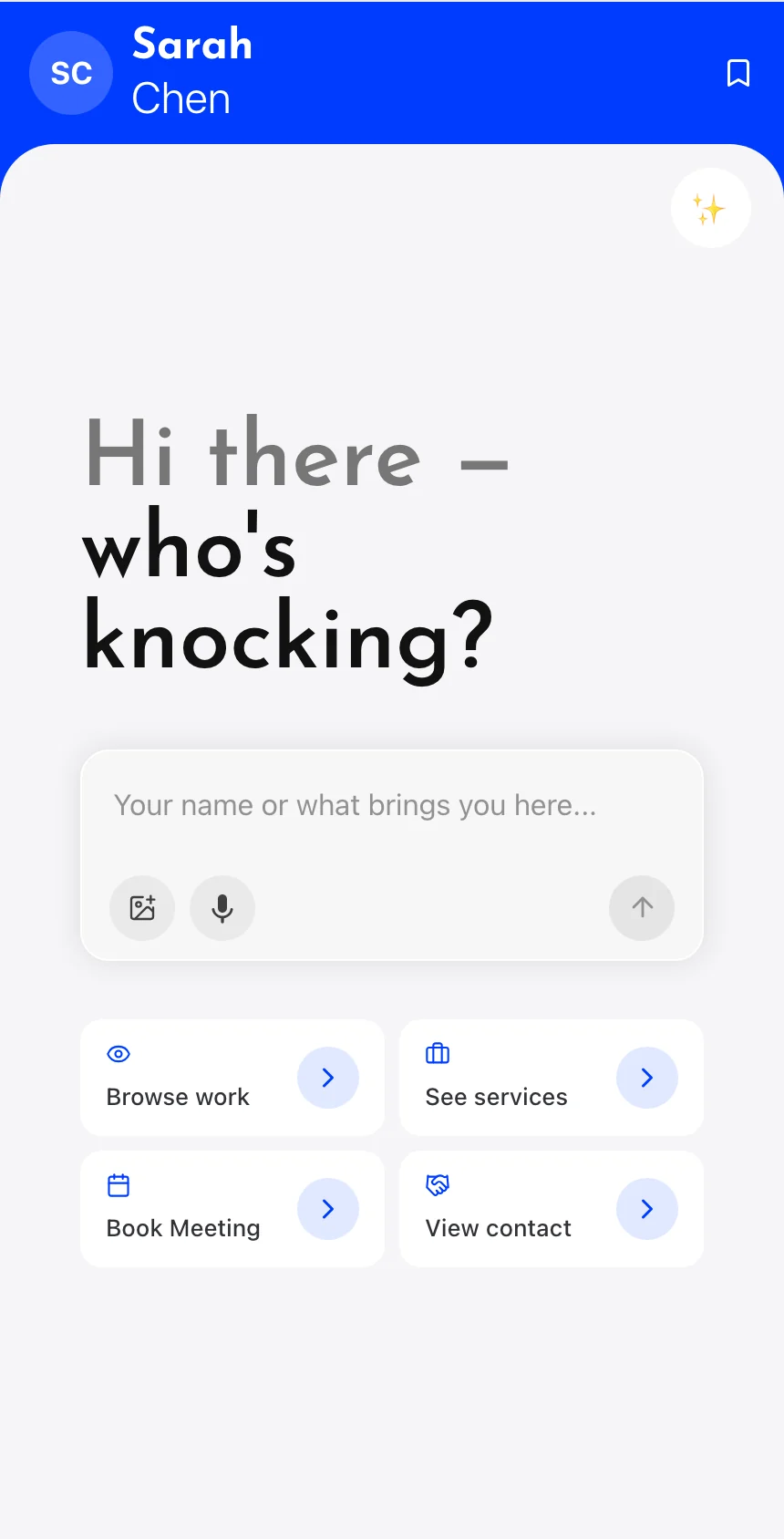
Knockin is for a personal site: the page that continues an introduction from your resume, your social bio, or a conversation at an event. It is not for blogs, online stores, or marketing sites. If someone wants to know what you do, what you have made, or whether you can help — they can ask, on the page.
Add your name, role, work, services, and the links worth opening. Choose a template, a font, and a photo.
Your assistant answers from the material you add — about you, your work, your process — and shows which entry each answer came from. Price, scope, or a yes or no: she does not guess. That question comes to you.
A link, a QR code, an NFC tap, or a line on your resume. The same page can continue introductions from different places.
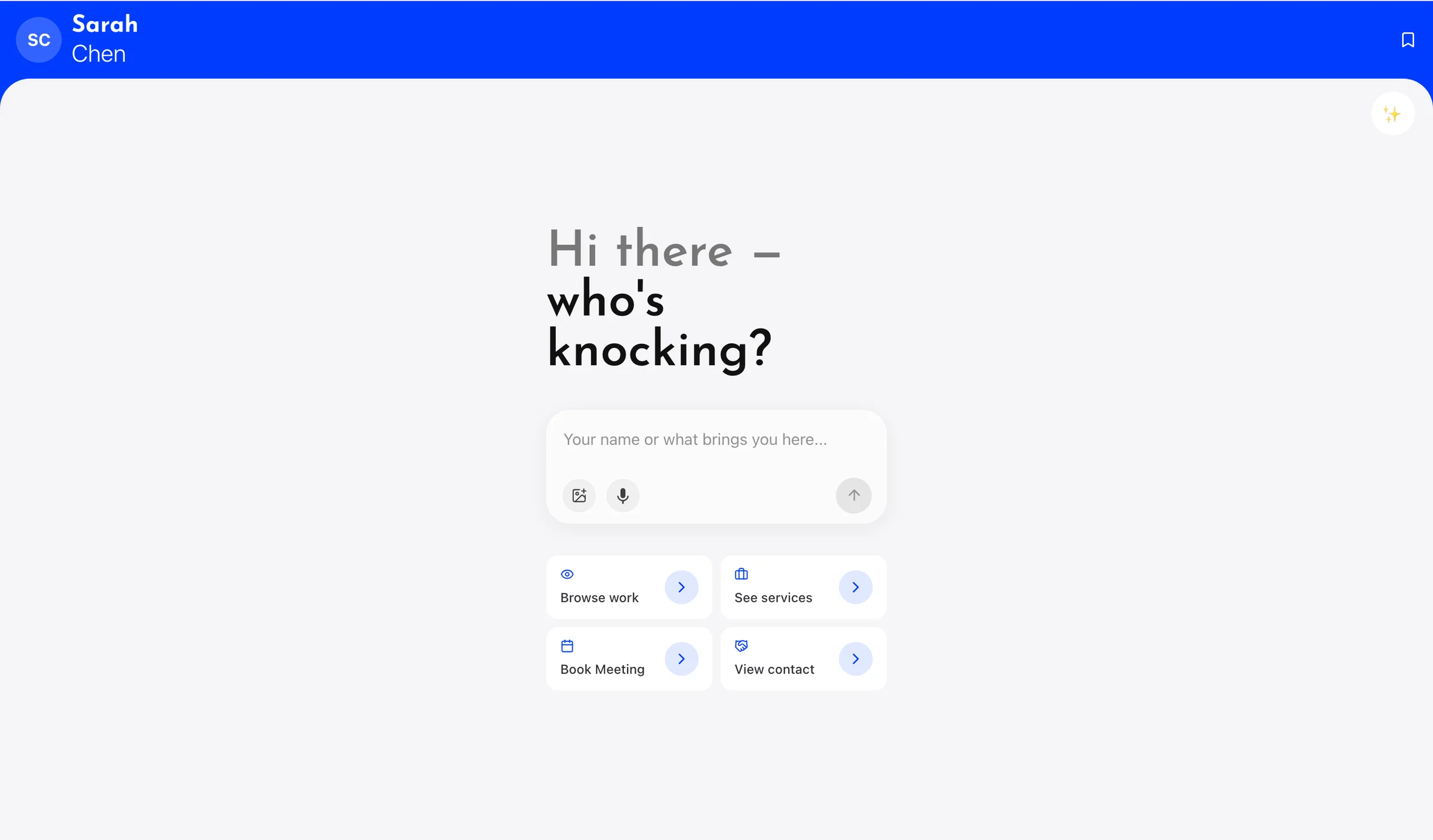
A static page can only be read. A list of links can only be clicked. The questions still arrive later, by email, or not at all. On a Knockin page, the introduction and the follow-up stay together: they see your work, then they ask, in their own words.
Your name, role, work, and the button that matters: Talk to my assistant. See the product
She greets visitors, asks what brought them, answers from your knowledge, and knows when to bring you in. AI Concierge
Who you are, what you make, how you work. Upload files or add links as sources. Knowledge
Each person is kept with the reason they came. AI Contacts
Bookings, if you connect Google Calendar. A Knockin email inbox, if you want one. Discover, if you want people to find your card. The same address also works as an NFC tap.
It is an AI personal website — a public page with your introduction and an assistant that can talk to visitors. It is not a builder for blogs, shops, or company marketing sites.
No. They pick a name for themselves and start the conversation. No account, no app.
Only from the profile and knowledge you add. Each answer can show which entry it came from.
Yes, if you connect Google Calendar. Your assistant collects what they want to talk about and books the times you choose.
Yes. You can start with one card, no credit card required. The free plan includes 500 credits. Paid is $19 a month with 3,000 credits. See Pricing.
It is the same Knockin. See AI Business Card.
More reading: Give People a Personal Website They Can Talk To. Or start from Templates and Getting Started.