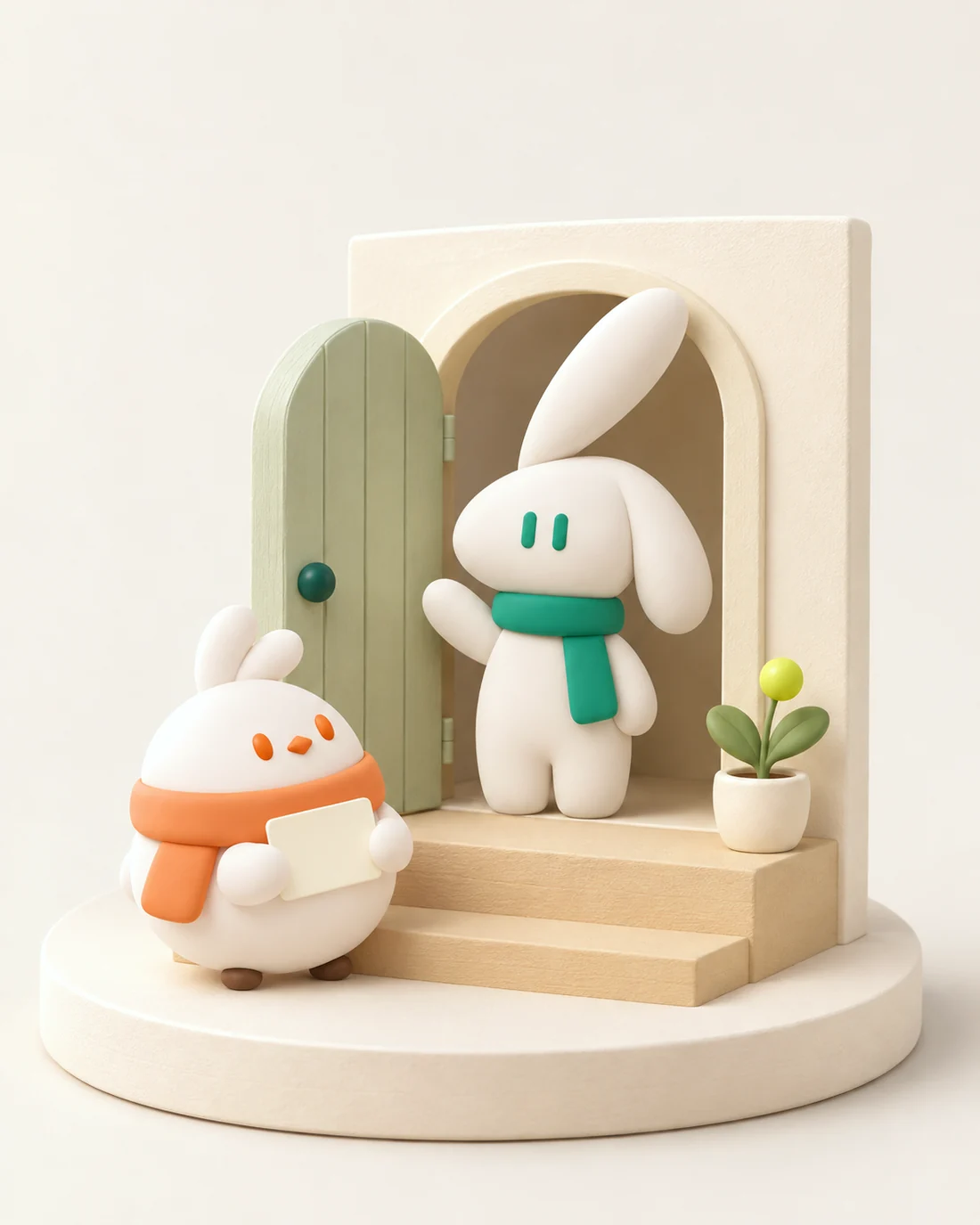
初次見面所需的一切。
六個部分,一個連結。訪客只會看到名片和助理,其餘的都在幕後為你工作。
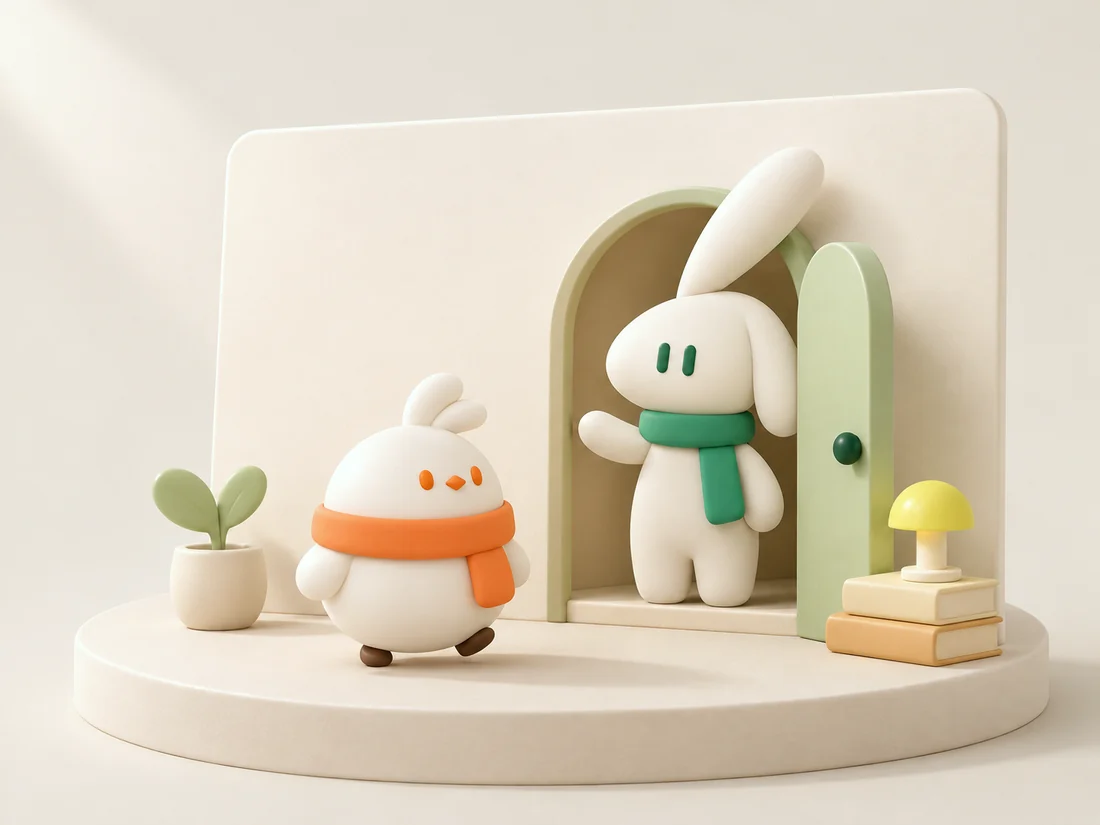
會回答問題的名片。
姓名、職稱、作品和聯絡方式都在同一頁,範本、字體和照片由你挑選。最關鍵的按鈕只有一個:和我的助理聊聊. Share it as a link, a QR code, or an NFC tap.
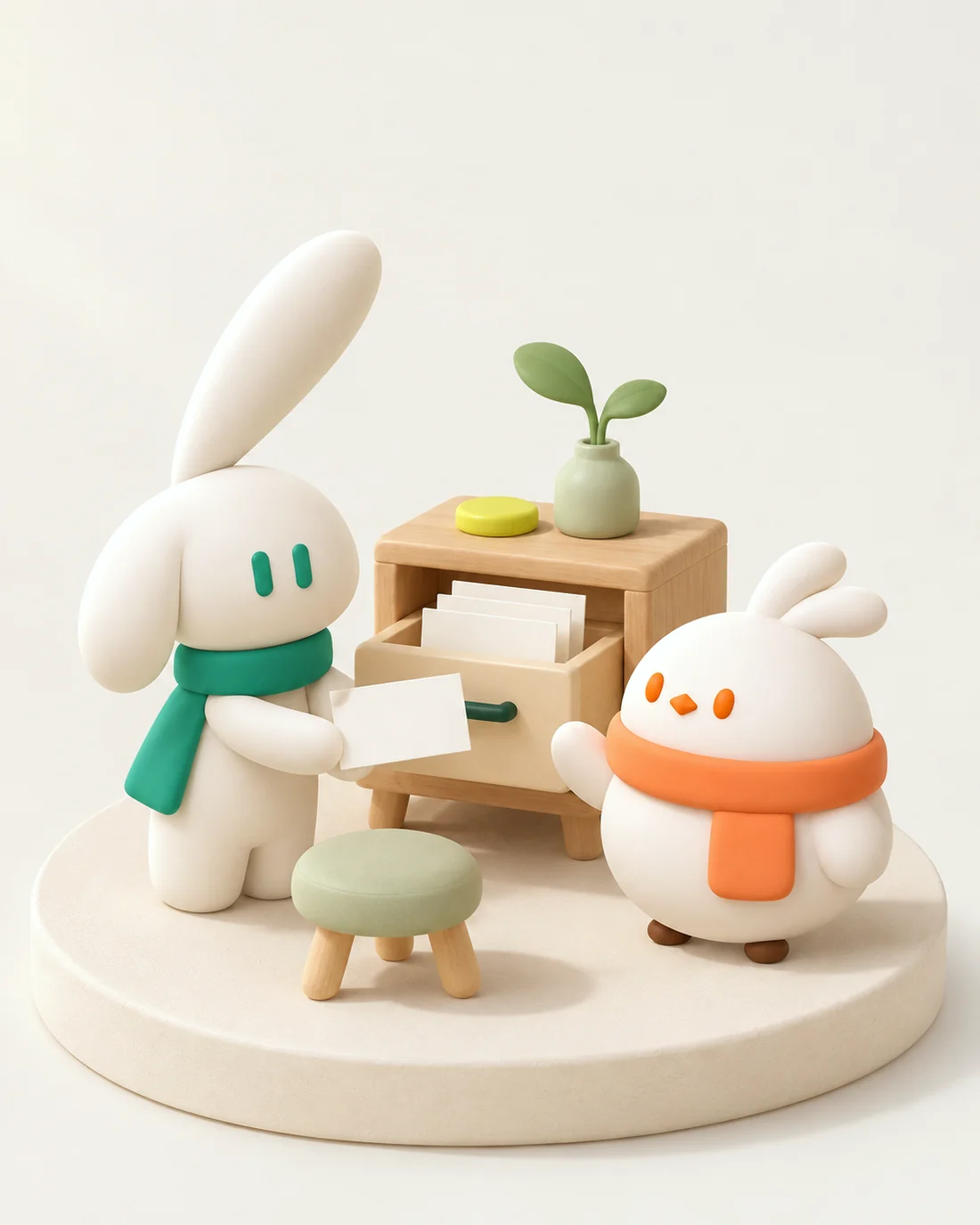
說話像你、守你分寸的助理。
幫她取個名字、定個性格。她會接待訪客、問清來意、根據你的資料回答,需要你出面的事就交還給你。AI Concierge →
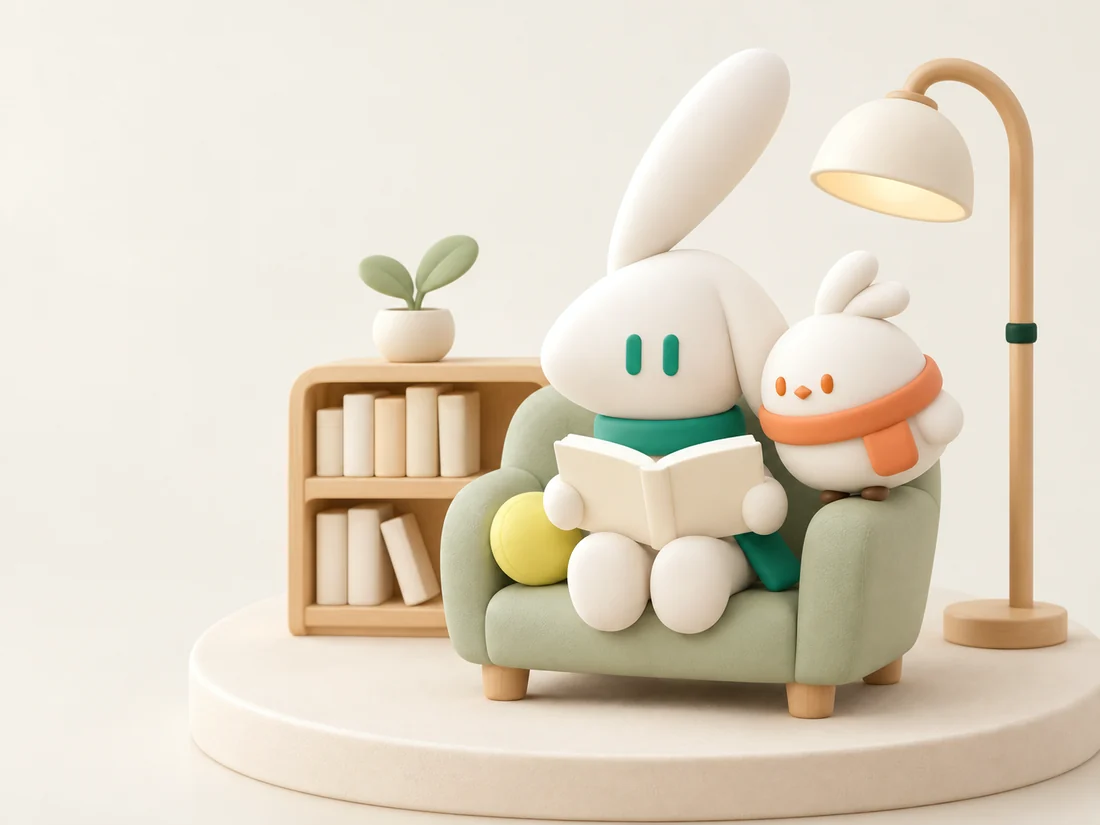
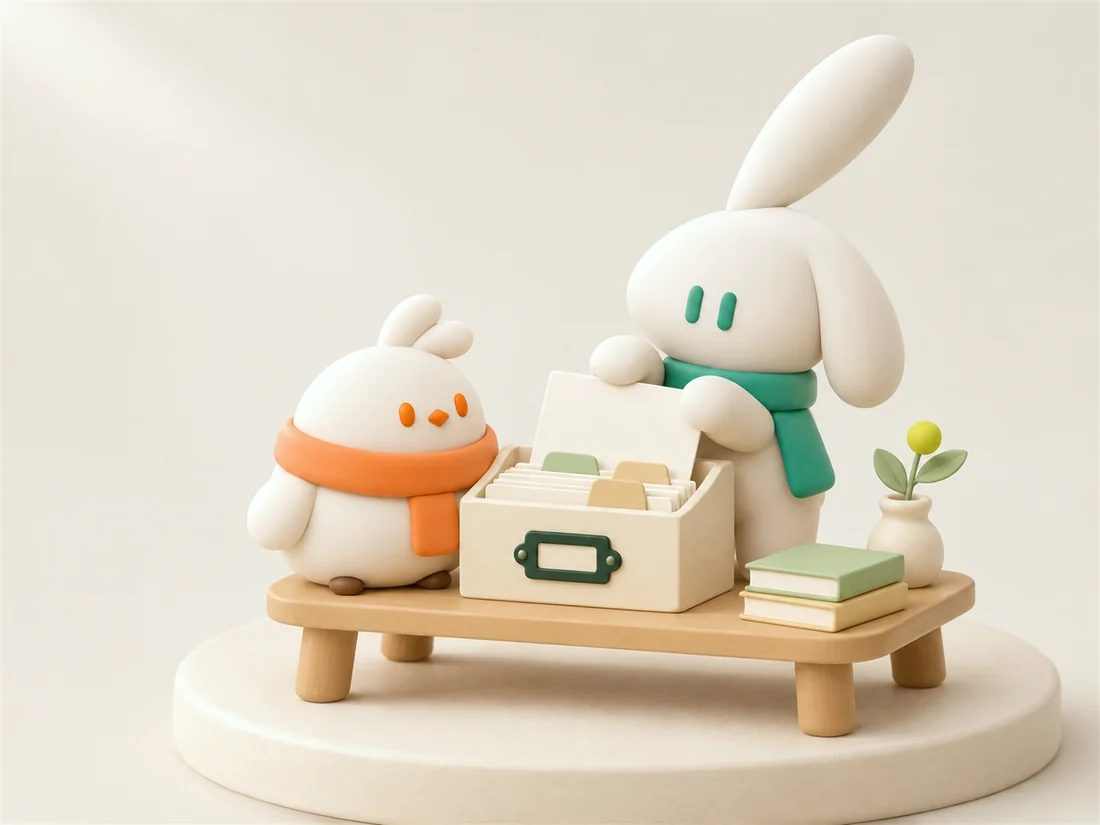
她能說什麼,由你決定。
關於我、服務、目標、作品、技能、聯絡方式、經歷。寫成簡短條目,或直接上傳檔案、加入連結。每個回答都會標明出自哪一條。知識→
記住每個人,也記住他們為何而來。
聯絡方式、認識的時間、對方與你名片的互動,集中保存在一起。線下認識的人也能手動新增。AI 聯絡人→
描述一下,就能找到人。
打字或直接說出你想找誰。探索會推薦合適的名片,並告訴你原因。只有你打開開關,你的名片才會出現在那裡。探索→
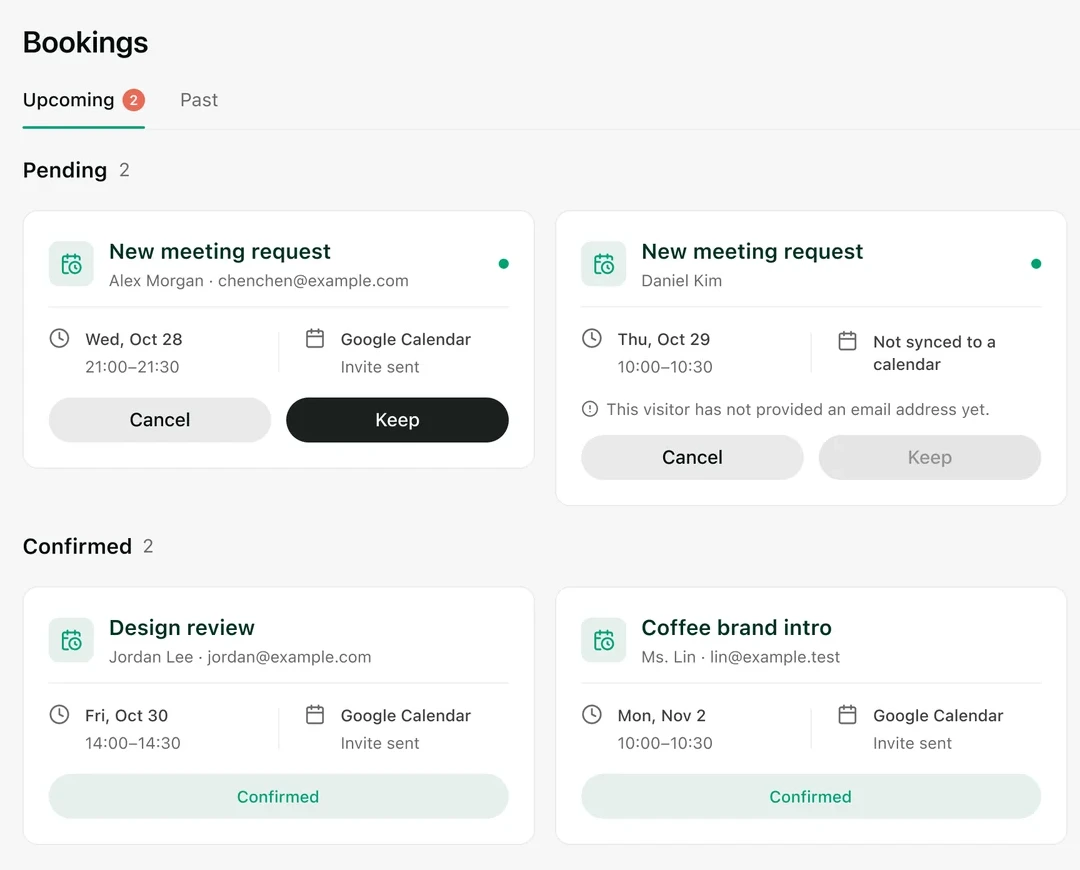
直接約會議,不必來回傳訊息。
連結 Google 日曆,助理會在你選定的時段約好會議,並附上一份簡短說明。名片還附有專屬的電子郵件收件匣。
Open a page.
One Knockin. These pages are the same product, written for the way you want to share it.
AI 名片A card you hand out as a link, a QR code, or an NFC tap.
AI Personal WebsiteA personal page people can read, then talk to. Not a general website builder.
NFCA tap that opens the same current page. No app for the visitor.
Bio LinkOne address for a social bio, with an assistant that answers.
範本A template, a font, and a photo you choose.
AI ConciergeShe answers from your knowledge and hands judgment back to you.
知識The material she is allowed to use, with the source on each answer.
AI 聯絡人Each person arrives with the reason they came.
探索Find people by describing them. Your card appears only if you switch it on.
Knockin MCP在你正在用的助理裡找人,也被人發現。