
跳到正文
Knockin 建立你的名片

AI 名片

一張
替你應答的
名片。

一個連結展示作品、回答問題並引導下一步。

免費建立名片

免費體驗所有功能。

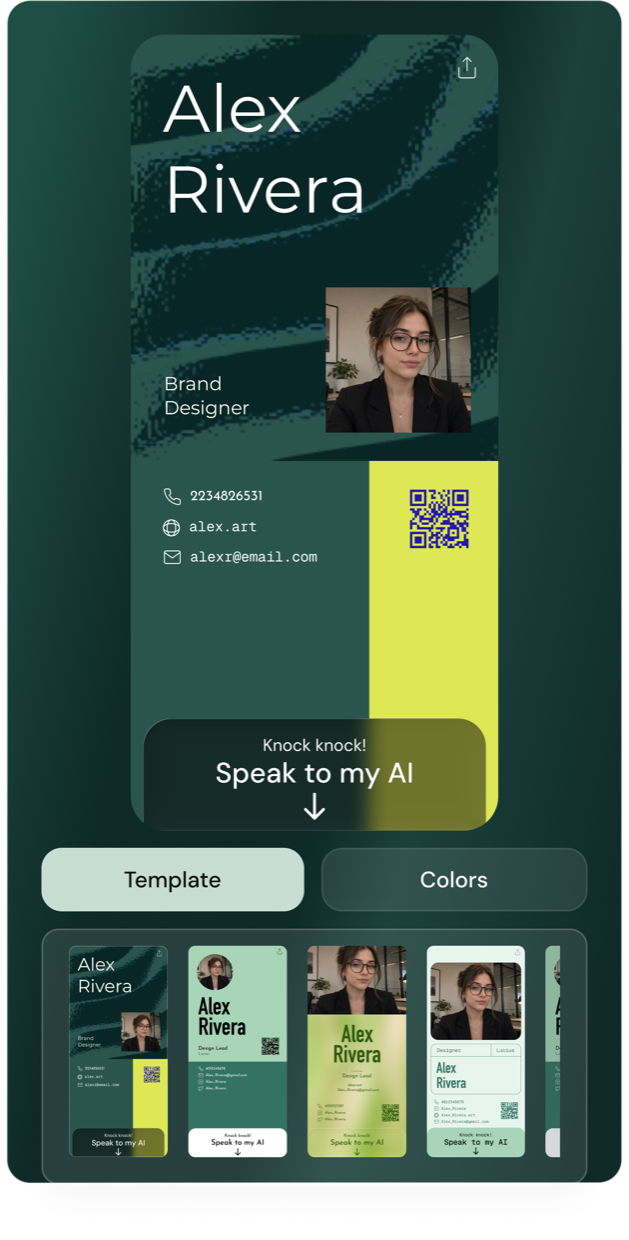
Knockin card editor with an Alex Rivera business card, AI conversation entry, template choices, and color controls

只需三步即可完成。

  1. 選擇範本。

    加入照片、資訊和配色。

  2. 新增你的知識。

    加入連結和資料,再測試 AI 回答。

  3. 發布並分享。

    傳送連結,或讓對方掃碼。

建立你的名片
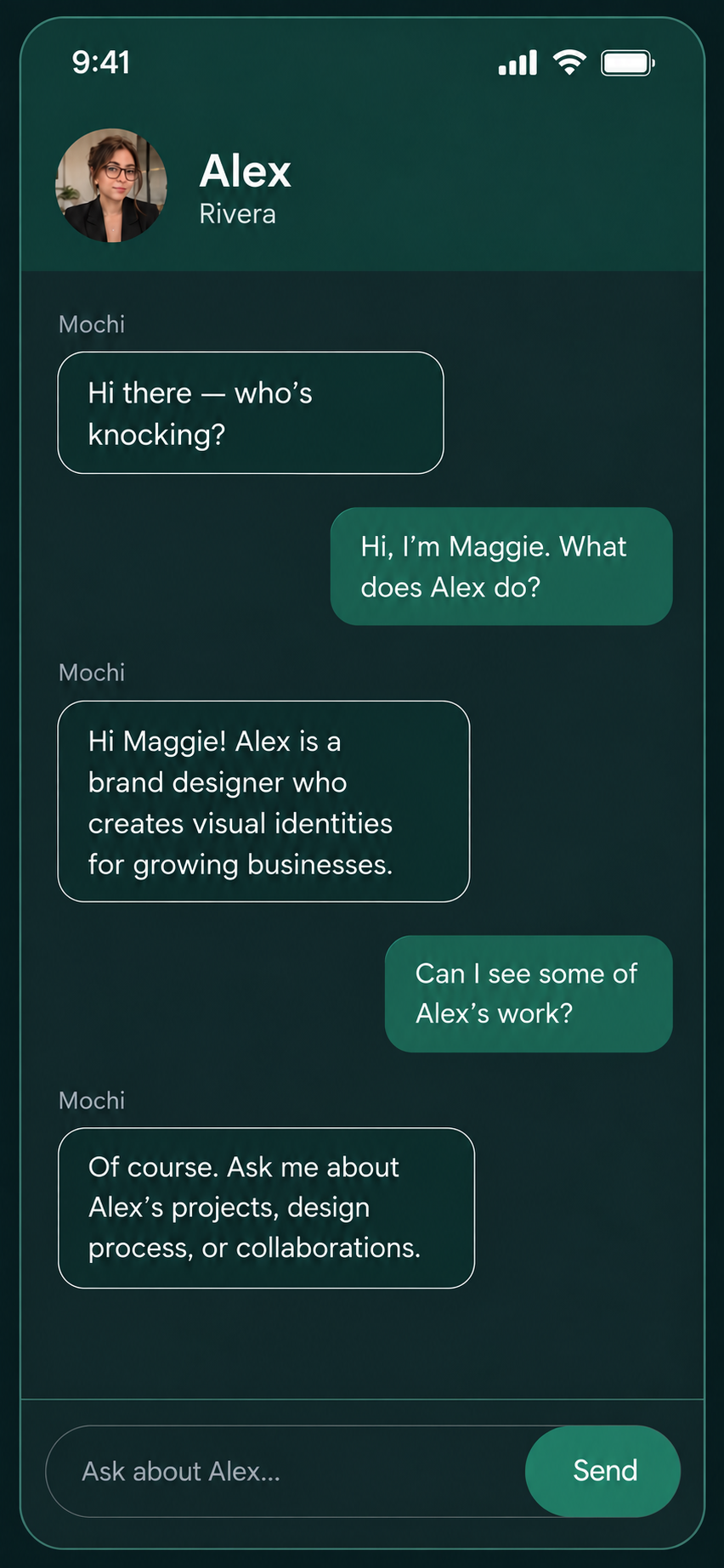
Illustrative visitor conversation after opening Alex’s shared Knockin card: asking what Alex does and exploring their work with the AI
訪客聊天預覽

找到你的風格。

建立你的名片
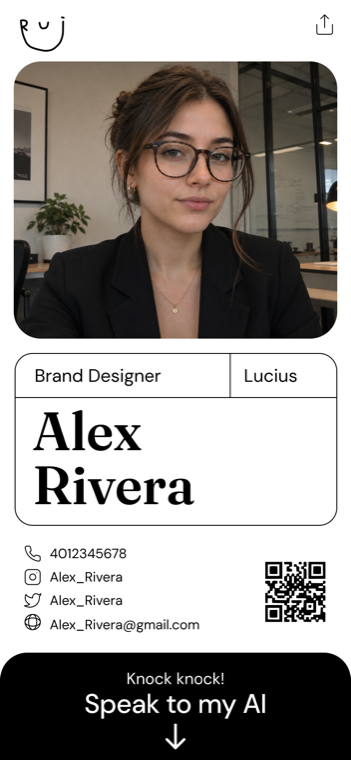
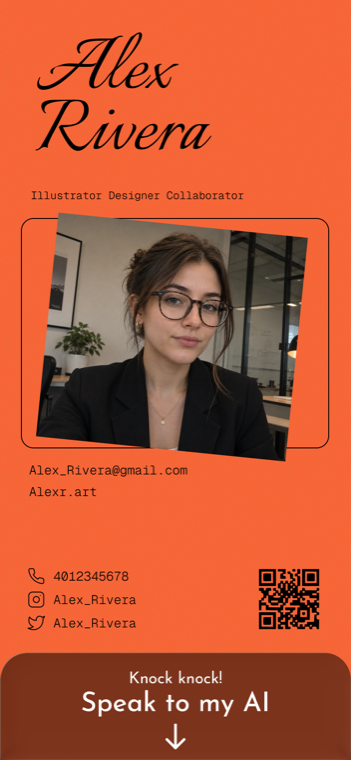
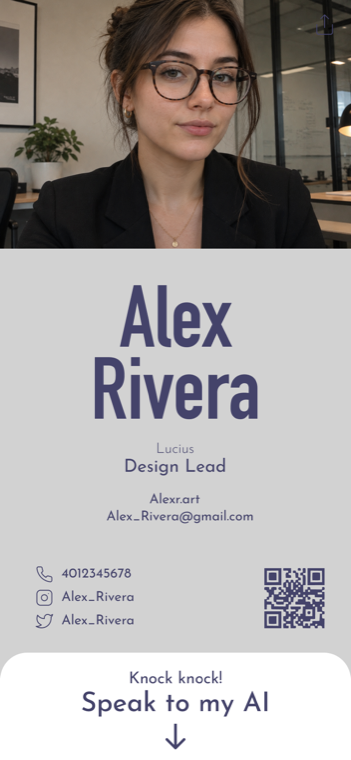
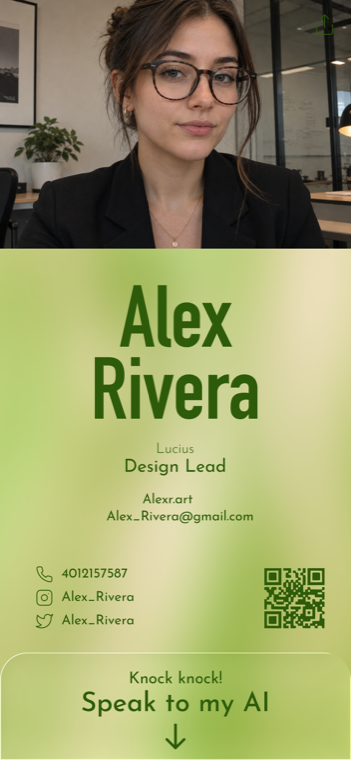
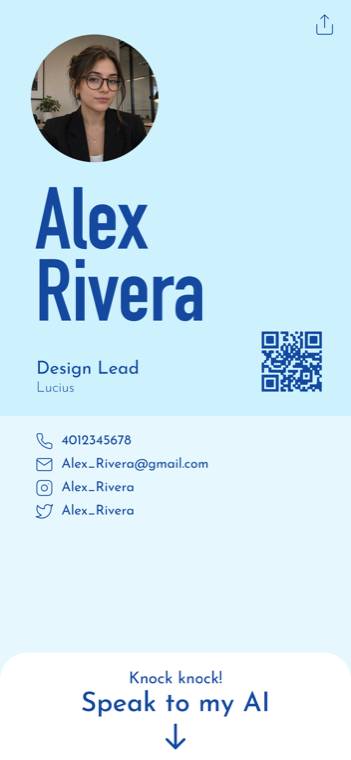
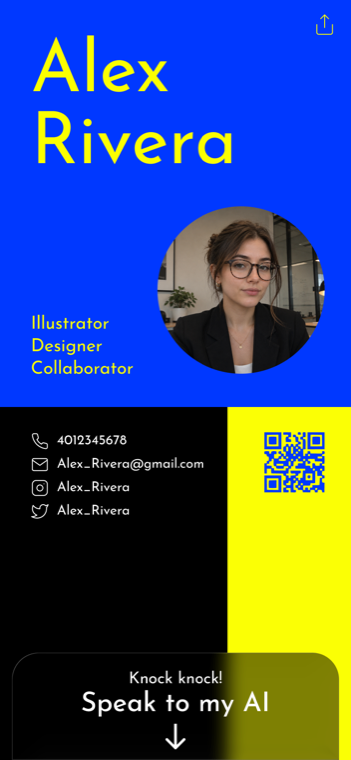
White Knockin template with a portrait and serif typography Expressive Knockin business card template Slate and violet Knockin template with bold typography Lime green Knockin template with a portrait and bold typography Light blue Knockin template with a circular portrait Electric blue and yellow Knockin template with a circular portrait

常見問題

建立你的名片
我能控制 AI 分享什麼嗎?

選擇頁面資訊、連結和資料;發布前先測試並完善回答。

訪客能預約會面嗎?

連結 Google 日曆,讓 AI 尋找空檔並建立會議。

我能在哪裡分享名片?

把連結放進訊息、郵件簽名和社群頁面,見面時也能出示 QR Code。

我能免費試用嗎?

可以,所有功能都能免費試用。查看定價了解後續用量和付費方案。

讓你的下一次
自我介紹真正留下印象。

免費建立名片