See who you are
Your role, story, work, and important links live together instead of being scattered across apps.
 BUILD YOUR OWN
NFC BUSINESS CARD
An NFC business card should do more than transfer a phone number. Tap a Knockin card to open your work, your answers, and a clear next step—without asking anyone to install an app.
Designing systems that make complex work feel simple.
Ask Alex anything →CARD → PHONE → CONVERSATION
01 / THE SHORT ANSWER
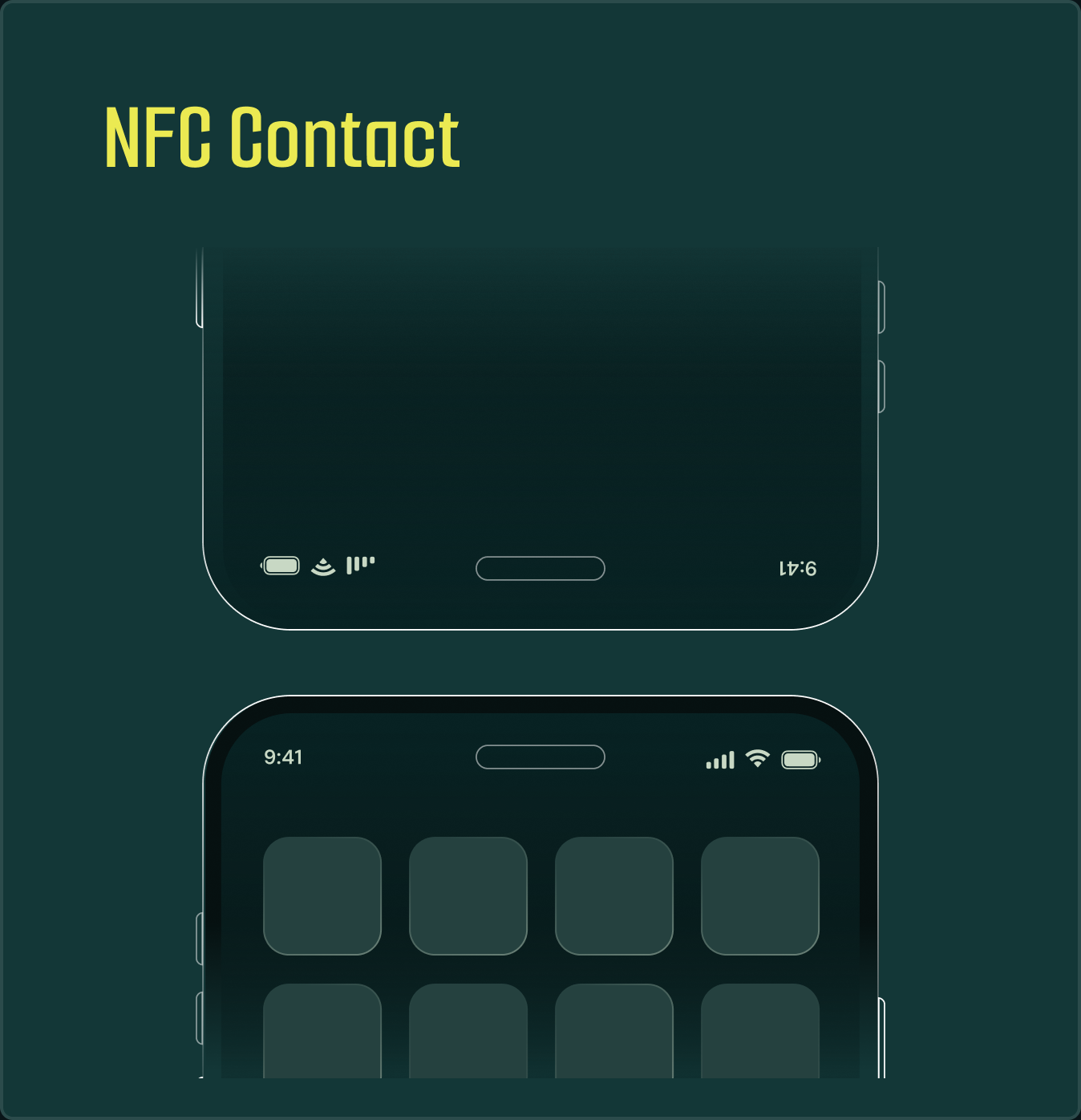
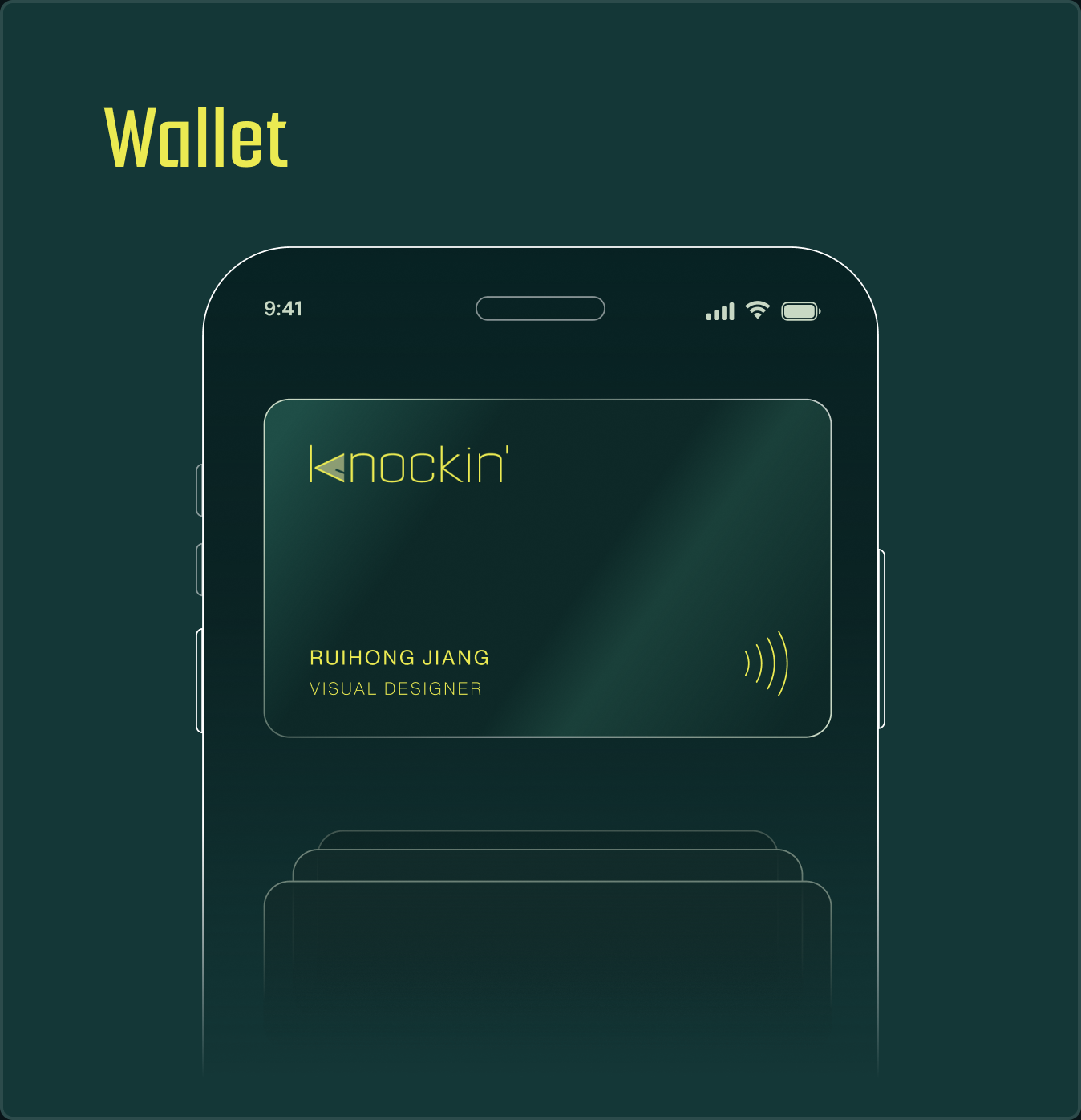
It is a reusable physical card with a contactless chip. Hold it near a compatible phone and the phone opens your digital business card in a browser.
Unlike paper, the card does not need to carry every detail. It carries one durable route to a page you can keep updating. With Knockin, that page can introduce you, show your work, answer a visitor’s question, and help them book time with you.
02 / HOW NFC BUSINESS CARDS WORK
Add your profile, work, links, and the knowledge people commonly ask you about.
Program a compatible NFC card, sticker, or tag with your public Knockin link.
The visitor receives a system notification and opens your page in their browser.
Change your work or details later. The same physical tag continues to open the latest version.
NFC reading behavior varies by phone model, operating system, settings, and where the reader sits. Keep a visible QR code or short URL as a fallback.
03 / AFTER THE TAP
Most NFC cards stop at saved contact details. Knockin gives the other person somewhere useful to go next.
Your role, story, work, and important links live together instead of being scattered across apps.
Visitors can ask about your work or services and get an answer grounded in the knowledge you chose to share.
A promising introduction can move into a message or meeting while the context is still fresh.
The same URL remains useful after the event, pitch, or chance encounter has ended.
04 / WHERE NFC EARNS ITS PLACE
Skip the spelling, typing, and searching. A quick tap gives a new contact the full context behind your introduction.
Share proof, answers, and a way to book the next conversation before attention shifts elsewhere.
Let a physical card carry a portfolio, service context, and the questions clients usually ask first.
Place a tag where visitors already pause. They can tap even when you are busy speaking to someone else.
05 / NFC VS QR CODE
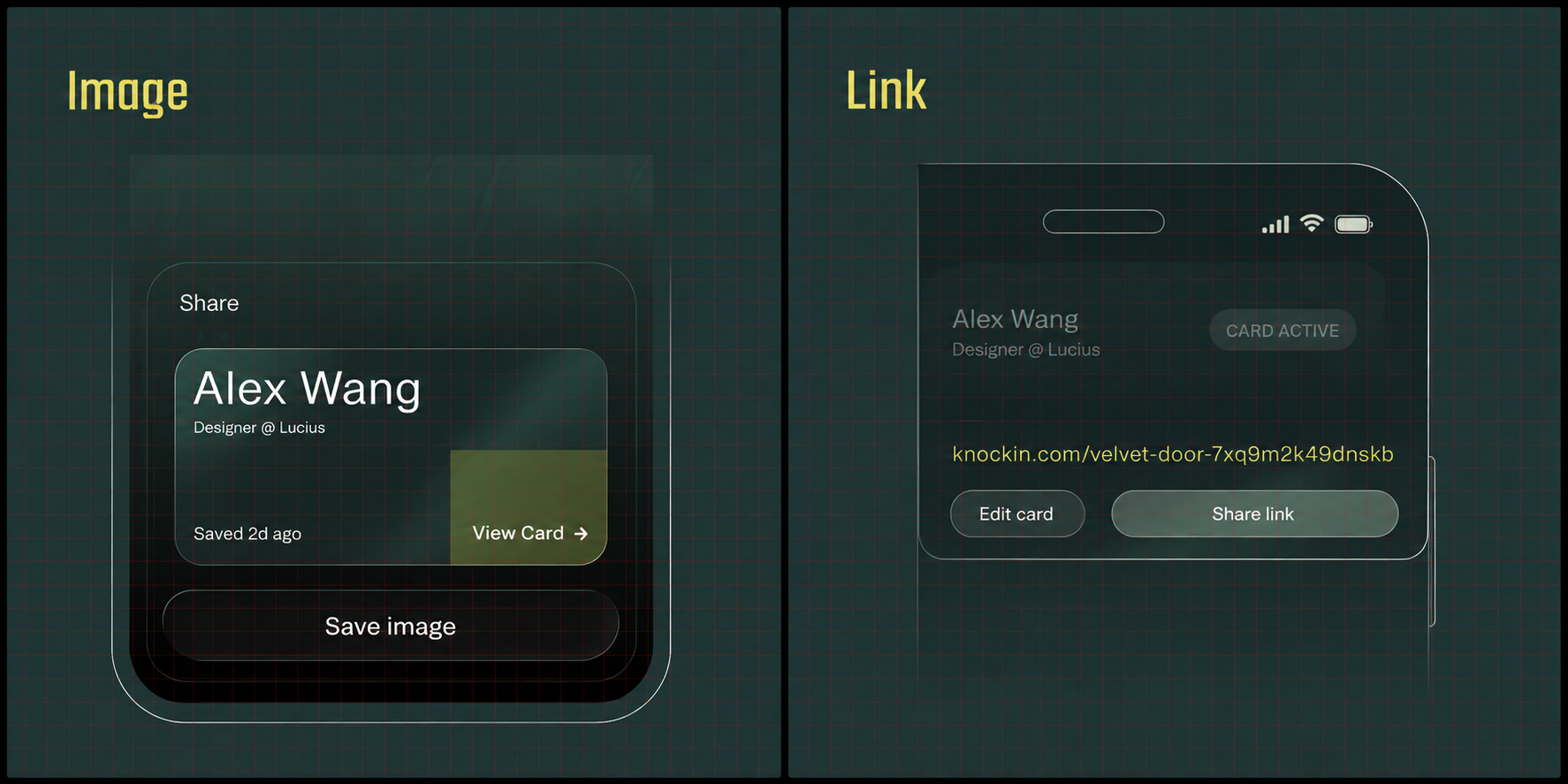
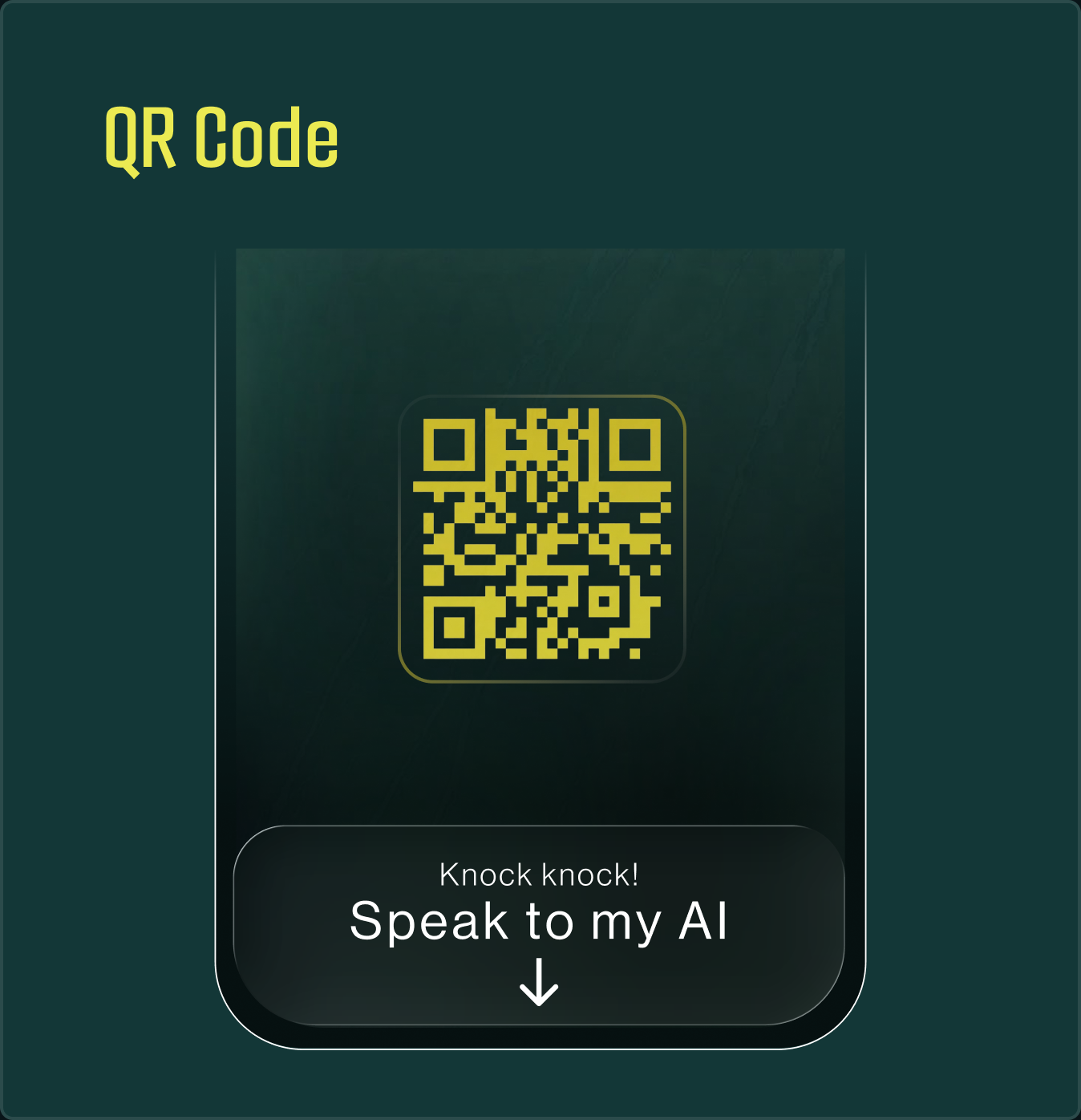
NFC and QR are not rivals. They are two doors into the same always-current profile.
ONE PROFILE, MORE THAN ONE WAY IN
06 / ONE CARD, CURRENT INFORMATION
Because the NFC tag opens a URL, your title, portfolio, availability, links, and answers can change without reprinting the card. The physical object stays familiar; the destination stays current.
See how Knockin keeps your knowledge current →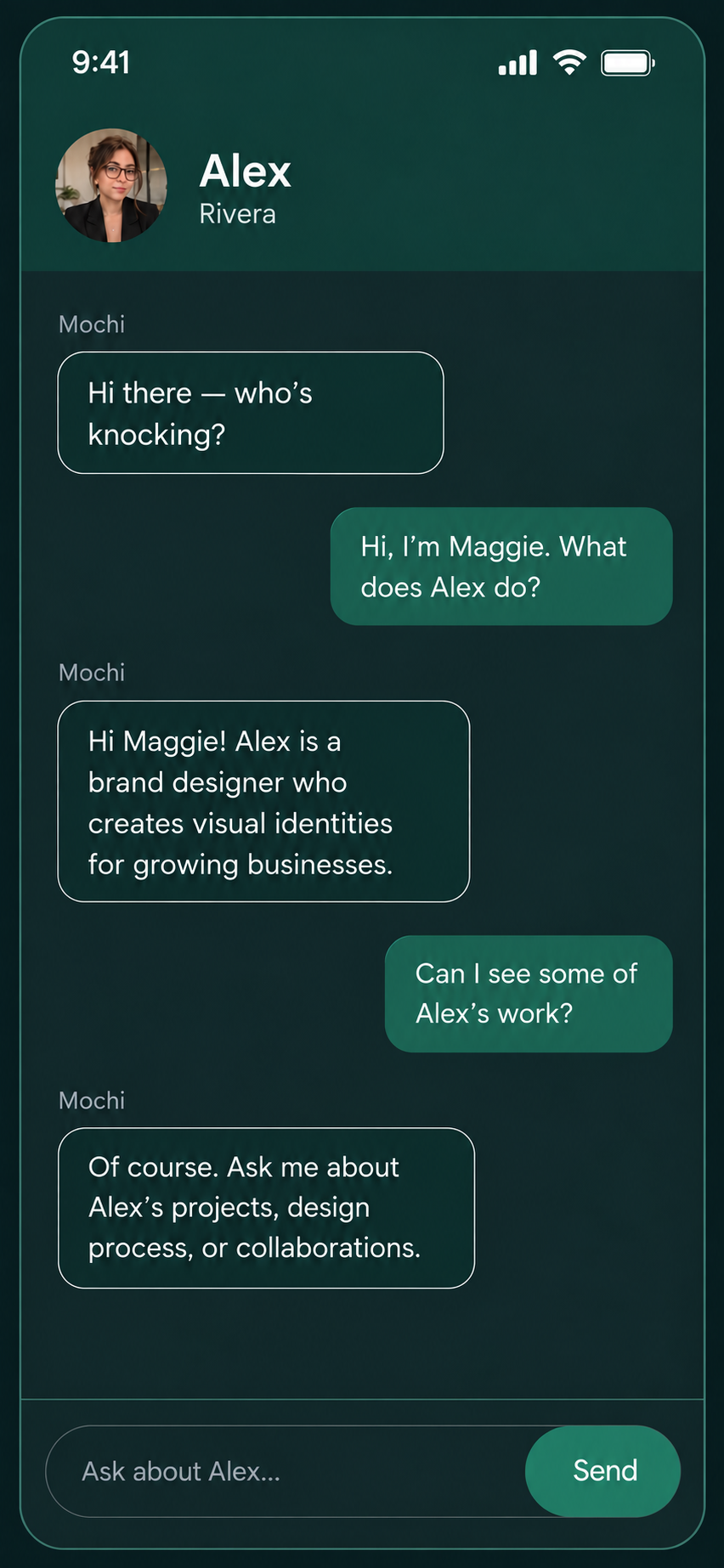
07 / PRACTICAL QUESTIONS
It is a physical card or tag with a small contactless chip. A compatible phone reads the link stored on that chip and opens your digital business card.
No. The person tapping the card opens your Knockin page in their phone’s browser. They do not need a Knockin account to view it.
Many modern iPhone and Android models can read NFC tags, but behavior varies by device, settings, operating system, and reader position. A QR code and short URL make a sensible fallback.
You can update the Knockin page behind your URL at any time. Rewriting the physical NFC tag is only necessary if you want it to point to a different URL.
It does not need to. The tag can store only your public Knockin URL, while the information and experiences behind that URL remain editable online.
NFC is excellent for a close-range handoff. QR codes are easier to see and scan from a distance. Using both gives people a choice and provides a fallback.
This page explains how Knockin works as the destination behind an NFC card or tag. Hardware availability can vary; you can still create your Knockin profile first and connect compatible hardware later.
THE CARD IS SMALL. THE INTRODUCTION DOESN’T HAVE TO BE.
Create the living page behind your NFC business card, then keep it current as your work changes.
Create your Knockin — free →