初次见面所需的一切。
六个部分,一个链接。访客只会看到名片和助理,其余的都在幕后为你工作。
会回答问题的名片。
姓名、职位、作品和联系方式都在一页上,模板、字体和照片由你挑选。最关键的按钮只有一个:和我的助理聊聊. Share it as a link, a QR code, or an NFC tap.
说话像你、守你分寸的助理。
给她起个名字、定个性格。她会接待访客、问清来意、根据你的资料回答,需要你出面的事就交还给你。AI Concierge →
她能说什么,由你决定。
关于我、服务、目标、作品、技能、联系方式、经历。写成简短条目,或直接上传文件、添加链接。每个回答都会标明出自哪一条。知识→
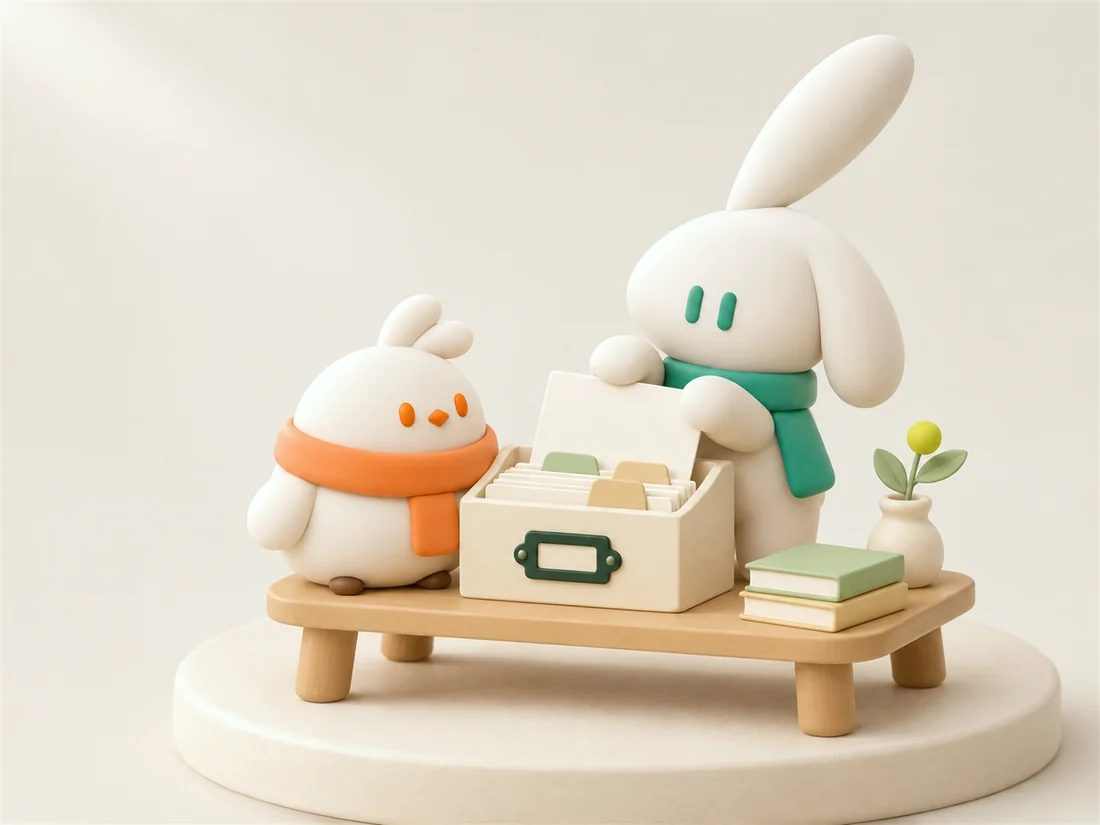
记住每个人,也记住他们为何而来。
联系方式、认识的时间、对方与你名片的互动,集中保存在一起。线下认识的人也能手动添加。AI 联系人→
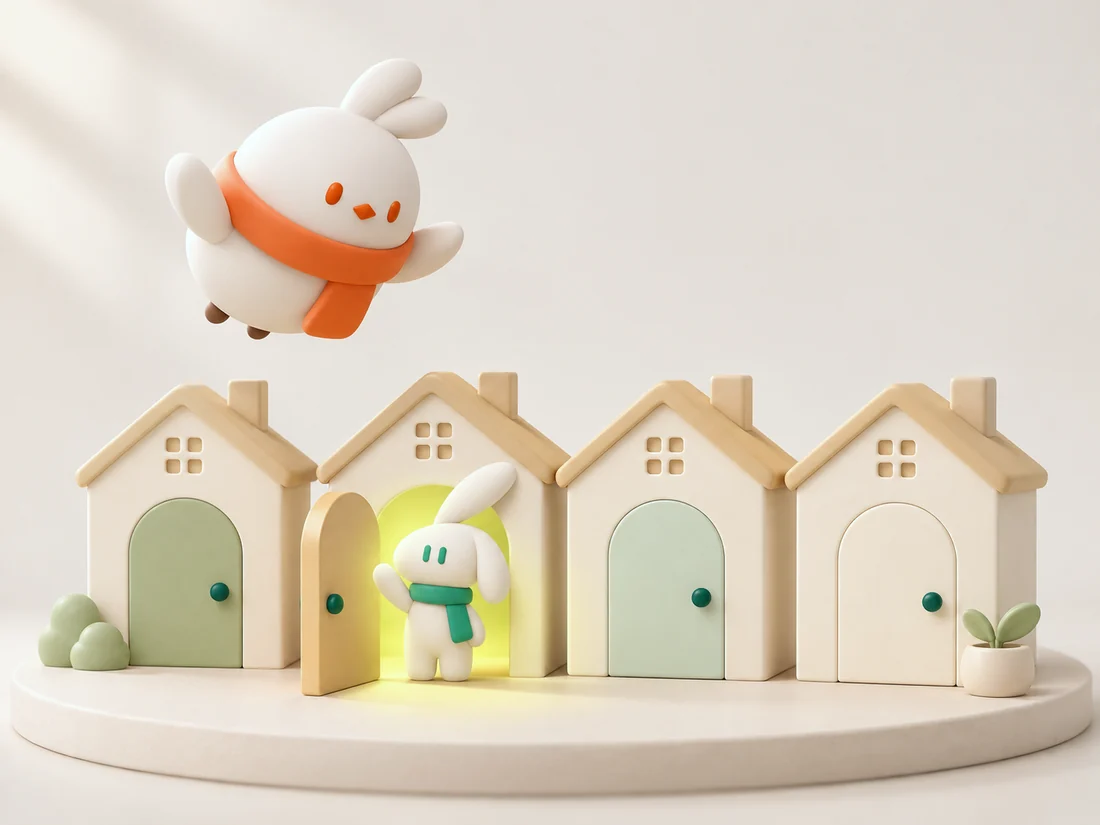
描述一下,就能找到人。
打字或直接说出你想找谁。探索会推荐合适的名片,并告诉你理由。只有你打开开关,你的名片才会出现在那里。探索→
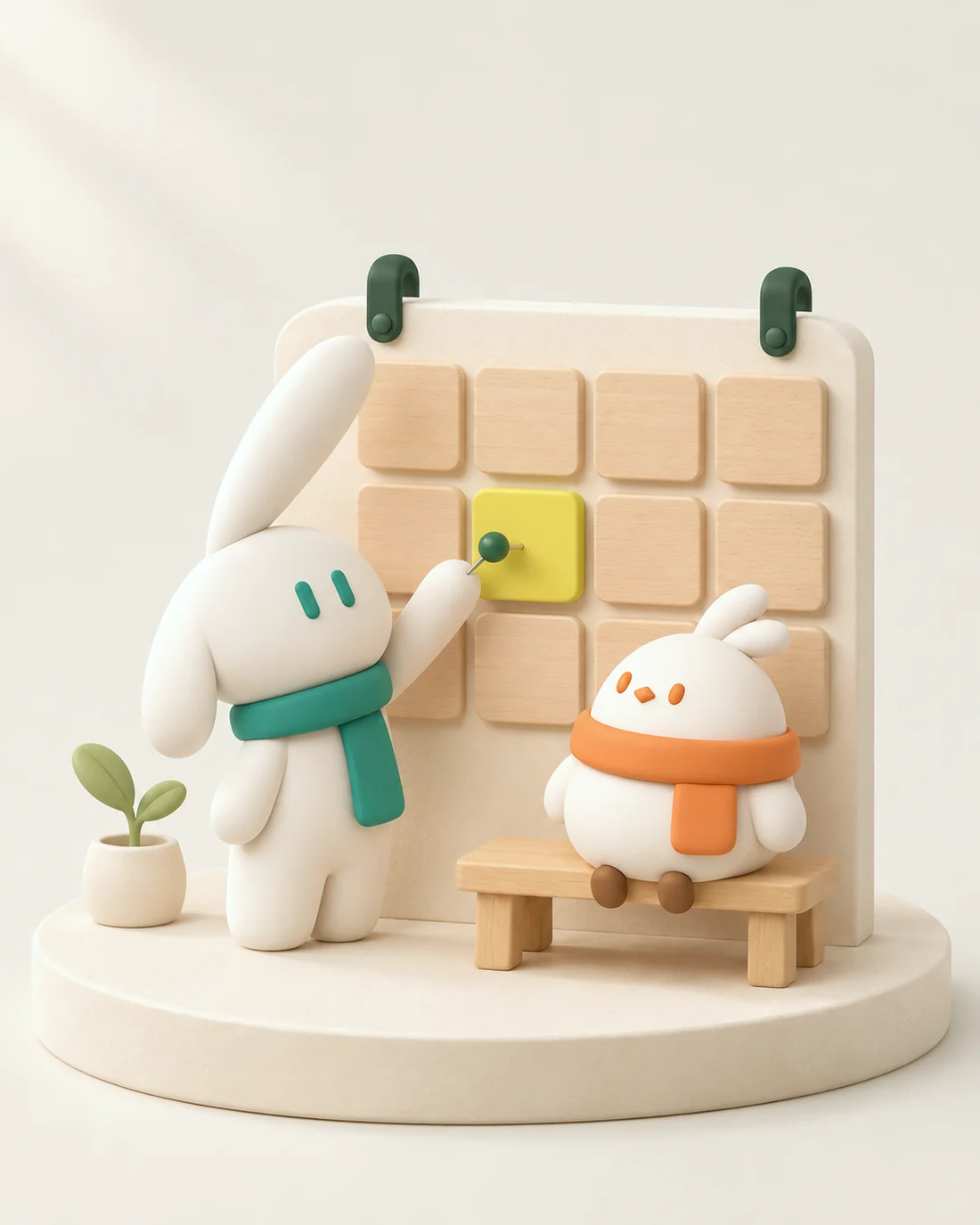
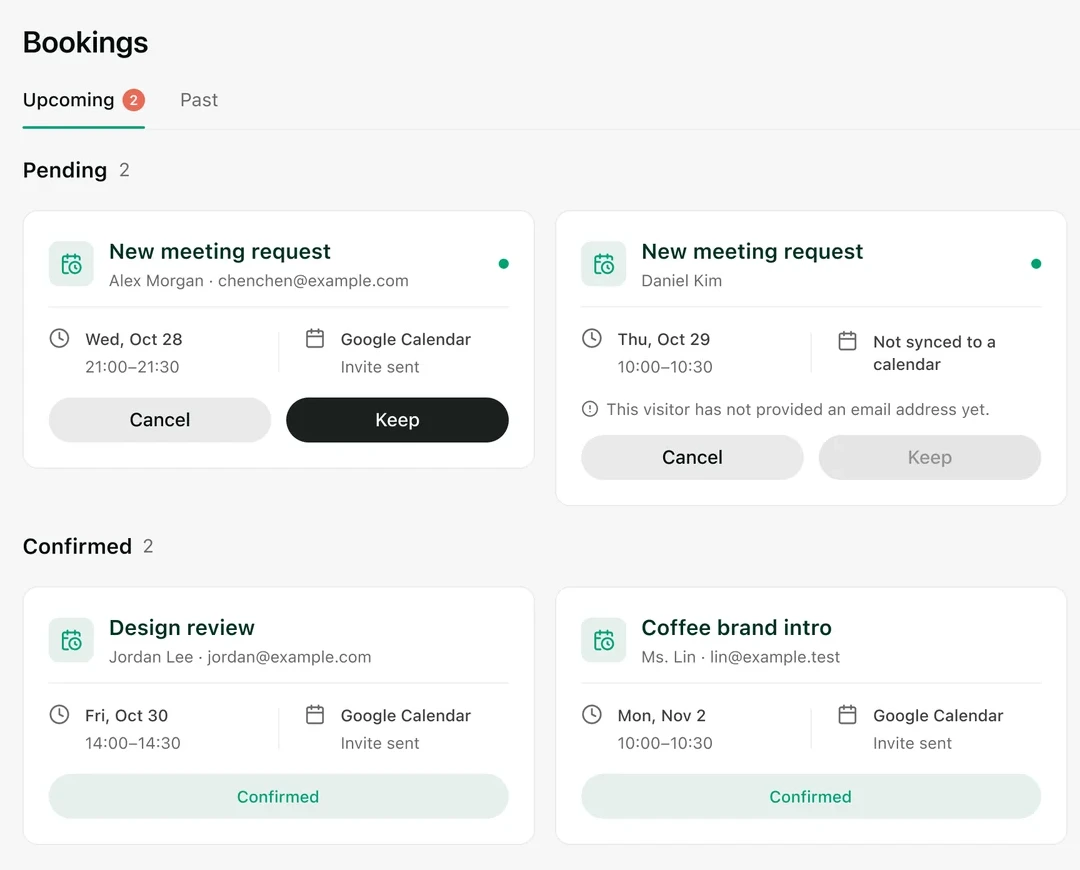
直接约会议,不必来回发消息。
连接 Google 日历,助理会在你选定的时段约好会议,并附上一份简短说明。名片还自带专属的邮件收件箱。
Open a page.
One Knockin. These pages are the same product, written for the way you want to share it.
AI 名片A card you hand out as a link, a QR code, or an NFC tap.
AI Personal WebsiteA personal page people can read, then talk to. Not a general website builder.
NFCA tap that opens the same current page. No app for the visitor.
Bio LinkOne address for a social bio, with an assistant that answers.
模板A template, a font, and a photo you choose.
AI ConciergeShe answers from your knowledge and hands judgment back to you.
知识The material she is allowed to use, with the source on each answer.
AI 联系人Each person arrives with the reason they came.
探索Find people by describing them. Your card appears only if you switch it on.
Knockin MCP在你正在用的助手里找人,也被人发现。