
AI BUSINESS CARD
A business card
that speaks
for you.
Share your work, answer questions, and help people take the next step — all from one link.
Create your card — freeExplore every feature for free.
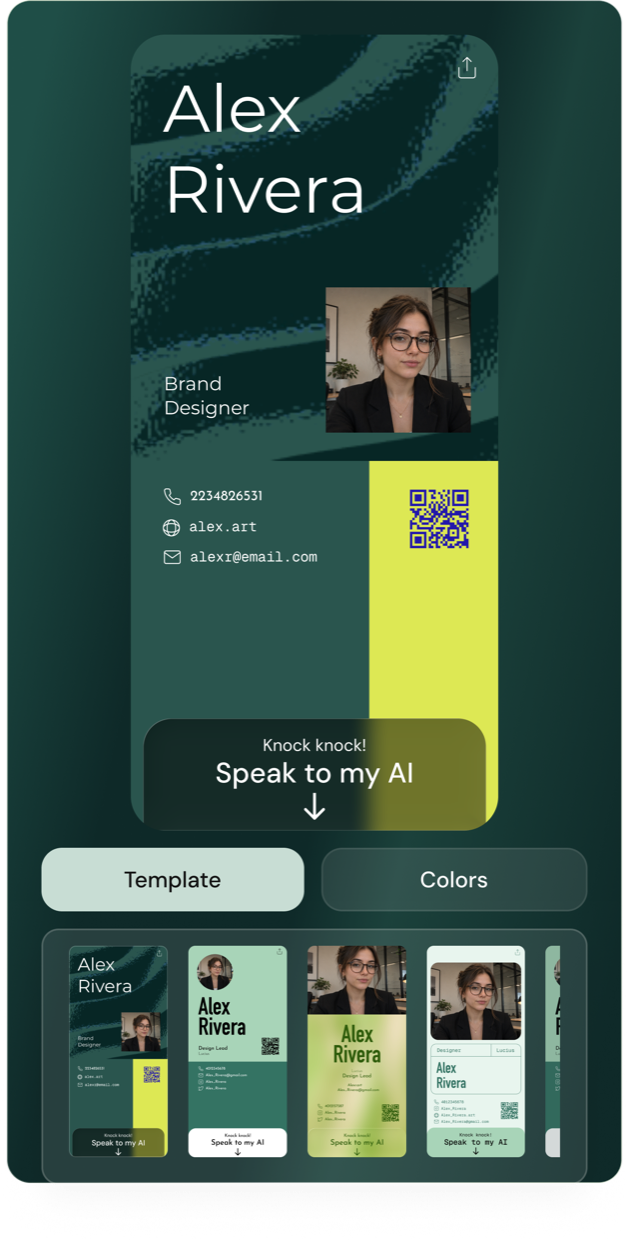
Ready in three steps.
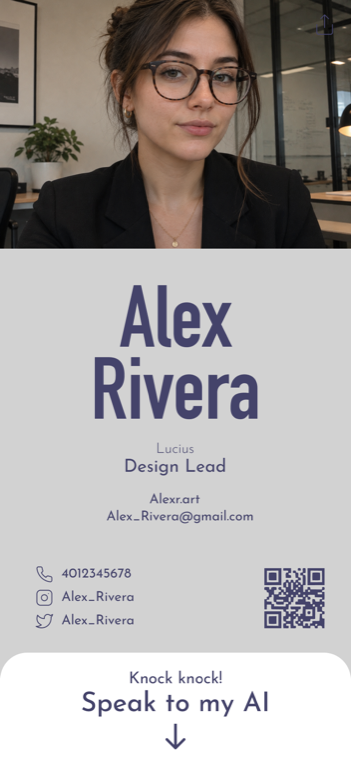
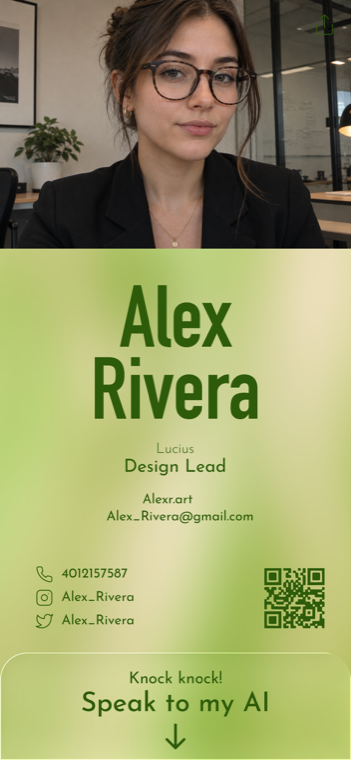
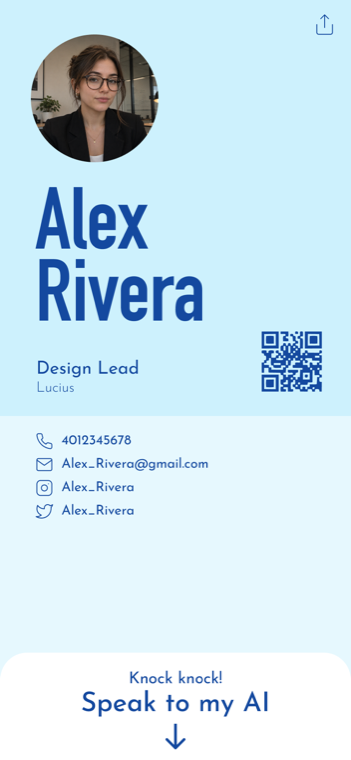
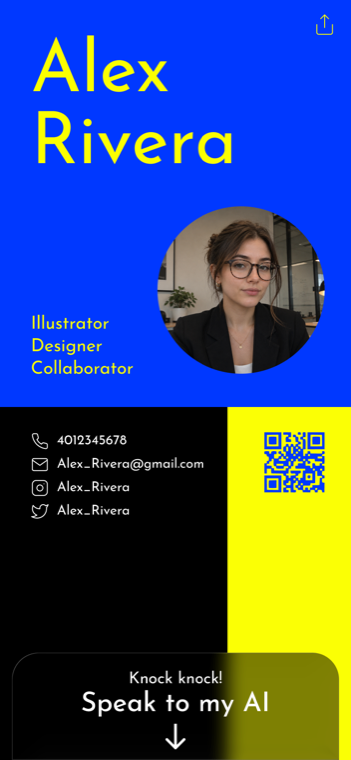
Choose a template.
Make it yours with your photo, details, and colors.
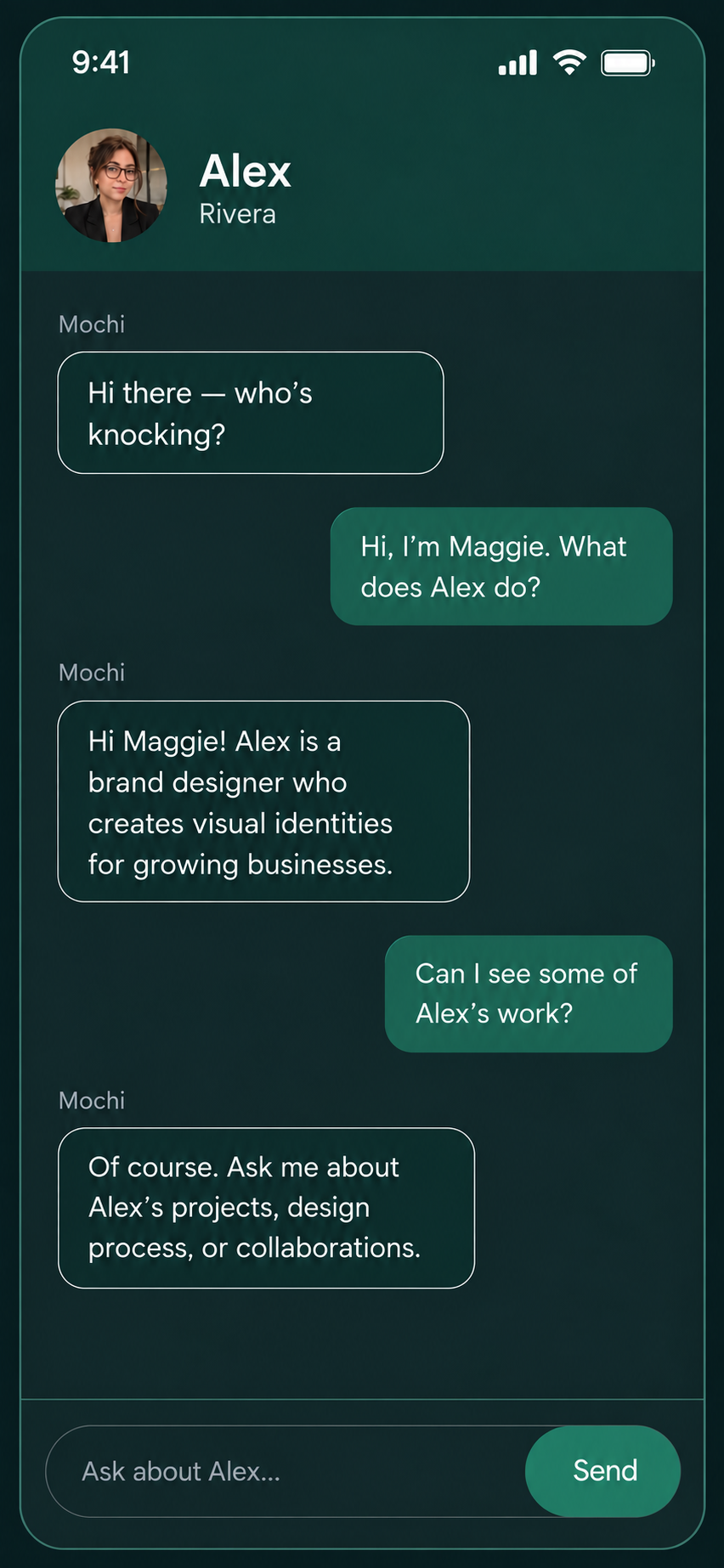
Add your knowledge.
Bring your links and materials, then test the AI’s answers.
Publish and share.
Send your link or let someone scan your QR code.
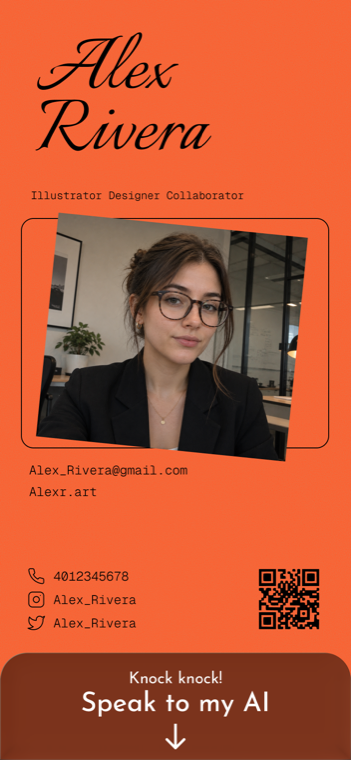
Find your look.
Create your card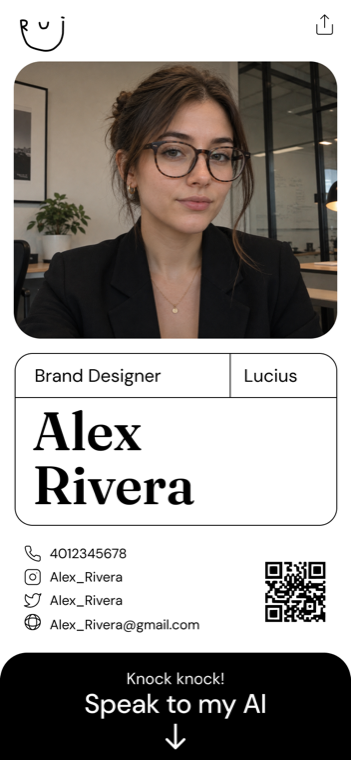
FAQ
Create your cardCan I control what my AI shares?
You choose the profile details, links, and materials it uses. Test questions and refine the answers before publishing.
Can people book a meeting?
Connect Google Calendar so your AI can find an available time and create a meeting with your visitor.
Where can I share my card?
Use your link in messages, email signatures, and social profiles, or show your QR code when meeting in person.
Can I try it for free?
Yes, every feature is available to try for free. See pricing for ongoing usage and paid plans.